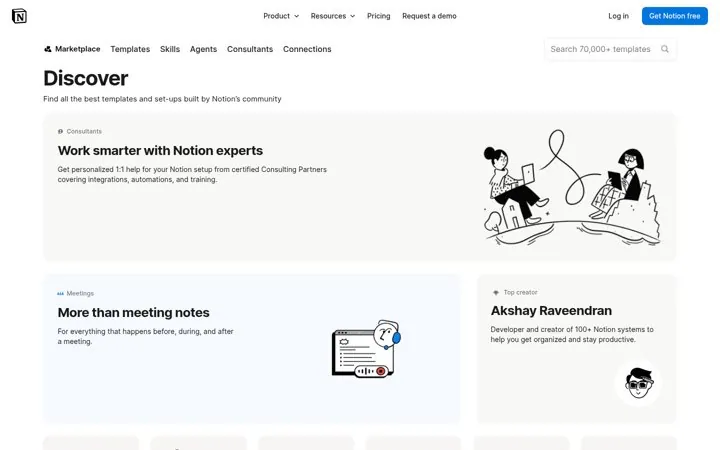
 Notion
1. Turn your users into your catalog
Every template made by a user becomes a new door into the product.
- Let users publish what they build
- Feature creators by name
- Make the gallery searchable
A template gallery gives people a running start inside your product and gives search engines one page per job to be done. Sort templates by the task, show each in use, and let your community add their own. Notion, Canva, Zapier and Vercel all run large public template galleries that double as product tours.
Updated · By Blake Emal · 7 real examples, each linked to its source
| Gallery move | Real example |
|---|---|
| Users as the catalog | Notion |
| Running start for builders | Vercel |
| Sorted by job | Zapier |
| Creators can sell | Framer |
| Community as front door | Figma |
| Free templates first | Canva |
NotionEvery template made by a user becomes a new door into the product.
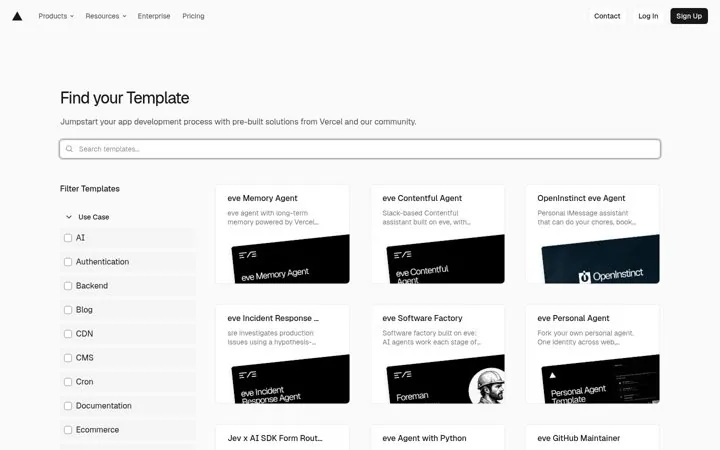
 Vercel
A template turns a blank page into a working start in minutes.
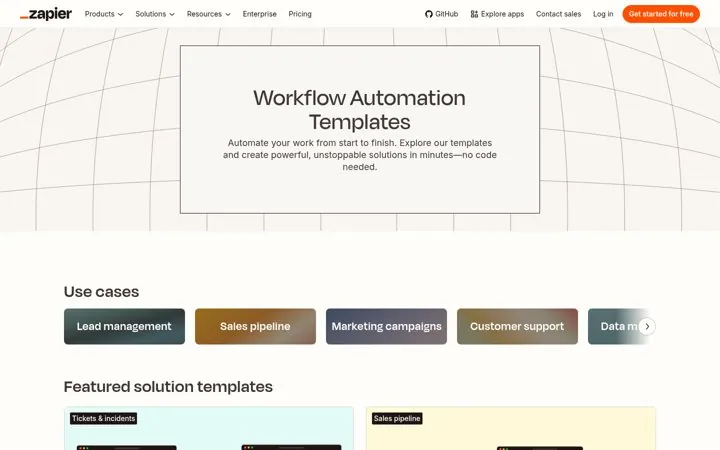
 Zapier
People find the job they need instead of browsing features.
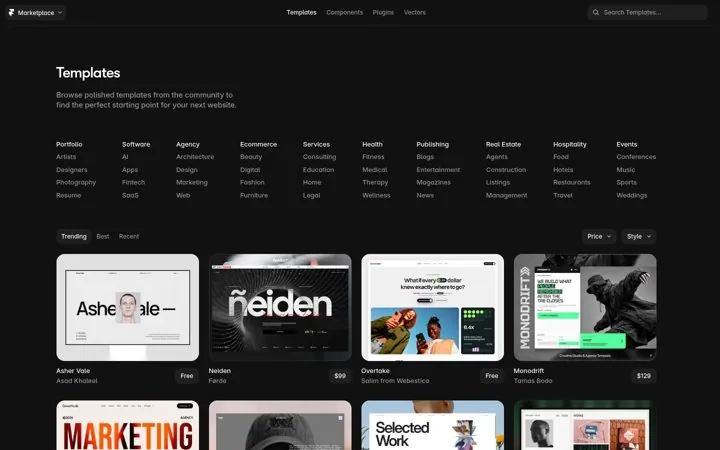
 Framer
Paid templates give creators a reason to market your tool for you.
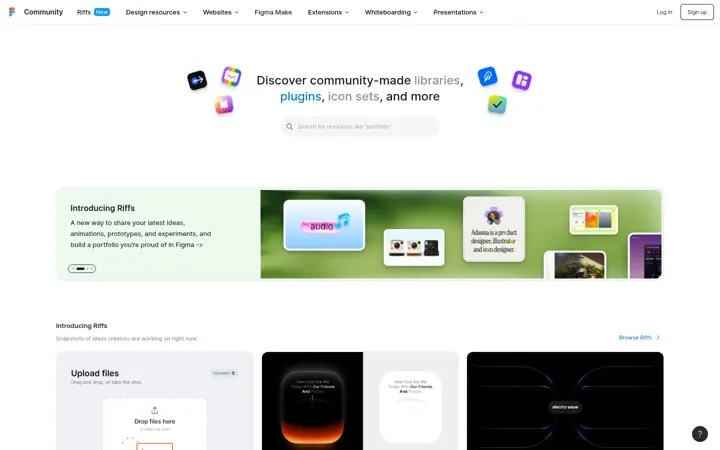
 Figma
FigmaFree files from the community bring new users in through search.
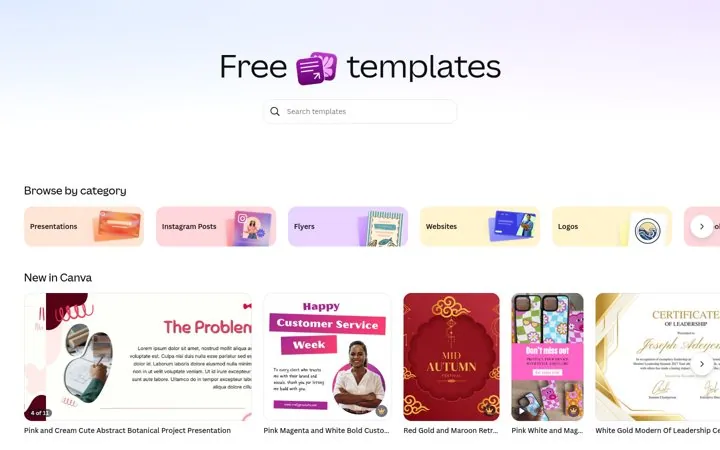
 Canva
CanvaThe word free and a search bar start the product right on the page.
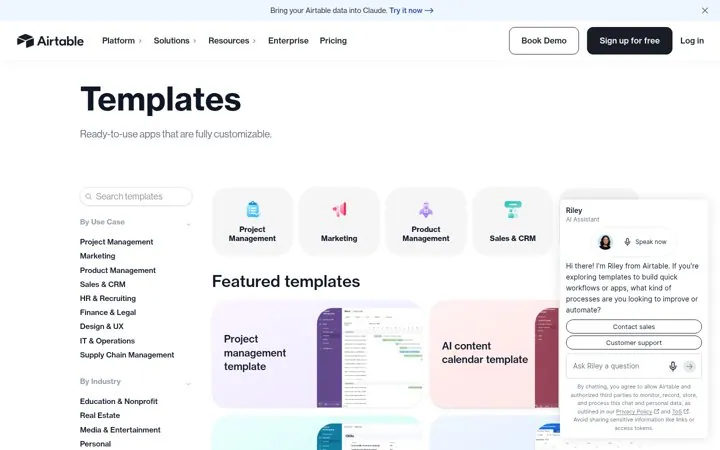
 Airtable
Calling a template an app makes it feel like a finished tool.
Pick a channel and a goal. Get real examples and a plan to fill in. Free, no login.
Each template page can rank for the task it solves, so a large gallery creates many entry points from search.
Start with the jobs your best customers do most, even a handful.
Usually yes for growth. Some platforms let creators sell premium ones.