 Calendly
Use the pricing page to sell the add on
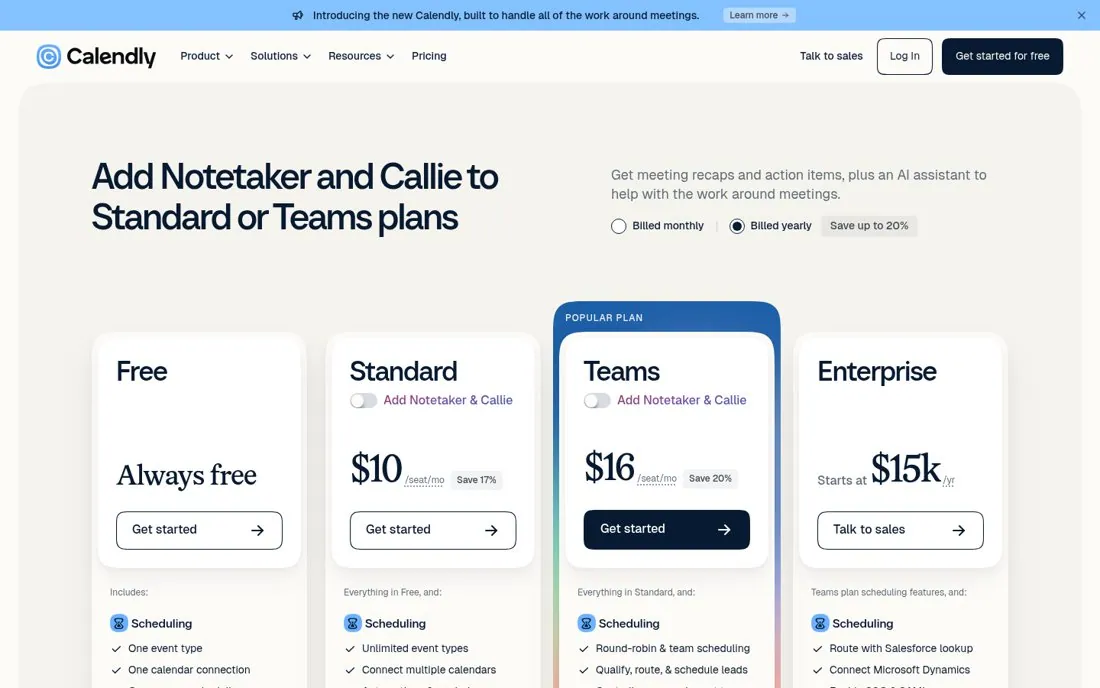
Calendly's pricing page leads with Add Notetaker and Callie to Standard or Teams plans, above the plan cards.
Updated · By Blake Emal
Pricing pages get high intent visits, so naming the new add on there reaches buyers already deciding. To copy it, put your newest add on above the plans. Then name which plans it works with.
- Put your newest add on above the plans
- Name which plans it works with
- Keep the plan cards right below
Live page captured Oct 22, 2026 · Calendly