 Figma
FigmaSplit the plan choice from the seat choice
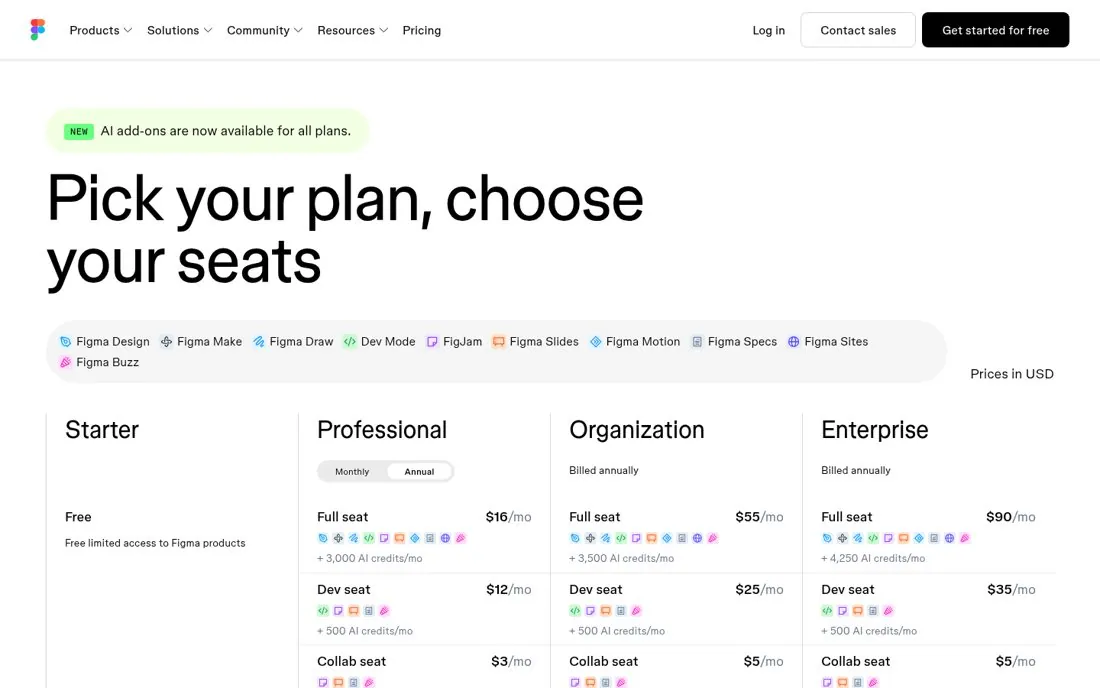
Figma's pricing page headline is Pick your plan, choose your seats, and the page explains different seat types under each plan.
Updated · By Blake Emal
Splitting one hard choice into two easy ones makes seat based pricing feel simple. To copy it, break pricing into two clear choices. Then say both in the headline.
- Break pricing into two clear choices
- Say both in the headline
- Explain each seat type in plain words
Live page captured Oct 22, 2026 · Figma