 Webflow
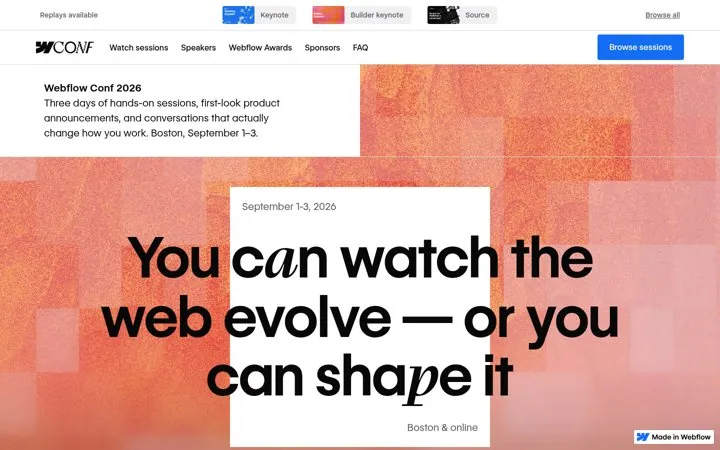
1. Keep the event alive after it ends
Replays turn a three day event into content that works all year.
- Switch the page to replays after the event
- Link keynotes at the top
- Invite people to the next one
Our library holds 5 public Webflow marketing examples across its events, Google ads, homepage and pricing page, each linked to the source. The recurring moves: keep the event alive after it ends, run ads for your replays and advertise a report not a product.
Updated · By Blake Emal · 5 real examples, each linked to its source
| Channel | Move | Source |
|---|---|---|
| Events | Keep the event alive after it ends | Link |
| Paid ads | Run ads for your replays | Link |
| Paid ads | Advertise a report not a product | Link |
| Landing pages | Put the new buying reason in the meta line | Link |
| Pricing pages | Tell buyers when to pay | Link |
WebflowReplays turn a three day event into content that works all year.
 Webflow
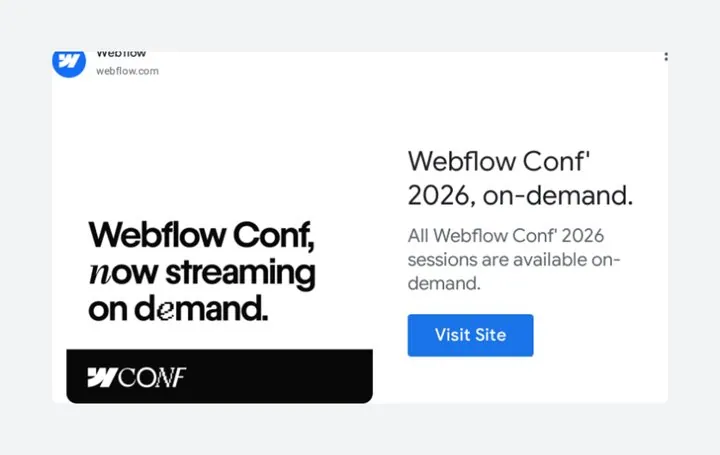
Replays keep paying off after the event with paid reach.
 Webflow
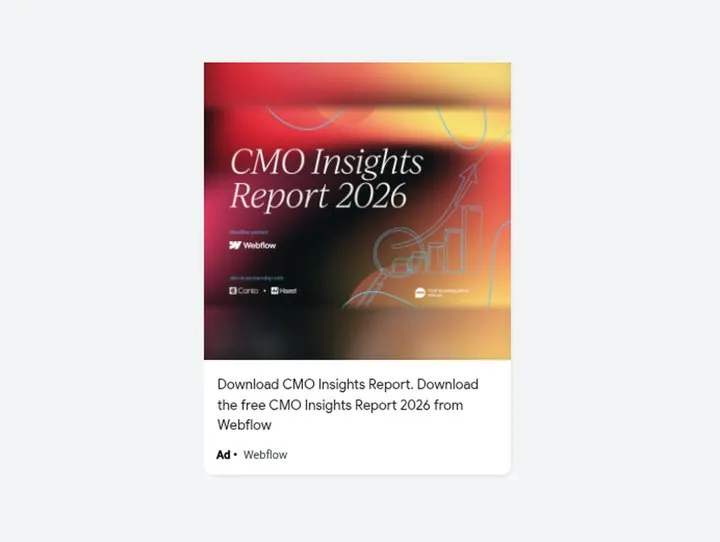
A useful report earns attention from leaders who skip product ads.
 Webflow
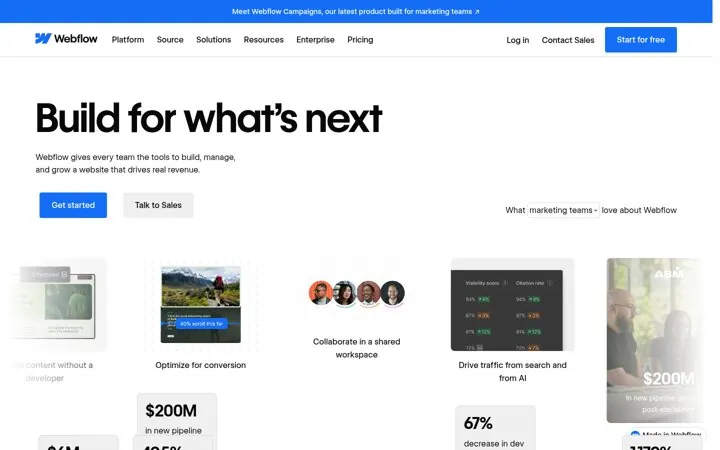
Adding AI search to the promise answers the question buyers are asking right now without rewriting the whole brand.
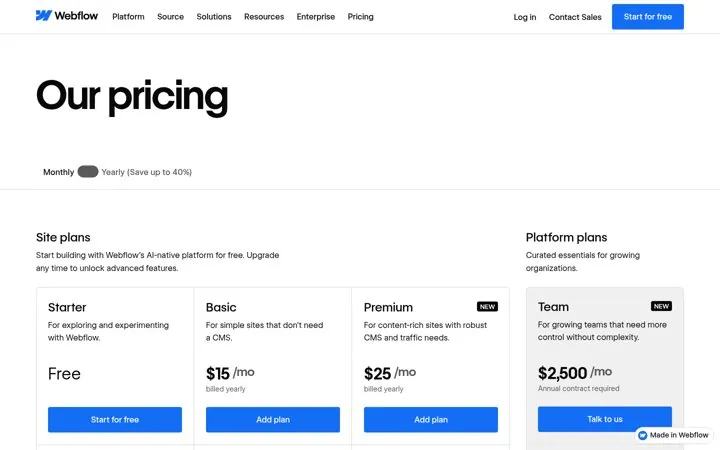 Webflow
Saying when to pay removes the pressure to choose a plan before the buyer has built anything.
In our library: events, Google ads, homepage and pricing page. The library covers public examples only, so Webflow may use other channels too.
Keep the event alive after it ends: Switch the page to replays after the event; Run ads for your replays: Promote replays after events; Advertise a report not a product: Make a report for your buyer.
Each one is a public page, post, ad or email with a link to the source, captured by Today’s Marketing in October 2026.