Today’s Marketing

Productivity tool launch examples

The best productivity tool launch examples make one clear move and back it with proof. Our library has 8 real ones from Notion, Basecamp, Linear and others, each linked to the source. Common moves: put each new feature on its own line, name the tools your buyers already use and give a feature a name and one number.

Updated · By Blake Emal · 8 real examples, each linked to its source

What do they have in common

BrandMoveWhy it works
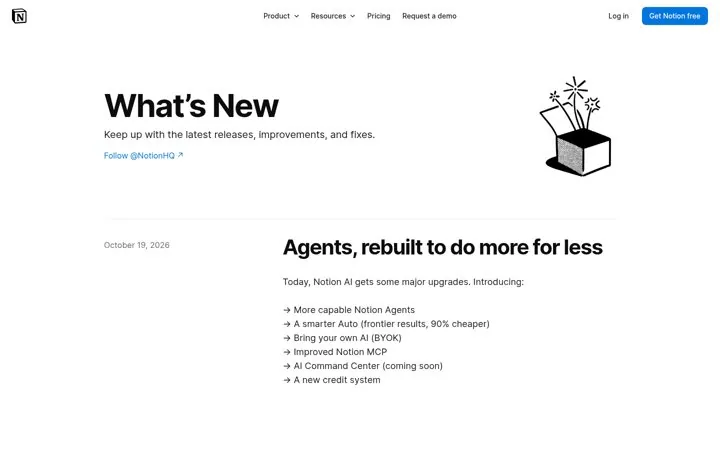
NotionPut each new feature on its own lineThe list lets a reader scan the whole release in two seconds and pick the item they care for, and the thread hook pulls them into detail.
NotionName the tools your buyers already useNaming famous tools and what data comes from each turns an abstract protocol into a picture of the buyer's own stack.
NotionGive a feature a name and one numberA named feature plus one number is easy to repeat and easy for answer engines to quote.
BasecampTell users exactly where to clickLaunching inside a fast growing AI assistant puts the product where users already work, and the steps lower friction.
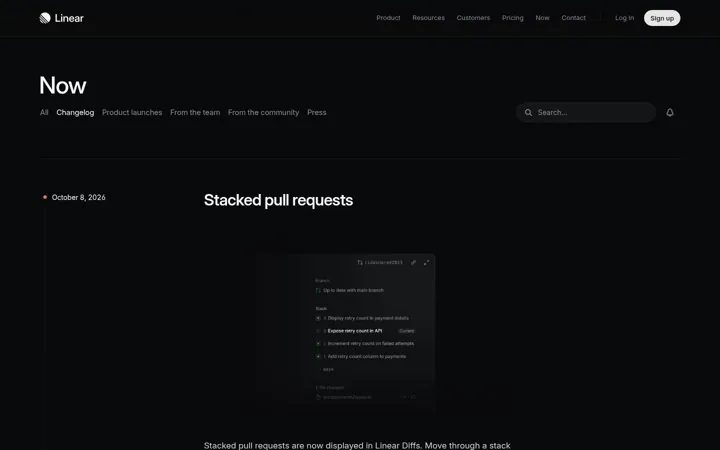
LinearShip updates on a steady beatA steady stream of dated updates shows the product is moving.
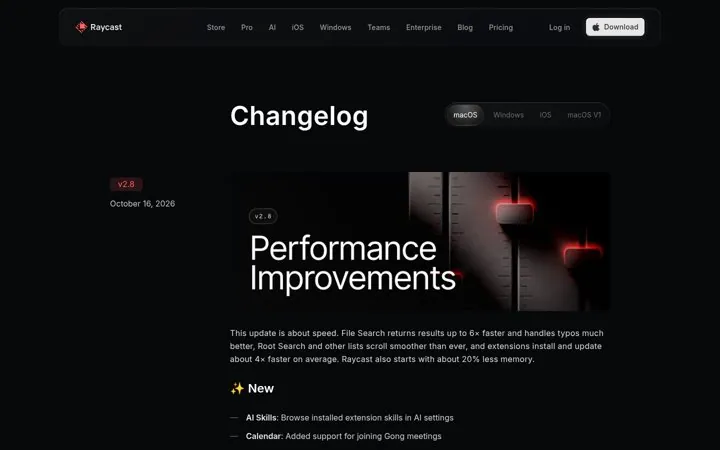
RaycastLead updates with a number people feelA clear speed number makes a quiet update feel big.
NotionKeep a public page for every updateA steady release page proves the product keeps getting better and gives search and AI a page to cite.
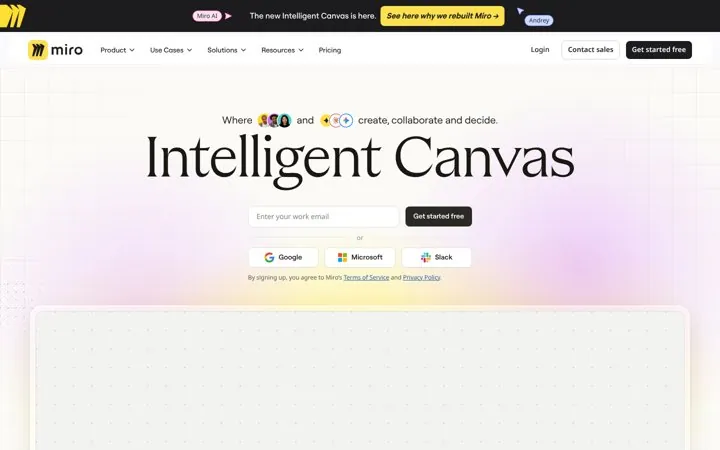
MiroName the new category in giant typeGiving the launch a name and owning it in huge type makes a big product shift feel like a new category, not a feature.

How do I copy these moves

  1. Pick the 4 to 6 biggest changes in your release
  2. Count your integrations and lead with the number
  3. Give the feature a short proper name
  4. Ship a connector for a popular AI assistant
  5. Date every update

Which examples are worth studying

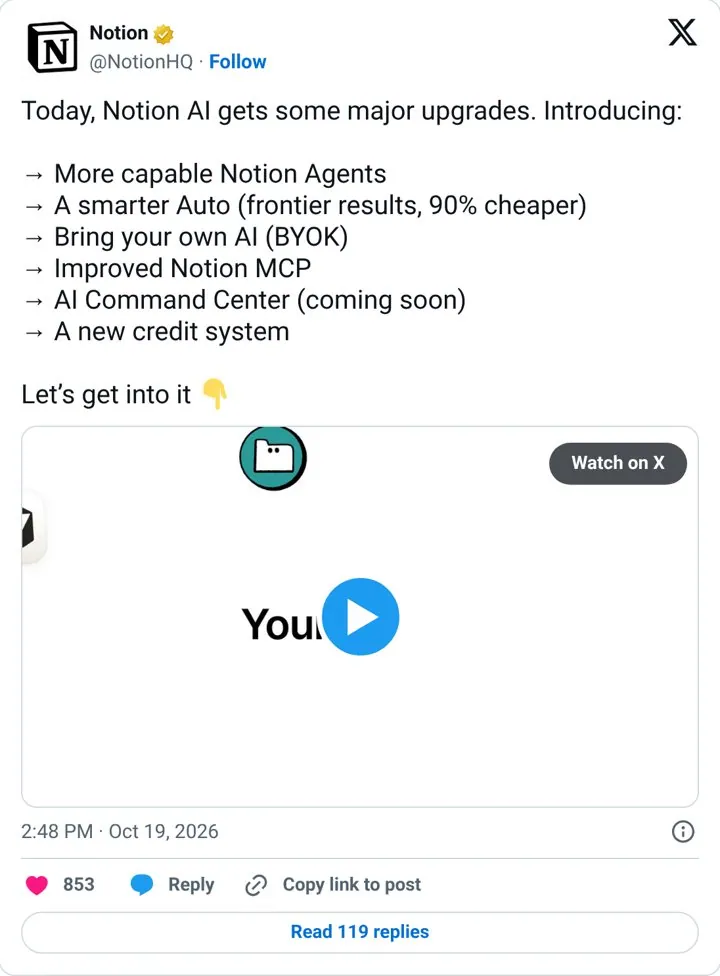
Put each new feature on its own line
Notion

1. Put each new feature on its own line

The list lets a reader scan the whole release in two seconds and pick the item they care for, and the thread hook pulls them into detail.

  1. Pick the 4 to 6 biggest changes in your release
  2. Write each as an arrow line under 8 words
  3. End with a hook that opens a thread
  4. Give each line its own reply with a visual
  5. Pin the post for launch week

Full breakdown · Source

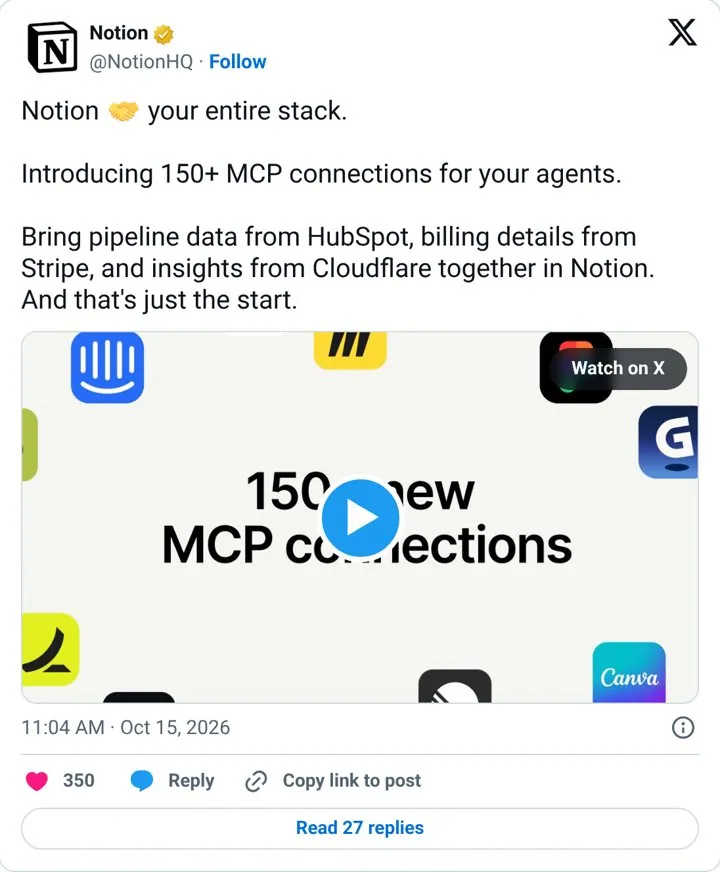
Name the tools your buyers already use
Notion

2. Name the tools your buyers already use

Naming famous tools and what data comes from each turns an abstract protocol into a picture of the buyer's own stack.

  1. Count your integrations and lead with the number
  2. Name three well known tools from your users' stacks
  3. Pair each with the exact data it brings in
  4. Show it in a short demo clip

Full breakdown · Source

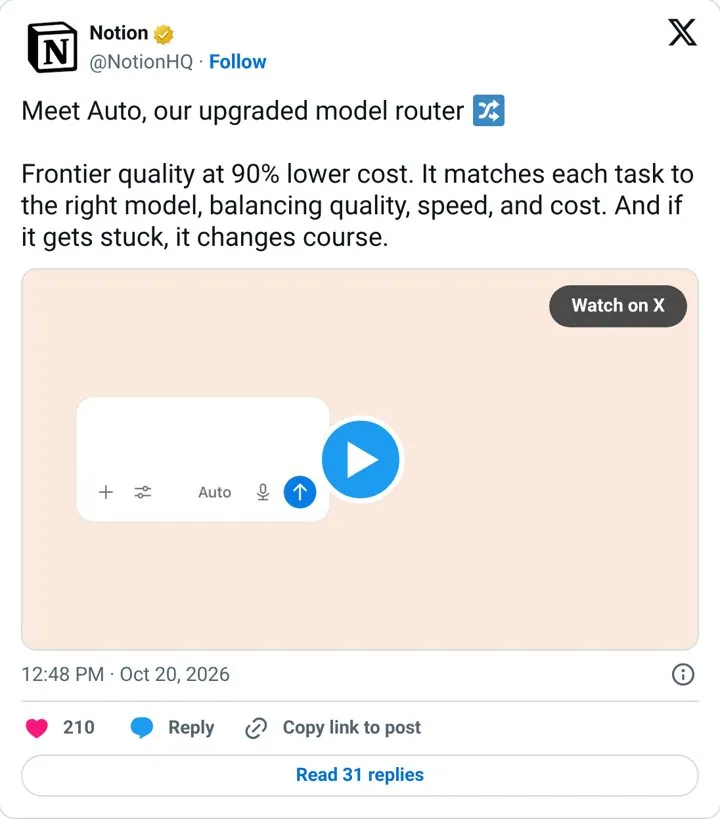
Give a feature a name and one number
Notion

3. Give a feature a name and one number

A named feature plus one number is easy to repeat and easy for answer engines to quote.

  1. Give the feature a short proper name
  2. Pick the single number that proves the benefit
  3. Explain how it works in one sentence
  4. Add the fallback or safety detail last

Full breakdown · Source

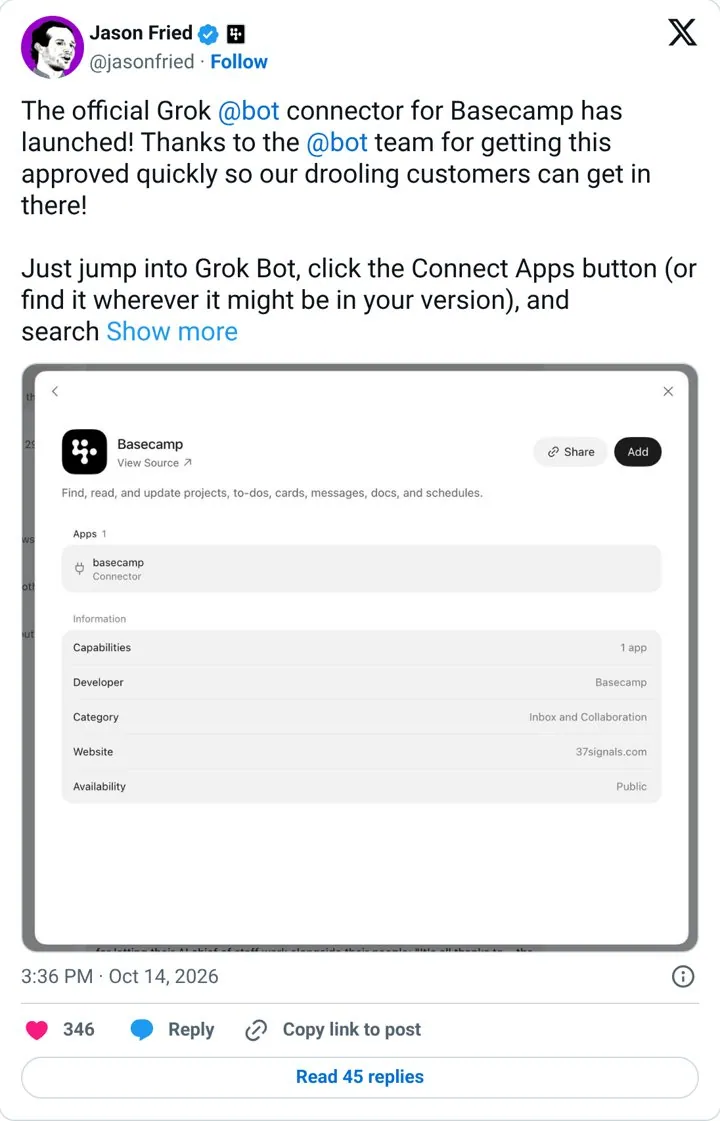
Tell users exactly where to click
Basecamp

4. Tell users exactly where to click

Launching inside a fast growing AI assistant puts the product where users already work, and the steps lower friction.

  1. Ship a connector for a popular AI assistant
  2. Thank the partner team by name
  3. Tell users exactly how to turn it on
  4. Post from the founder account

Full breakdown · Source

What else do people ask

What makes good productivity tool launch examples

The best productivity tool launch examples make one clear move and back it with proof. Our library has 8 real ones from Notion, Basecamp, Linear and others, each linked to the source. Common moves: put each new feature on its own line, name the tools your buyers already use and give a feature a name and one number.

Which productivity tool brands are in this list

Notion, Basecamp, Linear, Raycast, Miro.

Where do these examples come from

Each one is a public page, post, ad or email with a link to the source, captured by Today’s Marketing in 2026.

Where can I go next

One email every Monday