Today’s Marketing

Live demo request vs self serve demo

A live demo request books a call with your team, which suits complex or high priced products. A self serve demo, like a product tour or recorded walkthrough, lets buyers look on their own right away. Many SaaS brands offer both: a tour for early researchers and a form for buyers ready to talk.

Updated · By Blake Emal · 5 real examples, each linked to its source

What are the steps

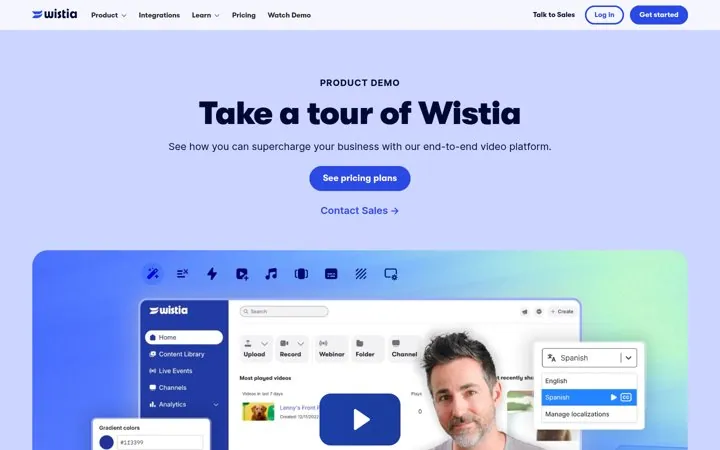
  1. Offer a tour for early buyersWistia leads its demo page with Take a tour of Wistia.
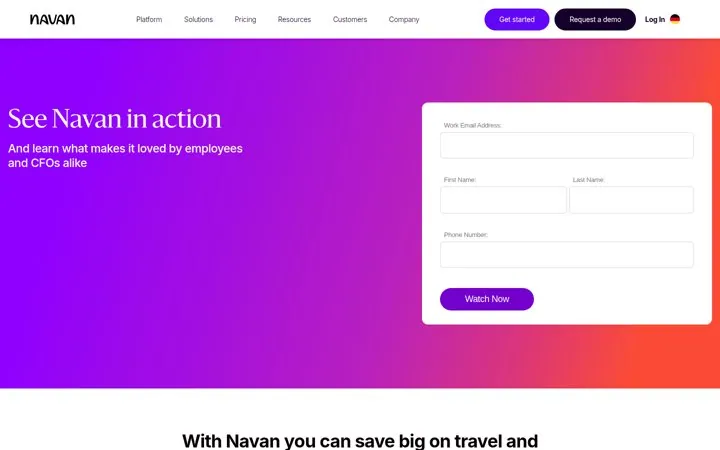
  2. Or an on demand videoNavan's form button says Watch Now.
  3. Keep the live option visibleWistia adds Contact Sales and a personalized test drive.
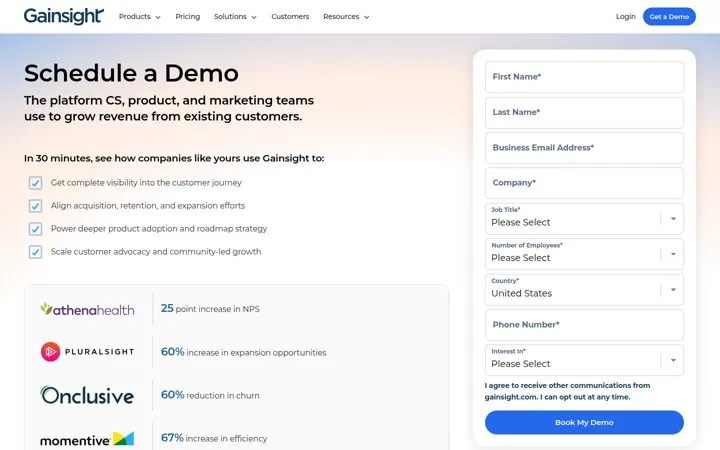
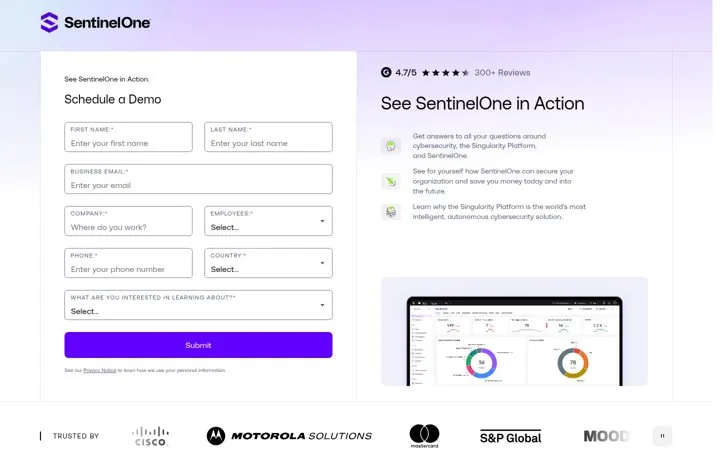
  4. Use a live call for complex dealsGainsight and SentinelOne book tailored calls.
  5. Link pricing for self serve buyersWistia puts See pricing plans next to the tour.

How do the options compare

Live demo requestSelf serve demo
Best forComplex or high priced productsSimple products, early research
SpeedAfter schedulingRight away
What you learnNeeds, team, timelineWhich features they watch
Real exampleGainsight, SentinelOne, SalesloftWistia, Navan

Where do these numbers come from

  1. Wistia demo
  2. Navan demo

Which real examples show it

Let buyers tour before they talk
Wistia

1. Let buyers tour before they talk

A self serve tour suits buyers who want to see the product first, and the sales path is still there for those ready to talk.

  1. Put a product tour on the demo page
  2. Link pricing next to it
  3. Offer a live session further down

Full breakdown · Source

Offer a demo they can watch now
Navan

2. Offer a demo they can watch now

A button that promises the demo right away serves buyers who want to look before they talk, so fewer drop off waiting for a call.

  1. Offer an on demand demo
  2. Write the button as Watch Now
  3. Name both people the product must please

Full breakdown · Source

Put customer results beside the form
Gainsight

3. Put customer results beside the form

Real customer numbers next to the form show the payoff of the call at the exact moment the buyer decides to book it.

  1. List outcomes the demo will show
  2. Add named customers with one number each
  3. Place the results panel next to the form

Full breakdown · Source

Show the product next to the form
SentinelOne

4. Show the product next to the form

A product screenshot beside the form shows what the demo is about, so the request feels like a step toward something real.

  1. Add a product screenshot beside the form
  2. Show your review score above it
  3. List three things they will learn

Full breakdown · Source

Show the next steps after booking
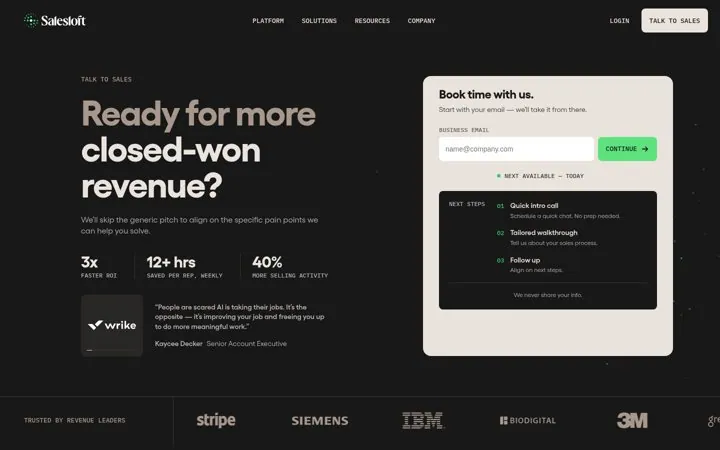
Salesloft

5. Show the next steps after booking

Showing the three steps after the form tells buyers exactly what they are signing up for, which makes the first step easy.

  1. Start the form with email only
  2. List what happens after they submit
  3. Promise you will skip the generic pitch

Full breakdown · Source

Get three ideas for your own product

Pick a channel and a goal. Get real examples and a plan to fill in. Free, no login.

Open the idea generator

What else do people ask

Can a self serve demo replace sales calls

For simple products, often. For large deals, it usually warms buyers up before a call.

Should the self serve demo be gated

A light gate like Navan's short form gets you the lead, while an open tour like Wistia's gets more views. Pick based on whether you need the contact.

Where should the self serve option go

Right next to the form or above it, so people not ready to talk still have a next step.

Related answers

One email every Monday