Today’s Marketing

What a SaaS demo request page should include

A SaaS demo request page should include a headline that names the outcome, a short form with only the fields you route on, one line on how long the call is and what it covers, proof beside the form like customer results or ratings, and a clear picture of what happens after someone submits.

Updated · By Blake Emal · 6 real examples, each linked to its source

What are the steps

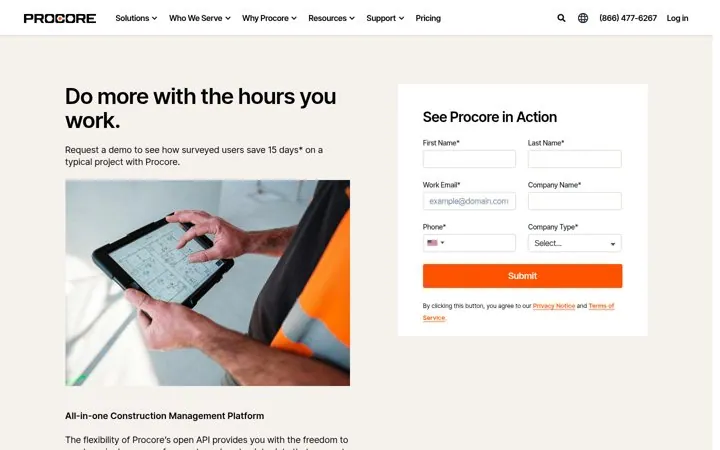
  1. Name the outcomeProcore leads with Do more with the hours you work.
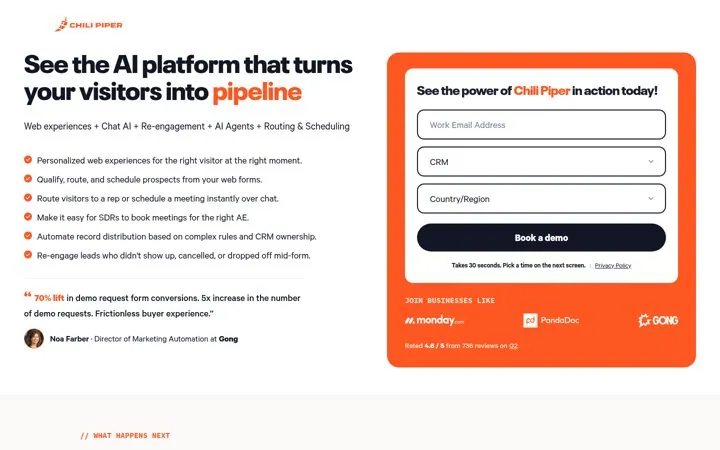
  2. Keep the form shortChili Piper asks for a work email, a CRM and a country.
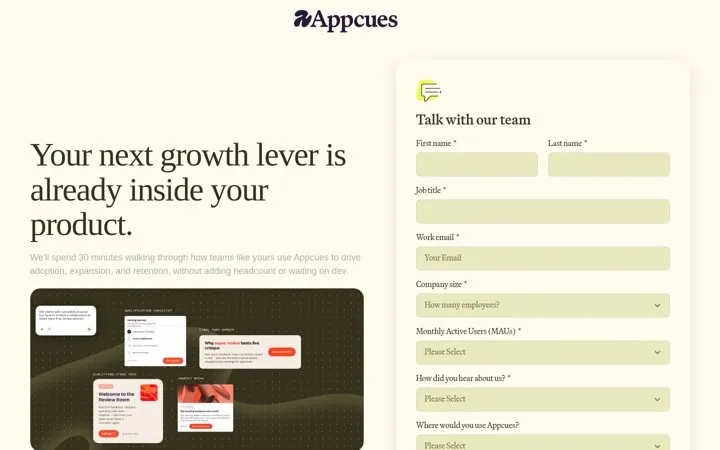
  3. Say what the call coversAppcues says it will spend 30 minutes on how teams like yours drive adoption.
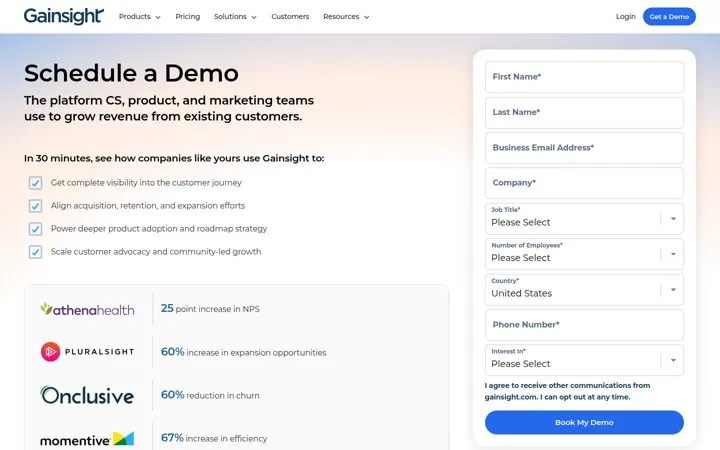
  4. Put proof beside the formGainsight lists customer results with numbers next to the fields.
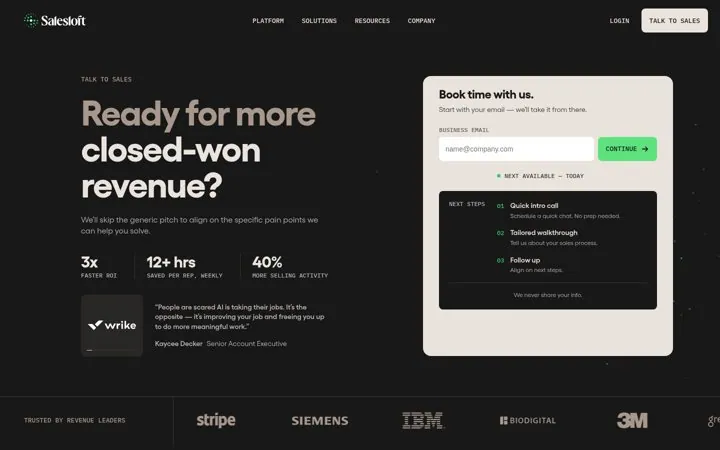
  5. Show the next stepsSalesloft lists a quick intro call, a tailored walkthrough and a follow up.

How do the options compare

ElementJob it doesReal example
Outcome headlineGives a reason to bookProcore
Short formCuts drop offChili Piper
Call agendaRemoves the unknownAppcues
Results beside the formProves the payoffGainsight
Next steps listSets expectationsSalesloft

Where do these numbers come from

  1. Chili Piper request a demo
  2. Gainsight schedule a demo

Which real examples show it

Lead with the time customers save
Procore

1. Lead with the time customers save

A concrete time saving gives the buyer a reason to spend time on the demo, and the photo shows the product in the buyer world.

  1. Put the time saved in the subhead
  2. Show your buyer at work in the image
  3. Mark survey based numbers with a footnote
Full breakdown · Source

Ask for three fields and say how long it takes
Chili Piper

2. Ask for three fields and say how long it takes

A short form with a stated time cost removes the main reason people abandon demo forms, and booking the meeting on the next screen keeps the momentum.

  1. Cut the form to the fields you route on
  2. Say how long the form takes under the button
  3. Let people pick a time right after submitting

Full breakdown · Source

Put customer results beside the form
Gainsight

4. Put customer results beside the form

Real customer numbers next to the form show the payoff of the call at the exact moment the buyer decides to book it.

  1. List outcomes the demo will show
  2. Add named customers with one number each
  3. Place the results panel next to the form

Full breakdown · Source

Show the next steps after booking
Salesloft

5. Show the next steps after booking

Showing the three steps after the form tells buyers exactly what they are signing up for, which makes the first step easy.

  1. Start the form with email only
  2. List what happens after they submit
  3. Promise you will skip the generic pitch

Full breakdown · Source

Answer what happens on the call
Hootsuite

6. Answer what happens on the call

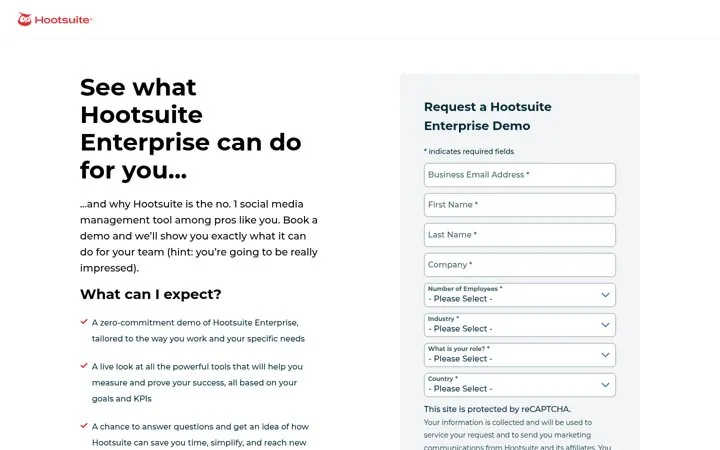
Buyers hesitate because they do not know what the call will be like, and a short what to expect list removes that doubt.

  1. Add a What can I expect section
  2. Say the demo is zero commitment
  3. Tie the demo to the buyer goals

Full breakdown · Source

Get three ideas for your own product

Pick a channel and a goal. Get real examples and a plan to fill in. Free, no login.

Open the idea generator

What else do people ask

Should a demo page have navigation

Keep it light. Most pages here keep a slim nav, and some like Chili Piper keep the focus on the form.

Should you show pricing on a demo page

Link to it if you publish it. Wistia puts See pricing plans next to its tour, and Vidyard promises pricing on the call.

Do logos help on a demo page

Yes, near the form. Attentive and HiBob put customer logos right under the form.

Related answers

One email every Monday