SaaS Integrations Page Examples
Lead with the size of your network or the job it does, let people search and filter by task, and give every card one line of what the integration does.
Updated · By Blake Emal

 OktaLead with the size of the network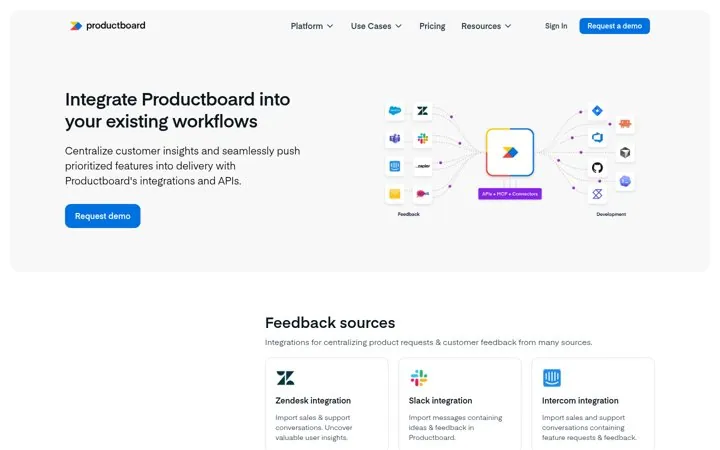
 ProductboardDraw how data flows in and out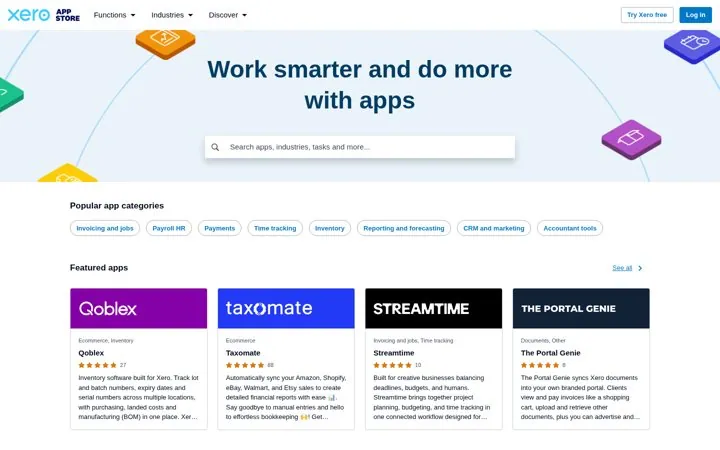
 XeroSort apps by the job to be done
 ActiveCampaignExplain the ways to connect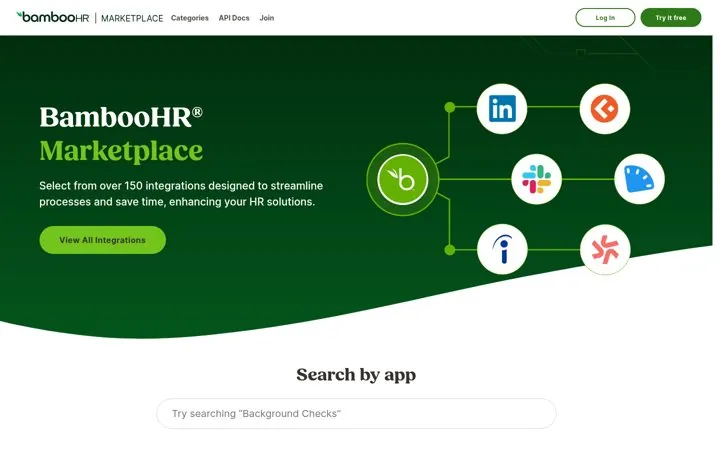
 BambooHRPair the app count with the payoff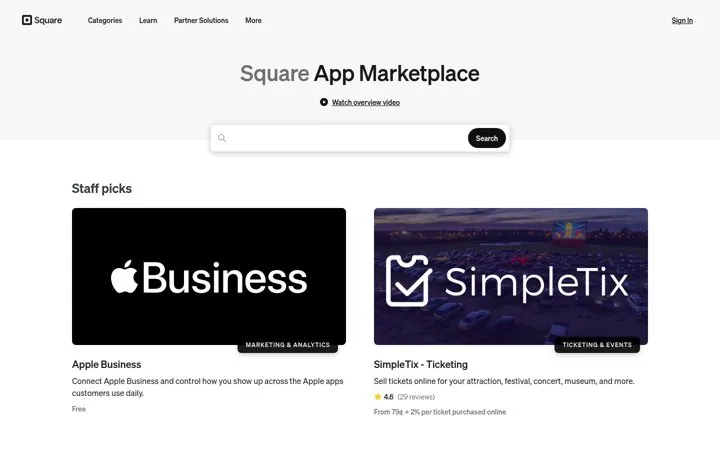
 SquareShow the price on every app card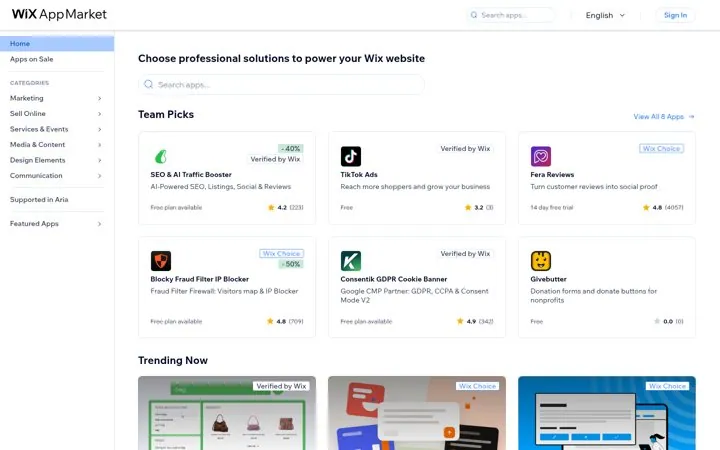
 WixBadge the apps you vouch for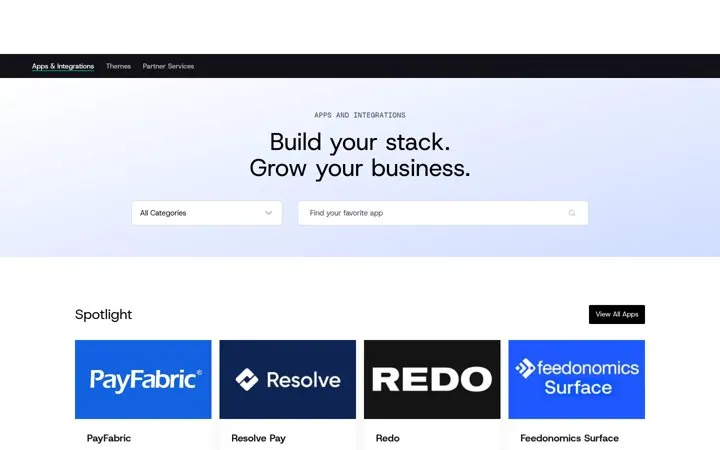
 BigCommerceMake the stack the growth story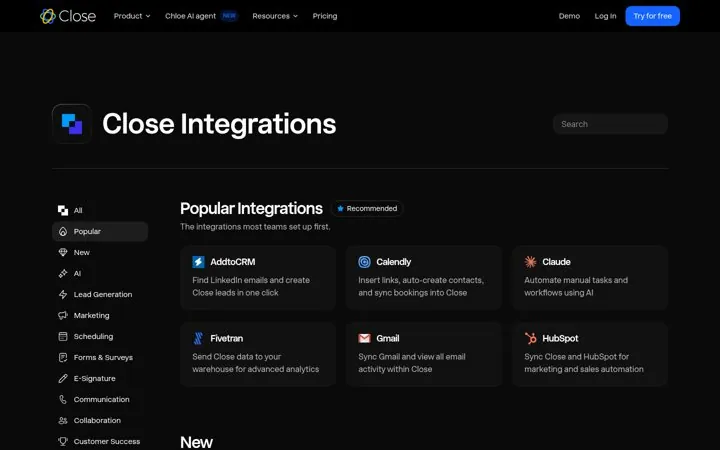
 CloseShow the integrations teams set up first
 AshbyGive a path for the missing integration
 n8nFilter by how each app fits a workflow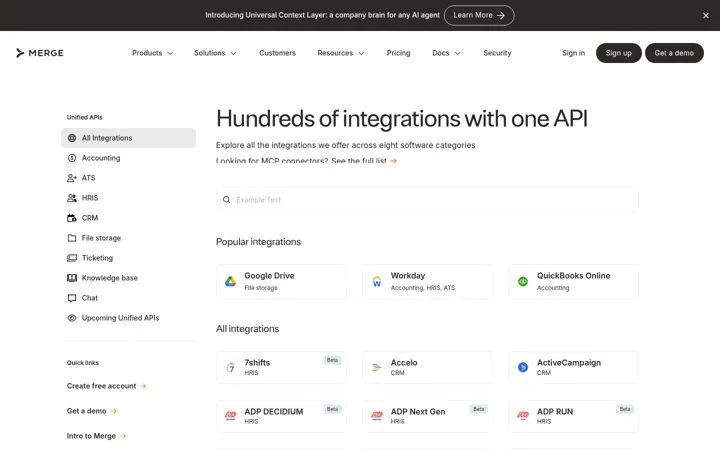
 MergeSell one API that covers a category
 GleanPromise action not just connection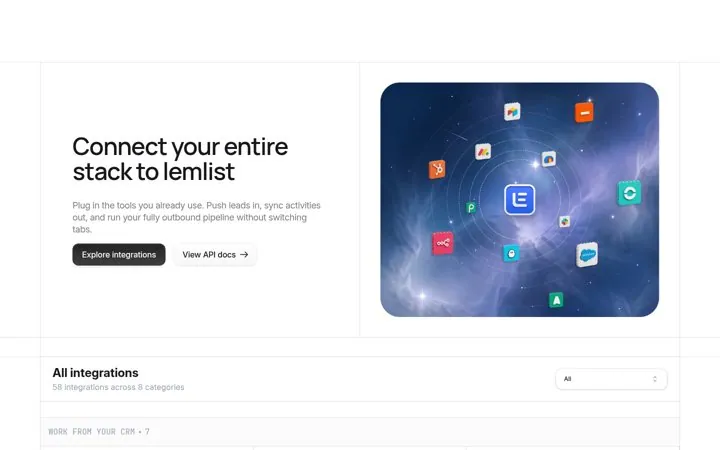
 lemlistTag the integrations that sync both ways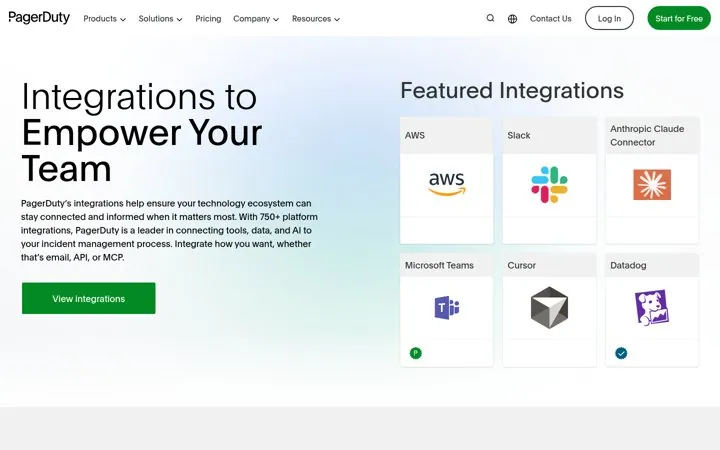
 PagerDutyName every way to connect
 Twilio SegmentName the category in the headline
 PendoPut known logos in the hero
 SlackReframe the marketplace for AI agents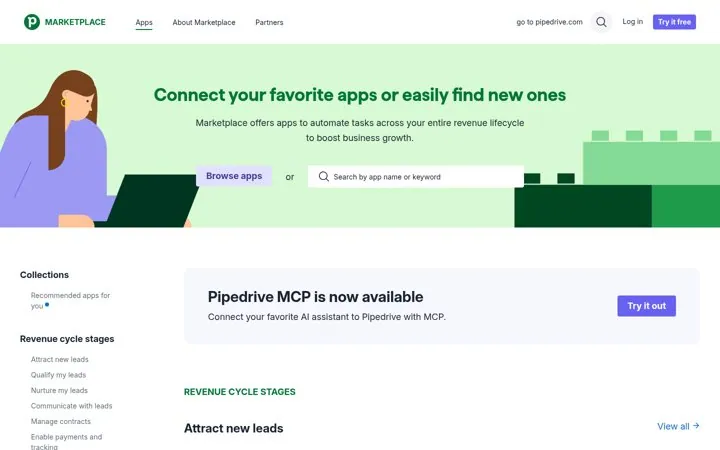
 PipedriveGroup apps by revenue stage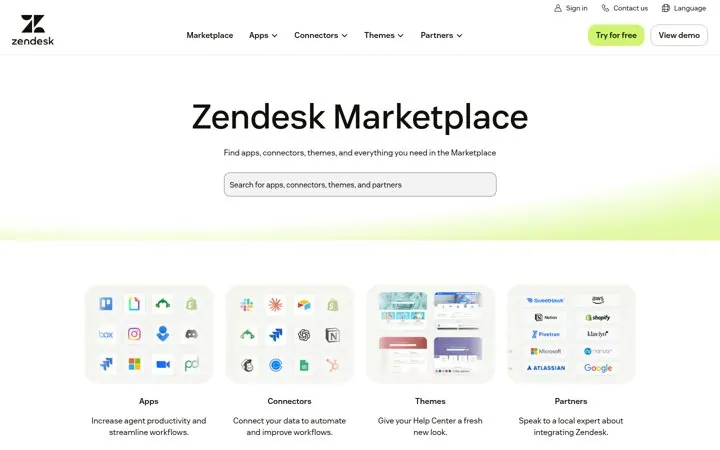
 ZendeskSplit the marketplace into clear doors
What makes a good SaaS integrations page
A headline with the integration count or the job the integrations do, a search box, categories named after tasks, featured or popular integrations first, one line per card that says what it does, and a path for tools that are missing. Okta leads with more than 8,000 integrations and Ashby adds a Submit Request button.
How were these examples chosen
Each is a live integrations hub or app marketplace page from a known SaaS brand, captured with a screenshot on Oct 23, 2026, with a link to the page.
How do I copy these moves
Open any example and follow its steps. Start by putting your integration count or the job your integrations do in the headline, then add search and task named categories.


 62 examples


 +56Landing Page ExamplesSay what you are in a few words, show the real product, and give one clear next step.

 15 examples


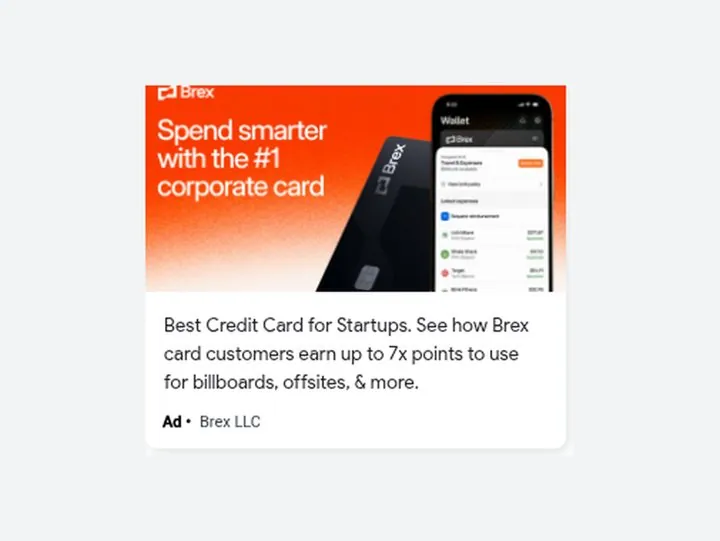
 +4Paid Ad ExamplesLead with one number, one promise or one chore you remove, and match the words people search.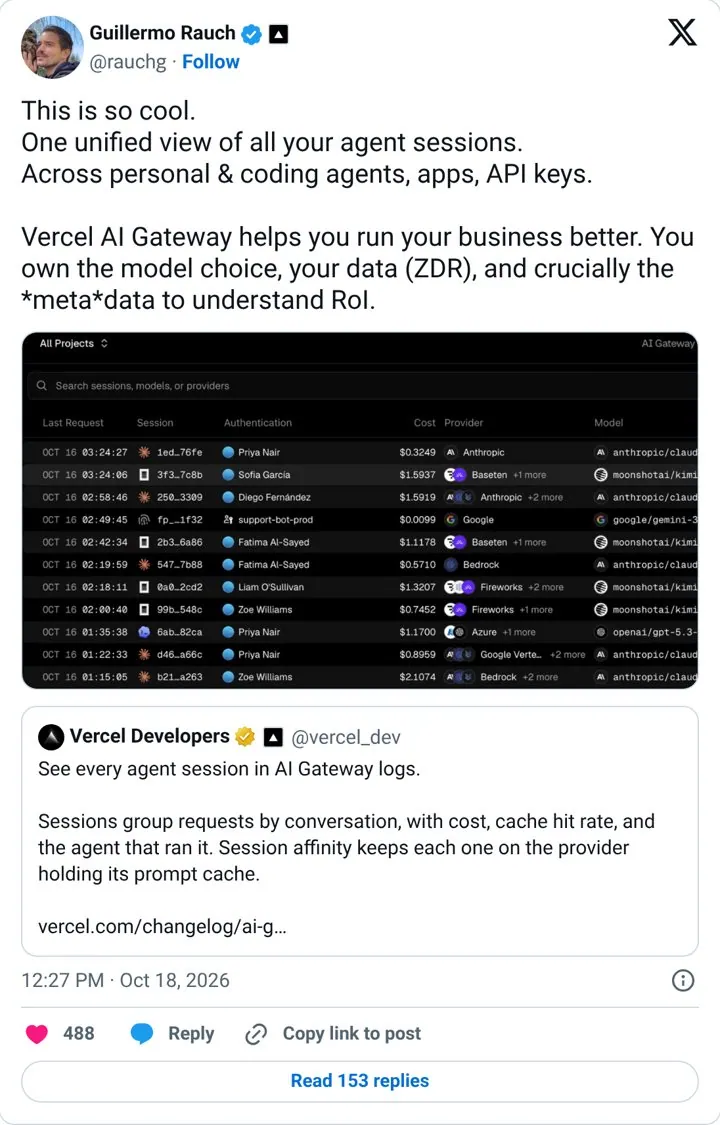

 34 examples


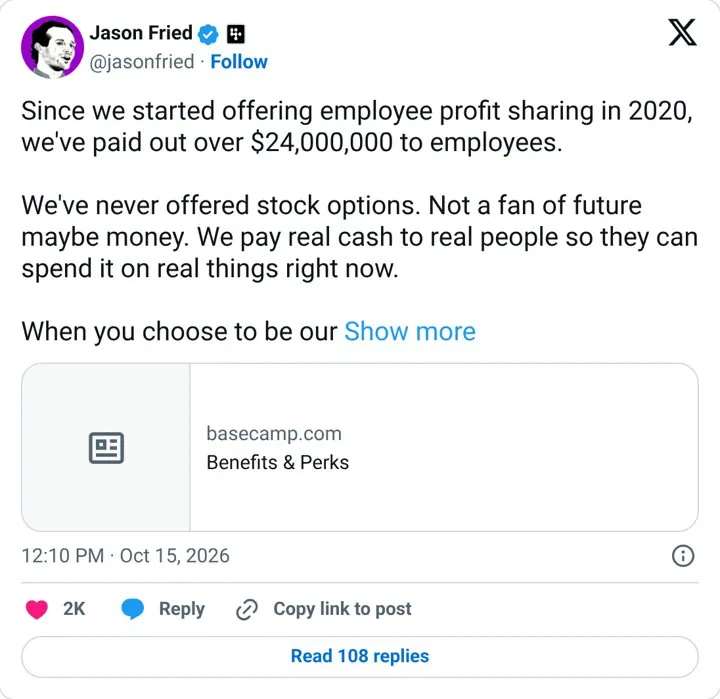
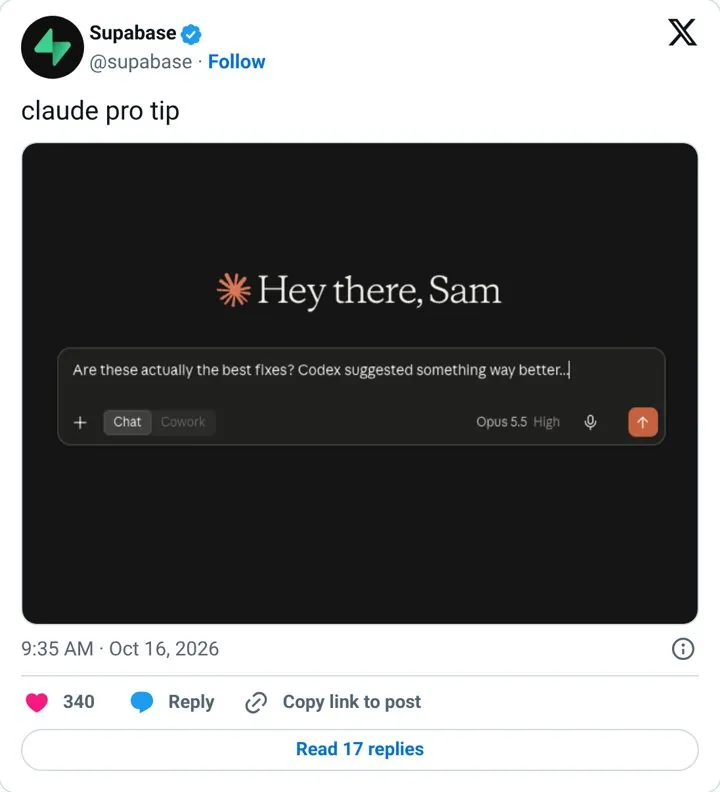
 +14Social Post ExamplesWrite one clear idea per post, add a real number or a real moment, and keep it human.