Today’s Marketing

How to make a waitlist page easy for AI tools to read

To make a waitlist page easy for AI tools to read, put what the product does, who it is for, what joining gets and the launch date in plain page text, add short question and answer sections, and keep key facts out of images and videos. Lumnya, MiniMailer and Scrollwalk spell these out as text.

Updated · By Blake Emal · 6 real examples, each linked to its source

What are the steps

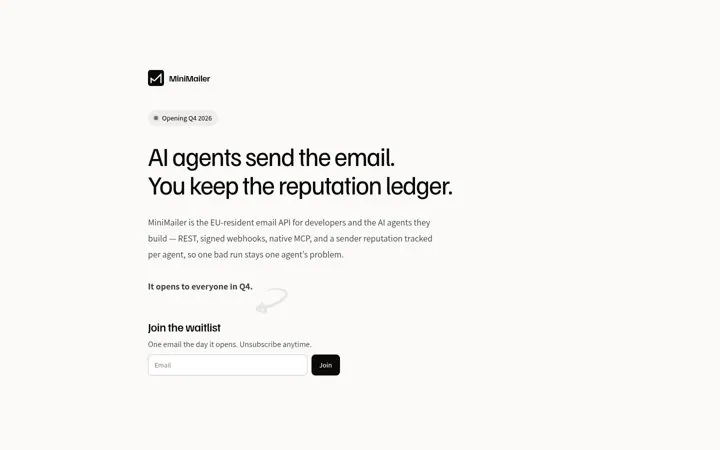
  1. Say what it is in textMiniMailer's first line names an EU-resident email API for developers and AI agents.
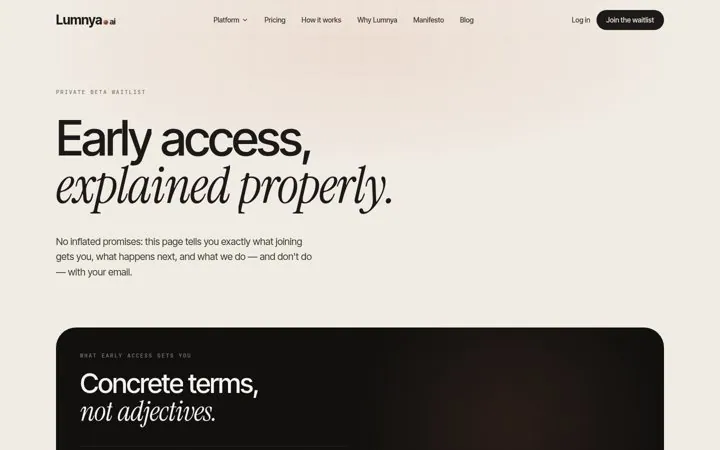
  2. Add questions and answersLumnya has an Asked before joining section.
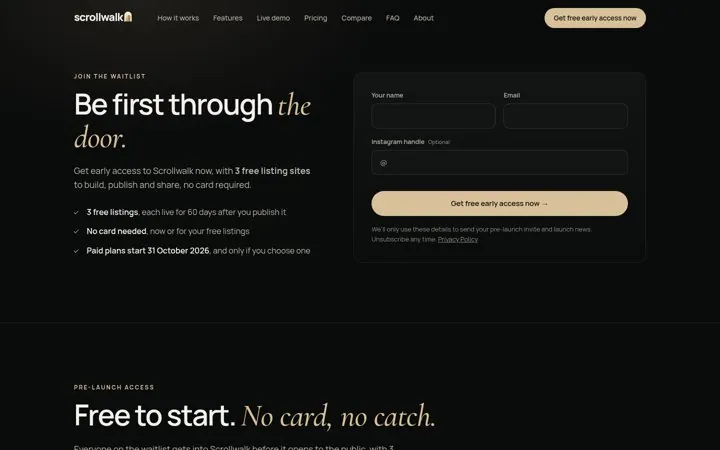
  3. Write dates as textScrollwalk writes Paid plans start 31 October 2026.
  4. Check animated textIn our Oct 25, 2026 capture, Squarespace's Forma page text read Welcome to Formabeta, with its rotating words run together.
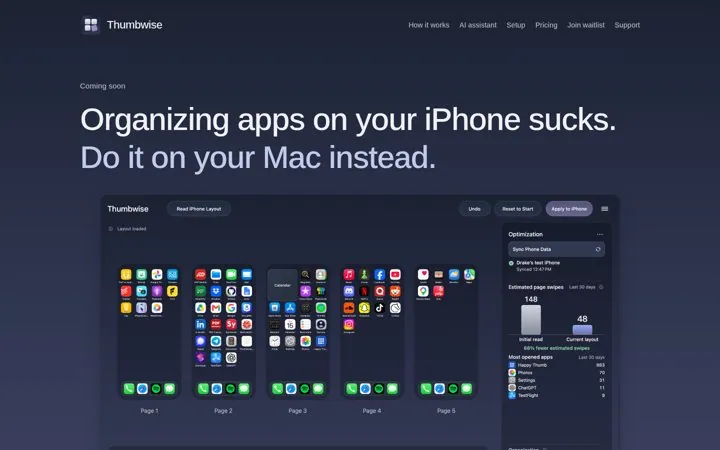
  5. Put the price in textThumbwise writes Pay $9.99 USD once.

How do the options compare

MoveWhy AI tools need itReal example
What it is, in textCan be quoted in an answerMiniMailer, Polyrouter
Q and A sectionMatches how people askLumnya, Leitro
Dates as textAnswers when it launchesScrollwalk, MiniMailer
Price as textAnswers how muchThumbwise
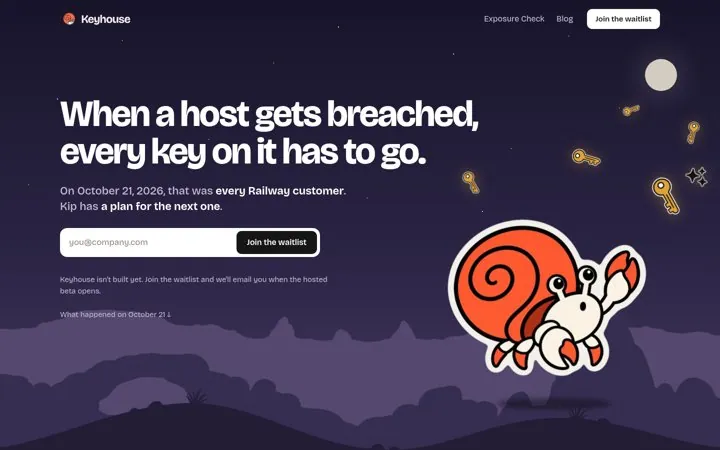
Context as textVideo is not readable aloneKeyhouse's What happened on October 21

Where do these numbers come from

  1. Lumnya waitlist
  2. Thumbwise

Which real examples show it

Put the opening date in a badge
MiniMailer

1. Put the opening date in a badge

A visible opening date tells developers whether to wait or look elsewhere, and one email on opening day is an easy yes.

  1. Show the opening date in a badge
  2. Name who it is for in the first line
  3. Promise one email on launch day

Full breakdown · Source

Put the launch timeline on the page
Scrollwalk

3. Put the launch timeline on the page

A dated timeline tells people exactly when they get in and when paying starts, which removes the fear of a surprise charge.

  1. Add a timeline with real dates
  2. Say what is free and for how long
  3. Promise in writing that free does not turn into paid

Full breakdown · Source

Show the price before launch
Thumbwise

4. Show the price before launch

Showing the price before launch filters for people who will actually buy, and a one time price is easy to decide on.

  1. Show the price on the coming soon page
  2. Say what is free and what is paid
  3. Use a notify me at launch button

Full breakdown · Source

Give people a way in while they wait
Polyrouter

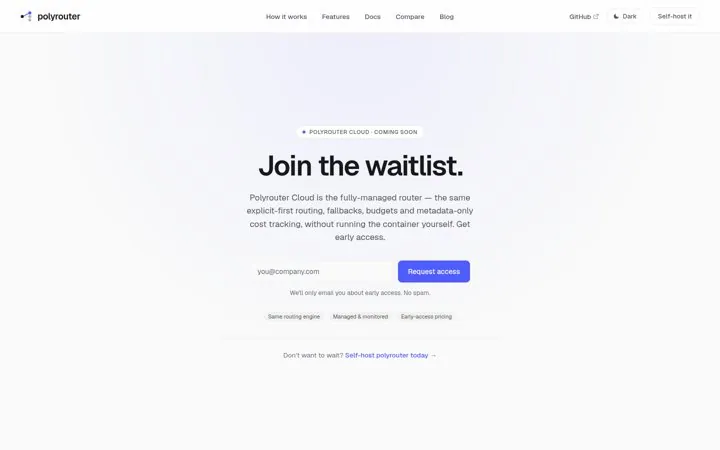
5. Give people a way in while they wait

A self-host link keeps impatient developers from leaving, and saying exactly how many emails they will get makes signing up feel safe.

  1. Offer something people can use today
  2. Say how many emails they will get
  3. Explain what early-access pricing means

Full breakdown · Source

Tie the waitlist to news from this week
Keyhouse

6. Tie the waitlist to news from this week

A real event from this week shows why the product matters right now, and admitting it is not built yet makes the page more believable.

  1. Open with a recent event your buyers felt
  2. Say plainly what stage the product is at
  3. Put the email field in the hero

Full breakdown · Source

Get three ideas for your own product

Pick a channel and a goal. Get real examples and a plan to fill in. Free, no login.

Open the idea generator

What else do people ask

Why does a waitlist page matter for AI answers

People ask assistants when a product launches or how to get access, and a page with plain text facts is a clear source for that answer.

Should a waitlist page be indexed

Yes, if it explains the product. A page with only an email box gives search engines and AI tools little to work with.

Should I list the waitlist page in llms.txt

Yes. Link it with a one line description so AI tools can find what the product is and how to join.

Related answers

One email every Monday