Today’s Marketing

Waitlist vs beta signup

A waitlist collects emails now and invites people later, while a beta signup gives people access to an early version, often after a short application. Use a waitlist when the product is not ready, and a beta signup when you can onboard people now but want to choose who gets in first.

Updated · By Blake Emal · 6 real examples, each linked to its source

What are the steps

  1. Use a waitlist when it is not builtKeyhouse says Keyhouse isn't built yet. Join the waitlist.
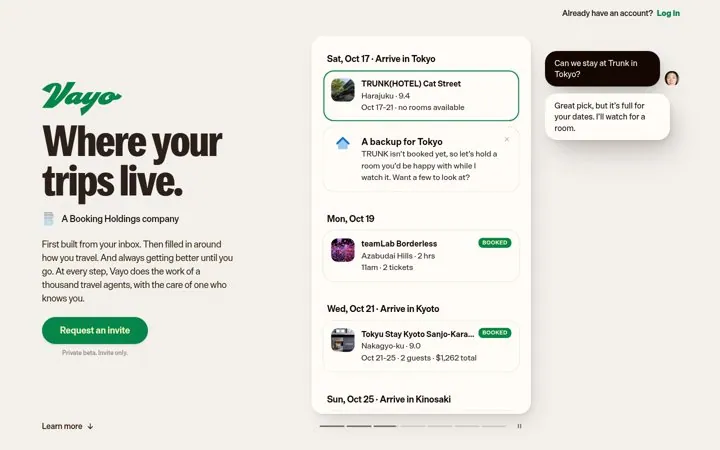
  2. Use a beta when people can use itVayo runs a free, invite-only private beta.
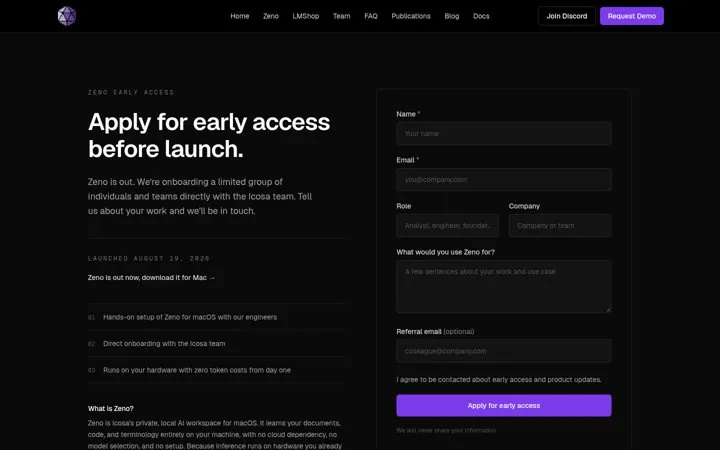
  3. Make the beta an applicationIcosa asks people to tell us about your work.
  4. Sort with one or two questionsVayo asks about trips per year.
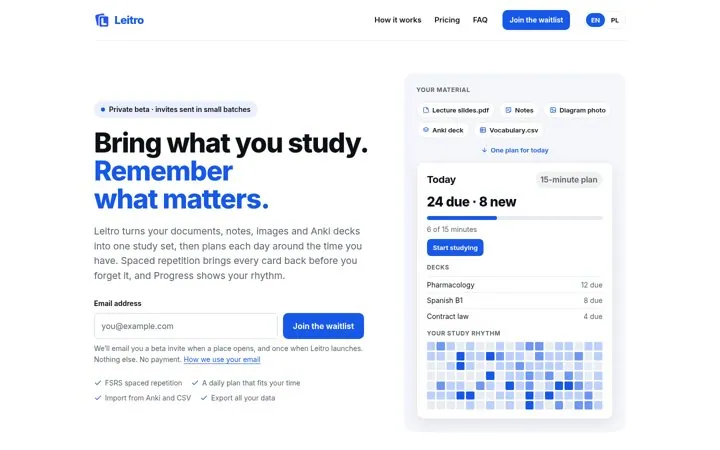
  5. Say how invites go outLeitro sends invites in small batches.

How do the options compare

WaitlistBeta signup
Product readyNot yetAn early version works
What people getAn invite laterAccess soon, often in batches
FormEmail onlyEmail plus a few questions
PromiseLaunch newsEarly access and a feedback role
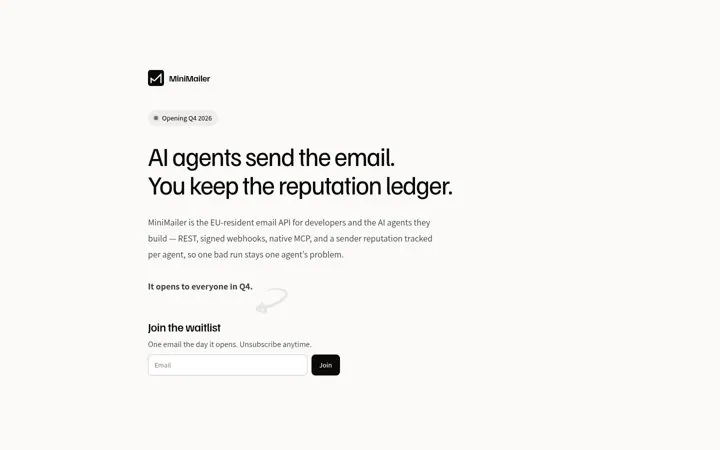
Real exampleKeyhouse, MiniMailerVayo, Icosa, Leitro

Where do these numbers come from

  1. Vayo
  2. Icosa Zeno early access

Which real examples show it

Tie the waitlist to news from this week
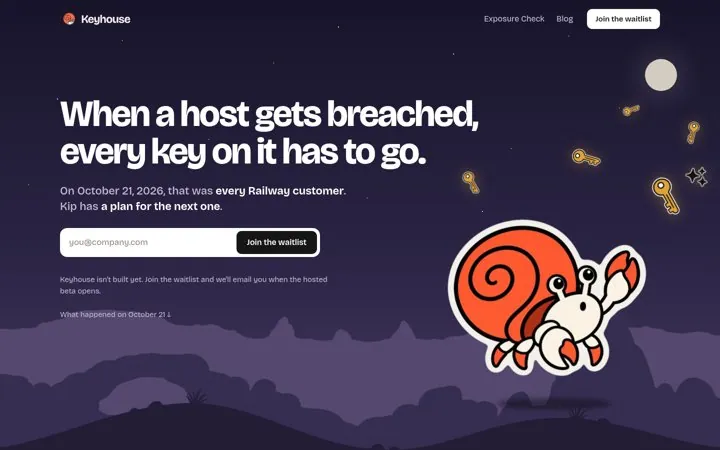
Keyhouse

1. Tie the waitlist to news from this week

A real event from this week shows why the product matters right now, and admitting it is not built yet makes the page more believable.

  1. Open with a recent event your buyers felt
  2. Say plainly what stage the product is at
  3. Put the email field in the hero

Full breakdown · Source

Put the opening date in a badge
MiniMailer

2. Put the opening date in a badge

A visible opening date tells developers whether to wait or look elsewhere, and one email on opening day is an easy yes.

  1. Show the opening date in a badge
  2. Name who it is for in the first line
  3. Promise one email on launch day

Full breakdown · Source

Confirm every signup with one link
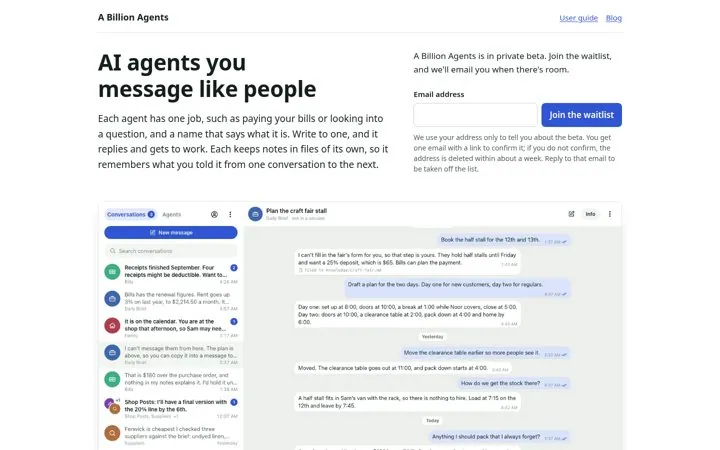
A Billion Agents

6. Confirm every signup with one link

A confirm link keeps the list real, and explaining what happens to unconfirmed addresses shows respect for people's data.

  1. Send one confirm link
  2. Say what happens if they do not confirm
  3. Make leaving the list one reply

Full breakdown · Source

Get three ideas for your own product

Pick a channel and a goal. Get real examples and a plan to fill in. Free, no login.

Open the idea generator

What else do people ask

Can one page do both

Yes. Movie Machine AI sells founding access next to a free waitlist, and Polyrouter lets you self-host today while its Cloud version has a waitlist.

What should a beta signup ask

Only what helps you pick who goes first, like role, use case or company size. Make extra fields optional.

Should a beta be free

Many are. Vayo and Lumnya both say their private betas are free with no card needed.

Related answers

One email every Monday