Today’s Marketing

What a waitlist page should include

A waitlist page should include a headline that says what the product does, an email field near the top, a plain list of what joining gets you, what happens after signup and how many emails you will get, and proof the product is real, like a demo, sample outputs or a launch date.

Updated · By Blake Emal · 6 real examples, each linked to its source

What are the steps

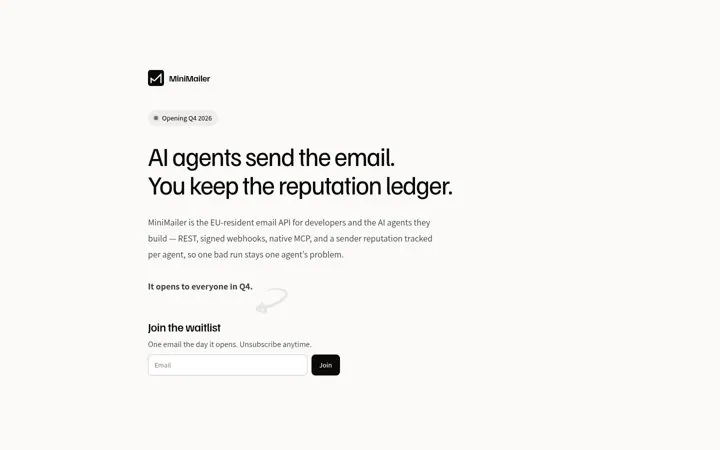
  1. Say what it doesMiniMailer: AI agents send the email. You keep the reputation ledger.
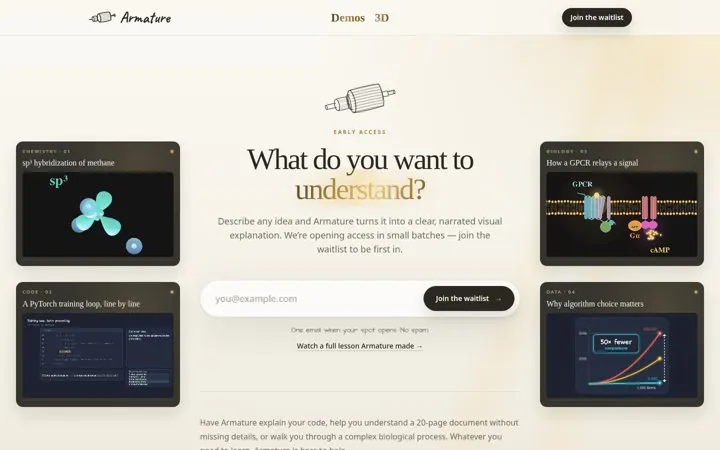
  2. Put the form near the topArmature puts the email field right under its headline.
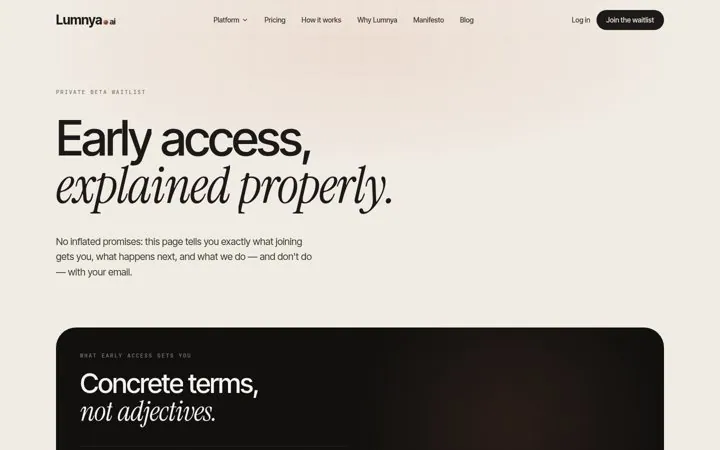
  3. List what joining getsLumnya's list is headed Concrete terms, not adjectives.
  4. Say what happens nextLumnya's three steps start with an instant confirmation email.
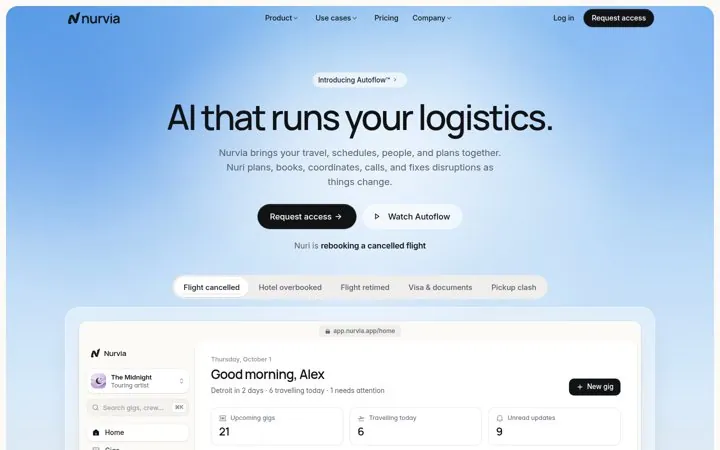
  5. Show proofNurvia shows the product working in its hero.

How do the options compare

ElementJobReal example
Clear headlineSays what you are waiting forMiniMailer
Short form up topMakes joining easyArmature, Maxwell
What joining getsA reason to join nowLumnya, Secret Keeper
What happens nextRemoves doubtLumnya, A Billion Agents
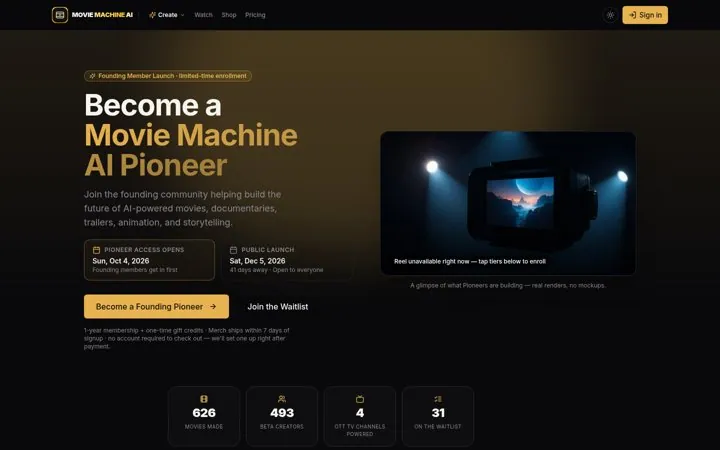
ProofShows the product is realNurvia, Movie Machine AI
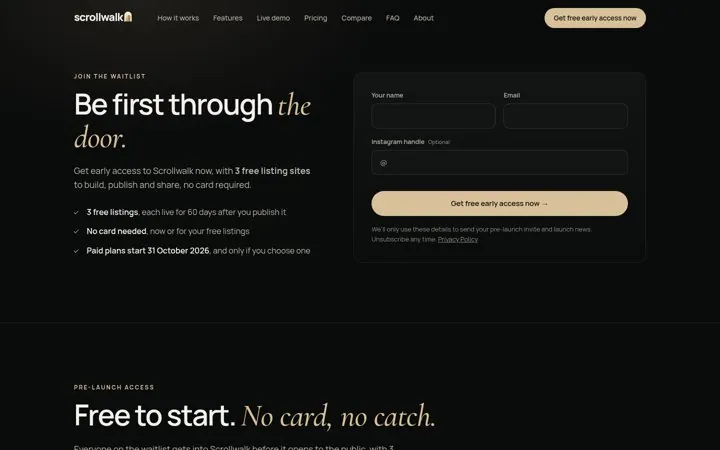
Date or timelineSays whenScrollwalk, MiniMailer

Where do these numbers come from

  1. Lumnya waitlist
  2. Scrollwalk waitlist

Which real examples show it

Put the opening date in a badge
MiniMailer

2. Put the opening date in a badge

A visible opening date tells developers whether to wait or look elsewhere, and one email on opening day is an easy yes.

  1. Show the opening date in a badge
  2. Name who it is for in the first line
  3. Promise one email on launch day

Full breakdown · Source

Let the product run in the hero
Nurvia

4. Let the product run in the hero

A product you can watch working makes an early access request feel like a step toward something real, not a bet on a promise.

  1. Put a working product view in the hero
  2. Show one real problem being solved
  3. Pair Request access with a watch button

Full breakdown · Source

Put the launch timeline on the page
Scrollwalk

5. Put the launch timeline on the page

A dated timeline tells people exactly when they get in and when paying starts, which removes the fear of a surprise charge.

  1. Add a timeline with real dates
  2. Say what is free and for how long
  3. Promise in writing that free does not turn into paid

Full breakdown · Source

Show live counts next to the form
Movie Machine AI

6. Show live counts next to the form

Counts of real usage next to the form show the product already works, and a free option keeps people who are not ready to pay.

  1. Show usage counts near the form
  2. Offer a free option next to the paid one
  3. Show the launch date and days left

Full breakdown · Source

Get three ideas for your own product

Pick a channel and a goal. Get real examples and a plan to fill in. Free, no login.

Open the idea generator

What else do people ask

Is a waitlist page the same as a coming soon page

Close. A coming soon page announces the product, and a waitlist page also collects emails to invite people later. Thumbwise is labeled Coming soon and still asks for an email.

Should the waitlist page show the product

Yes. Nurvia shows a live product view, Armature shows sample lessons, and Sevenposts shows posts made for its pilot brands.

How many fields should the form have

As few as you need. Armature asks only for an email, and Maxwell asks for a name, an email and an optional organization.

Related answers

One email every Monday