Free pricing page checklist
Go through 17 checks that the clearest pricing pages pass. Tick what you have, see your score, and copy the list of fixes.
Clarity
Value
Trust
Action
How to use it
- Open your pricing page next to this checklist.
- Tick each check your page passes today.
- Copy the fix list and compare your page with the real pricing pages below.
Real pricing pages that pass most checks
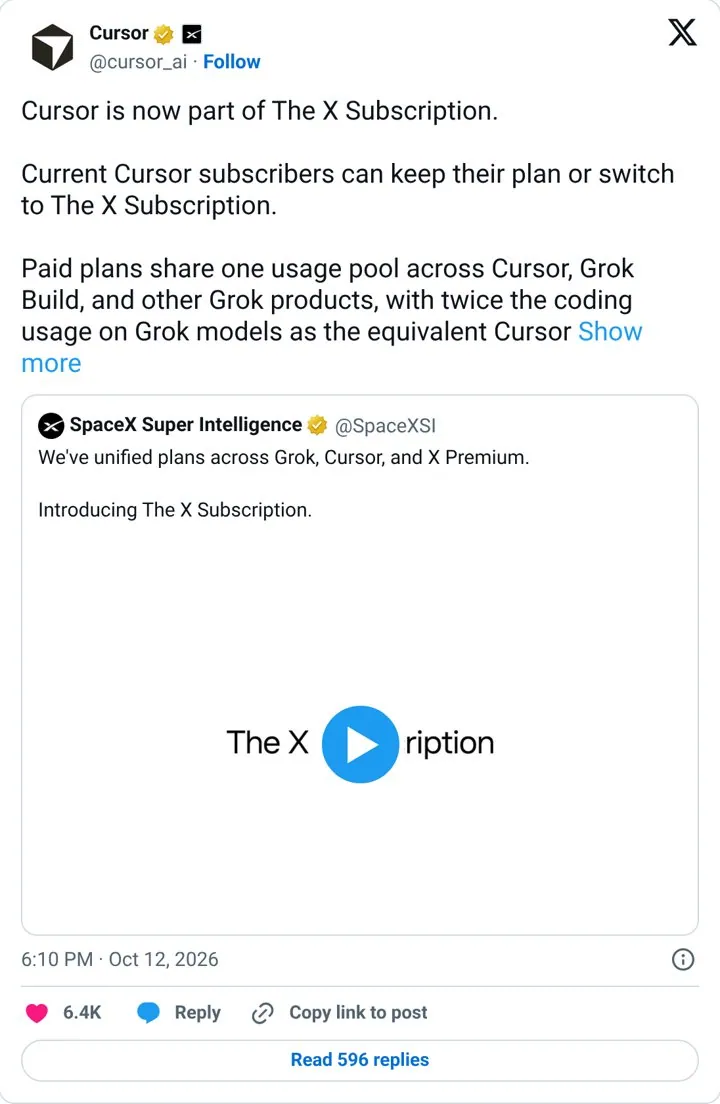
Answer what happens to current plans first
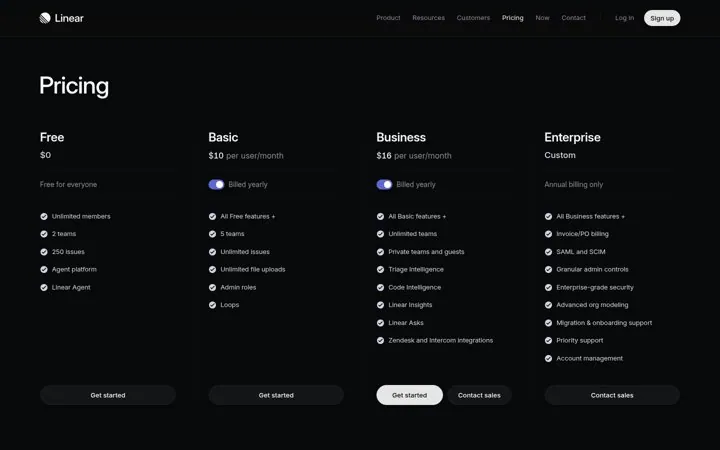
Keep every plan on one clean row
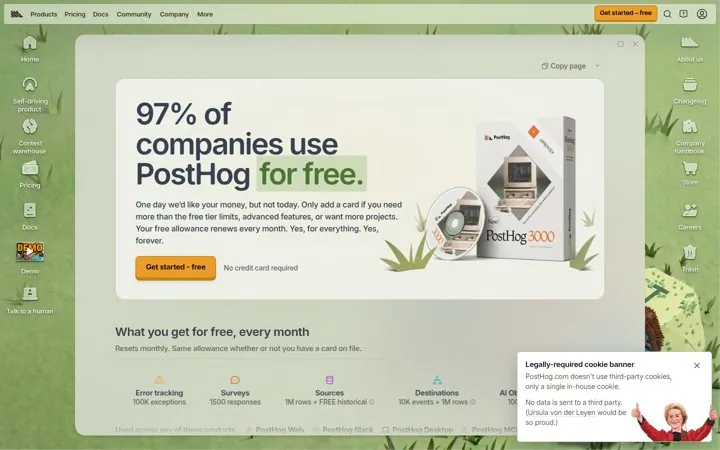
Lead with how many people pay nothing
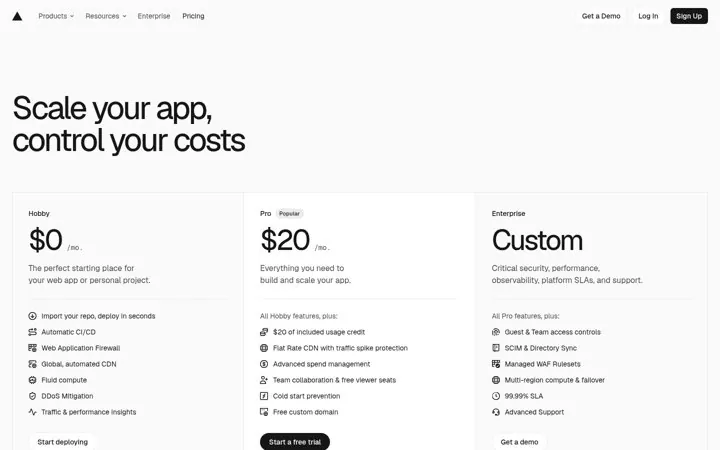
Promise control over cost
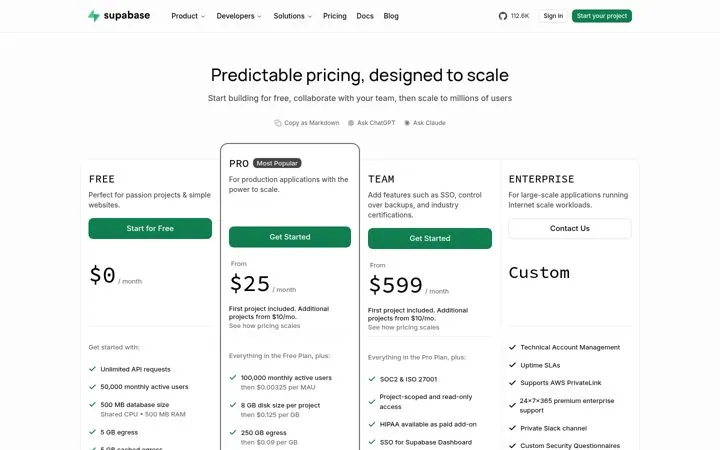
Call your pricing predictable
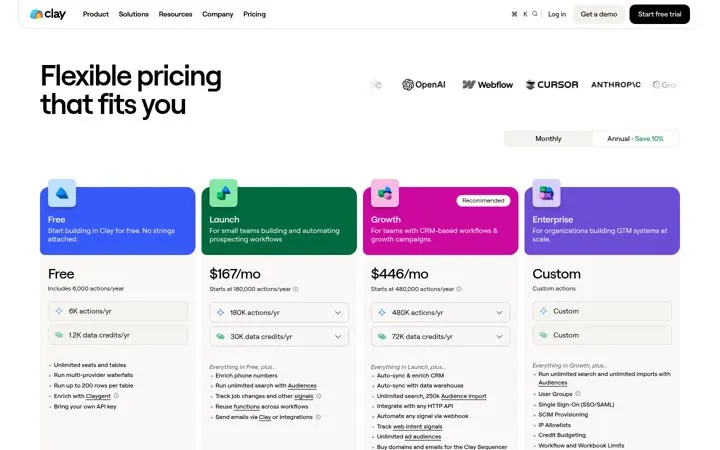
Put logos next to your prices
Questions
What should a pricing page include
Clear plan names for each type of buyer, visible prices or a reason they are hidden, one recommended plan, outcomes per plan, a scannable comparison, proof near the plans, a billing FAQ and a clear button on every plan.
Should I show prices on my pricing page
Show them when you can. Buyers and AI assistants both use public prices to shortlist. If price depends on volume, say what it depends on and give a starting point.
How many plans should a pricing page have
Most clear pages show three, plus an enterprise or contact option. More plans make the choice harder, so add one only when a real group of buyers needs it.
Is the checklist saved
Your ticks are saved in your own browser only, so you can come back to it. Nothing is sent to us.
Where can I see good pricing pages
Below are real pricing pages from the library, and the full SaaS pricing page examples guide.
More free tools
Get new ideas every week
You get nine examples, each with one line on why it works.