Free UTM builder
Add campaign tags to any link so you can see which post, email or ad sent the visit. Naming is cleaned up for you so your reports stay tidy.
How to use it
- Paste the page you want people to land on.
- Fill in source, medium and campaign. Add content to tell two links apart.
- Copy the tracked link and use it in your post, email or ad.
Real ads and posts worth tracking

Share a fun fact list people want to pass on

Open with a feeling your readers share

Name who each program is for
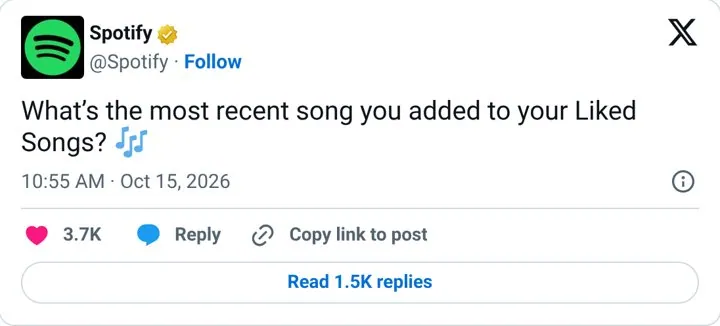
Ask one question anyone can answer
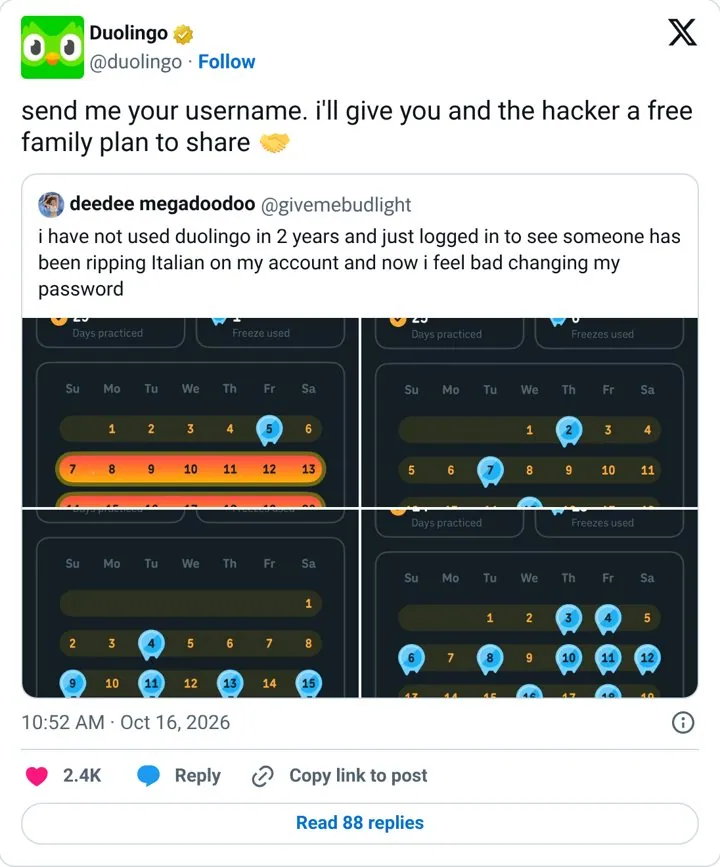
Reward a fan story with a real gift
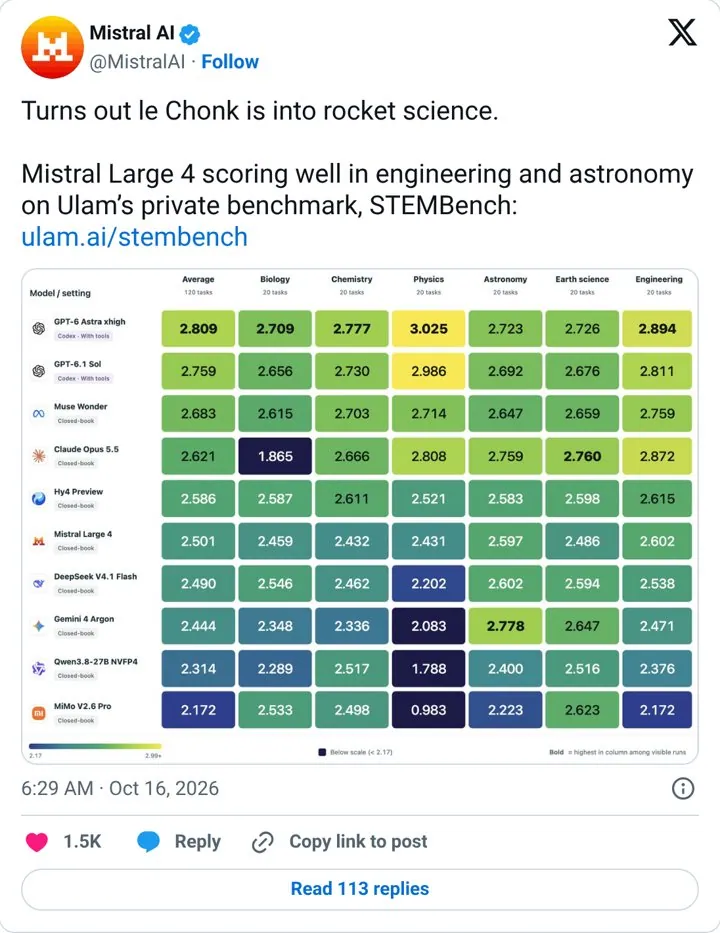
Give your model a nickname people repeat
Questions
What is a UTM builder
A UTM builder adds tracking tags to a link, like utm_source=newsletter and utm_campaign=spring_launch. Analytics tools such as Google Analytics read those tags so you can see which campaign sent each visit.
Which UTM parameters are required
Source, medium and campaign are the three you should always set. Content and term are optional. Use content to tell apart two links in the same email or two ads, and term for paid search keywords.
Should UTM tags be lowercase
Yes. Analytics treats LinkedIn and linkedin as two different sources, so this tool lowercases everything and swaps spaces for underscores.
Should I use UTM tags on internal links
No. Tagging links between pages of your own site restarts the session and hides the real source. Use them only on links that point to your site from somewhere else.
Is this UTM builder free
Yes, free and no signup. No. There is no login and nothing is saved. Everything runs in your browser.
More free tools
Get new ideas every week
You get nine examples, each with one line on why it works.