Free email subject line tester
Type a subject line and preview text. See how it looks in a phone inbox, what gets cut off, which words look like spam, and what to change.
How to use it
- Type your subject line, preview text and from name.
- Check the phone preview to see what gets cut off.
- Fix the failed checks, then send an A/B test to a slice of your list.
Real emails worth copying
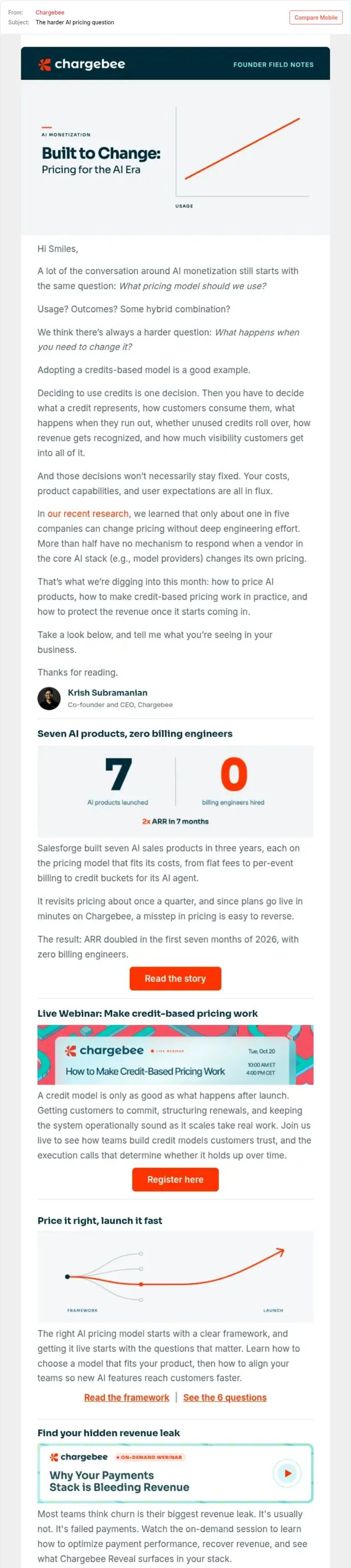
Open a newsletter with a hard question
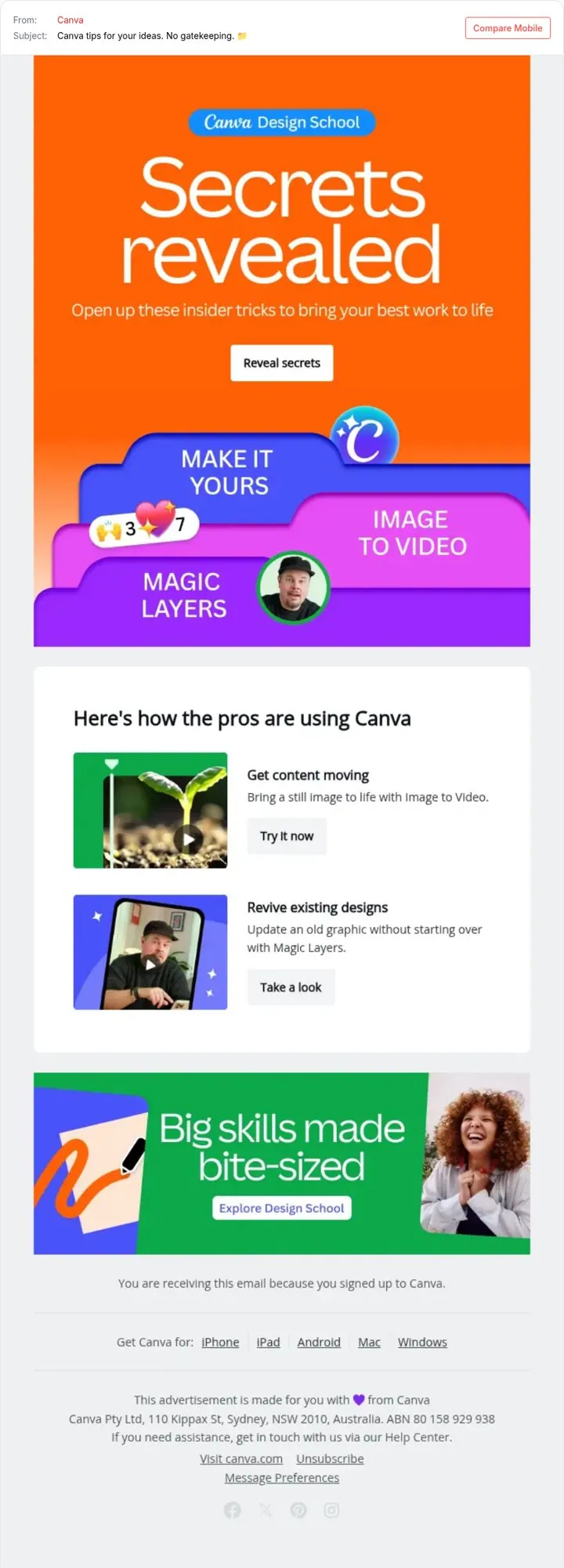
Teach first then show the feature
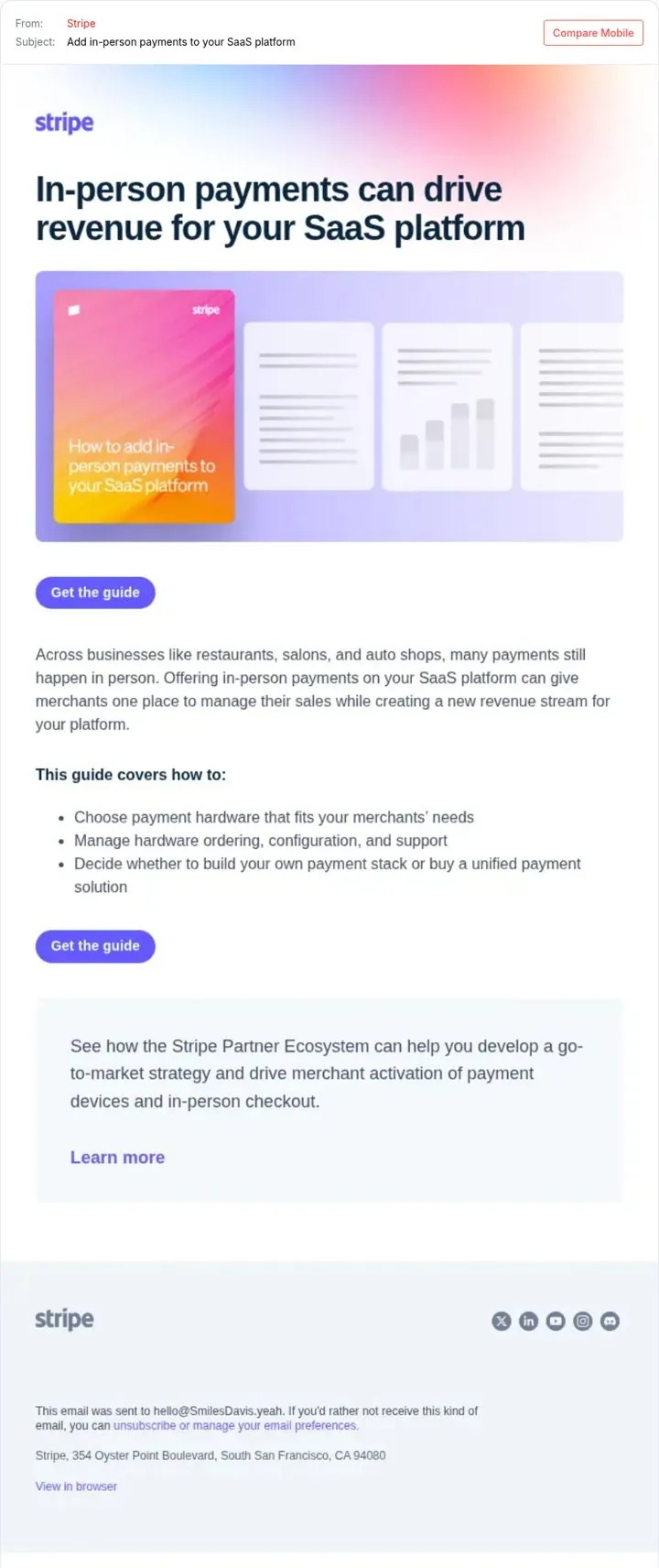
Send a guide that grows their revenue
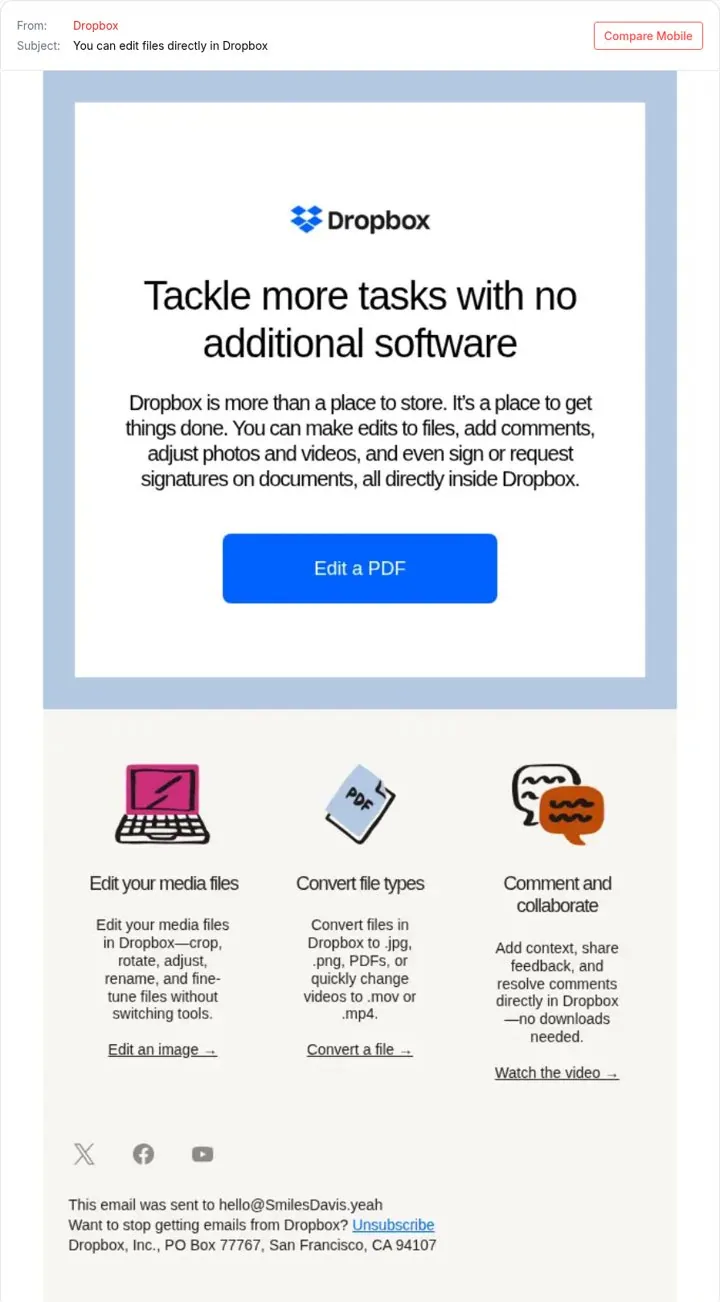
Tell users what they can do now
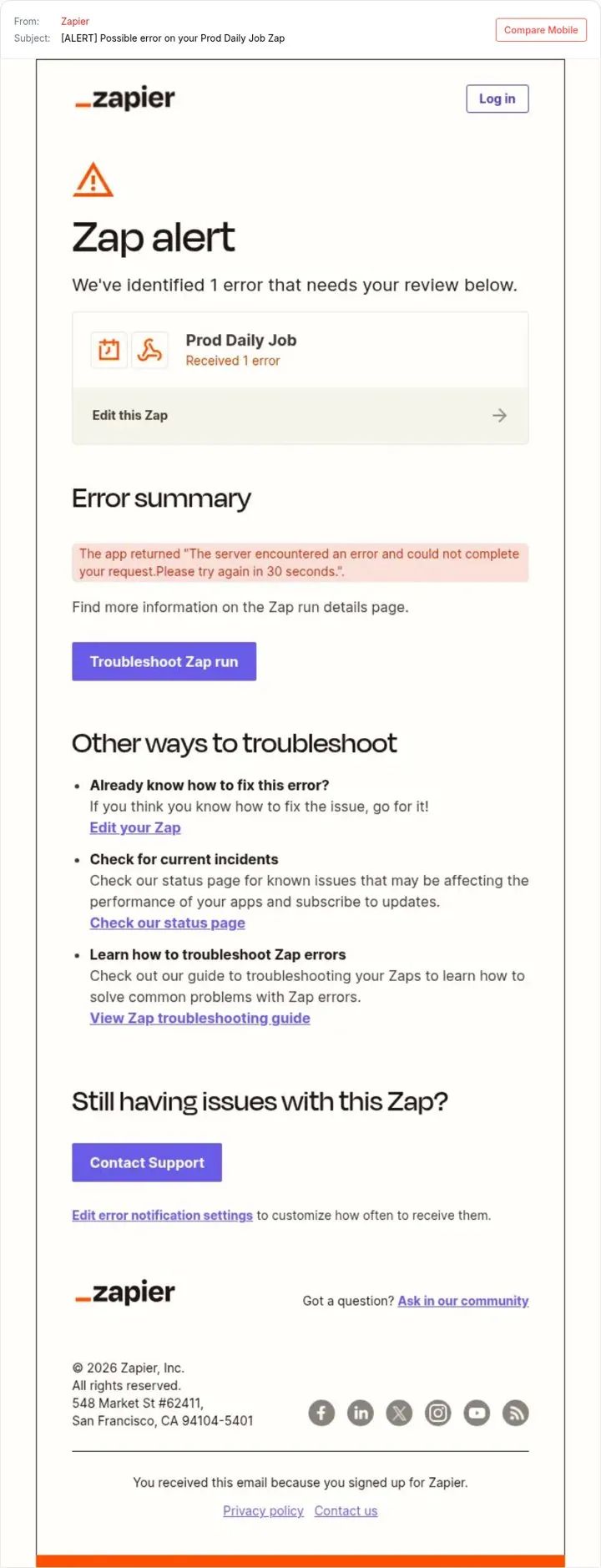
Make alerts tell people what to do
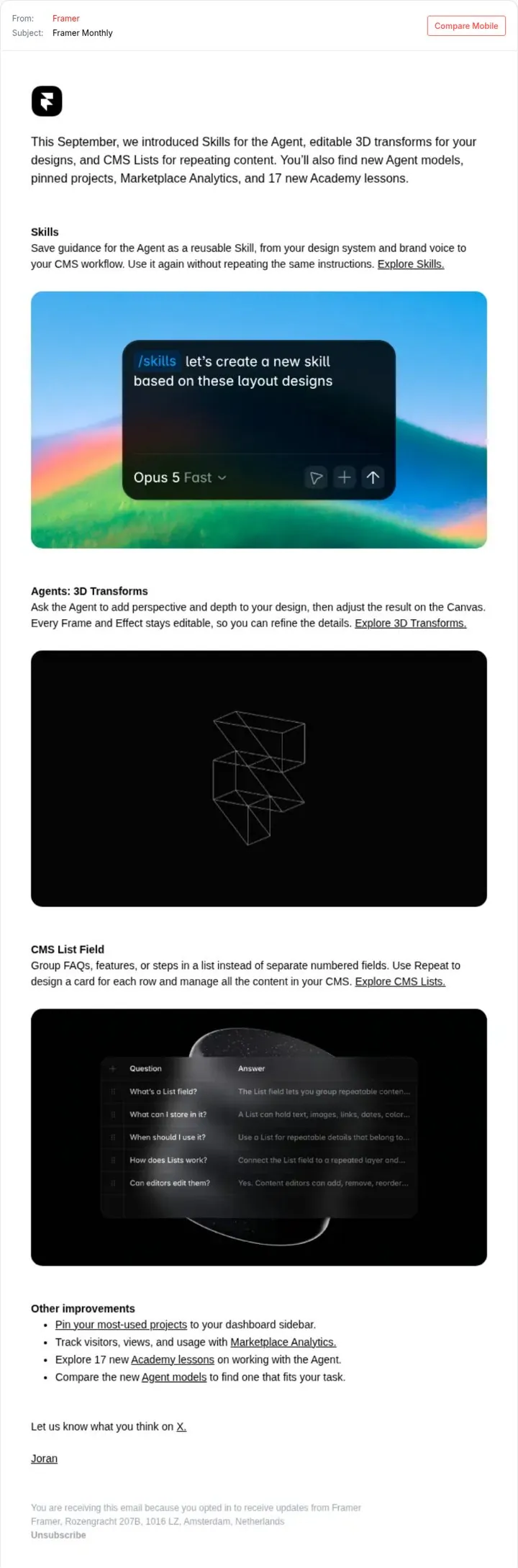
Bundle a month of updates in one email
Questions
How long should an email subject line be
Short enough that the point survives on a phone. Many mobile inboxes show roughly 35 to 45 characters, so put the key words first and keep the whole line under about 60.
What are spam trigger words
Phrases that spam filters and readers link to junk mail, like act now, 100% free or click here. One word alone rarely sinks an email, but they make a subject look like an ad. The tester flags the common ones.
Does preview text matter
Yes. The inbox shows it right under the subject line. If you leave it empty, the email client fills it with the first text in your email, which is often a view in browser link.
Is this subject line tester free
Yes, free and no signup. No. There is no login and nothing is saved. Everything runs in your browser.
Can this predict my open rate
No. Open rates depend on your list, your sender reputation and the moment. This checks the parts of the subject line you control. Test two versions on your own list to know for sure.
More free tools
Get new ideas every week
You get nine examples, each with one line on why it works.