 Linear
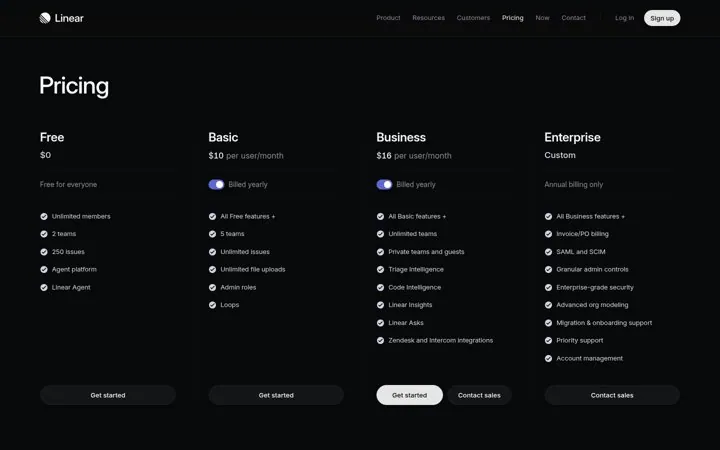
1. Keep every plan on one clean row
Four plans in one row make comparing take seconds.
- Fit all plans on one screen
- Keep each list to a few lines
- Give each plan one button
Most SaaS pricing pages in our library show three or four tiers: a free or starter plan, one or two paid plans for growing teams, and an enterprise plan. That keeps the choice on one screen. Add a tier only when a real group of buyers needs something different, not to fill out the row.
Updated · By Blake Emal · 5 real examples, each linked to its source
| Tier count | Good for | Watch out for |
|---|---|---|
| Two | Simple tools with one buyer | No room to grow |
| Three | Most SaaS products | Middle plan must be clearly better |
| Four | Free, team, business and enterprise | Plans that look the same |
| Five or more | Rarely needed | Choice overload |
LinearFour plans in one row make comparing take seconds.
 Attio
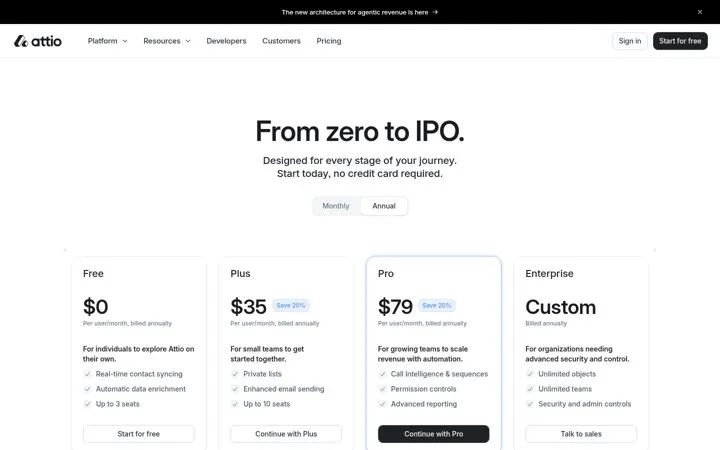
AttioBuyers see a plan for today and a plan for later.
 Cal.com
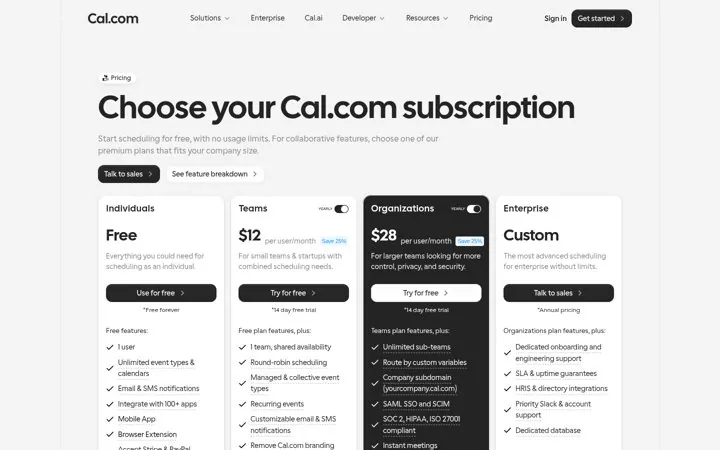
A generous free line pulls in people who would never book a demo.
 Zapier
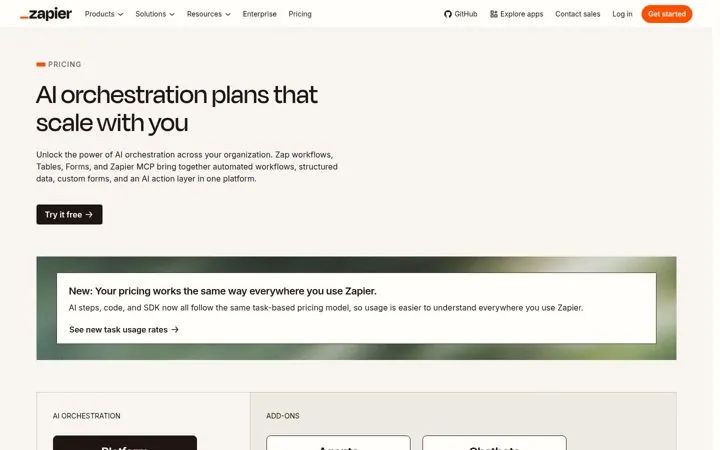
One simple rule makes a big product easier to buy.
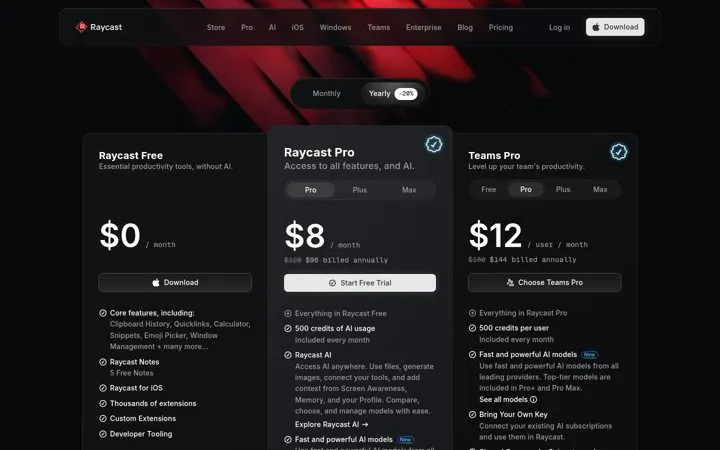
 Raycast
A clear free plan plus a clear AI upgrade keeps the choice simple.
Pick a channel and a goal. Get real examples and a plan to fill in. Free, no login.
Yes. It is the first choice people see and it shapes how the paid plans read.
Yes. Mark the plan that fits most buyers.
Only if you sell to companies that need security reviews, invoices or custom terms.