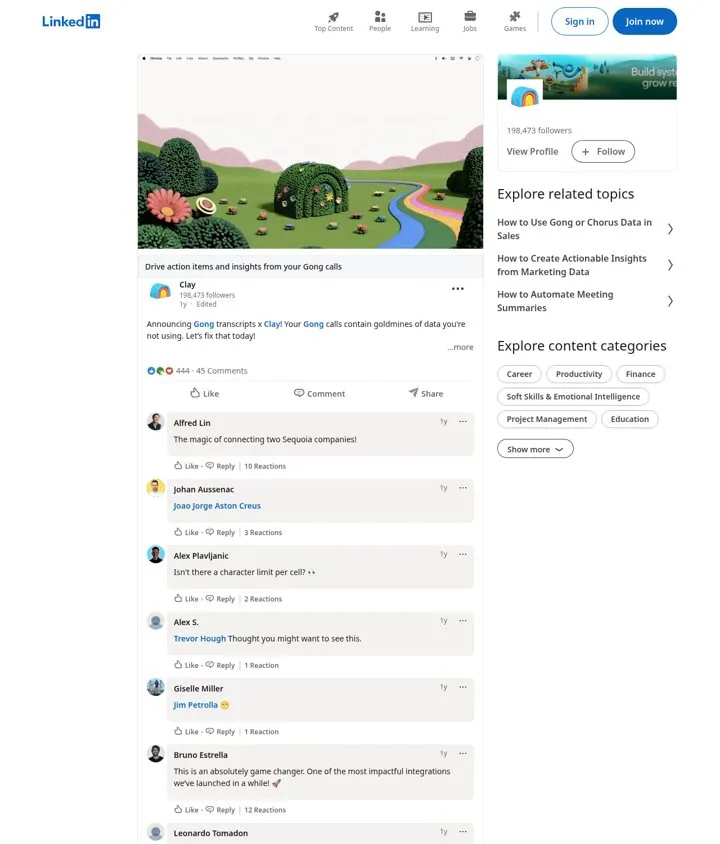
 Clay
Clay1. List the jobs an integration does
Numbered jobs make an abstract integration concrete, and the event gives a next step.
- Open with the value buyers are missing
- Name both products
- List three concrete jobs
- Bold each job
- Invite to a live demo
Announce a launch on LinkedIn from the company page and from people at the same time. The company post names what launched and lists the jobs it does. The founder or team posts add personality, a story or a video. Clay and Lavender both launched Gong integrations this way, with numbered uses and a playful hook.
Updated · By Blake Emal · 3 real examples, each linked to its source
| Post | Role | Real example |
|---|---|---|
| Company page | Facts and use cases | Clay |
| CEO | Welcome and vision | Will Allred, Lavender |
| Teammate | Humor and reach | Obaid Durrani, Clay |
ClayNumbered jobs make an abstract integration concrete, and the event gives a next step.
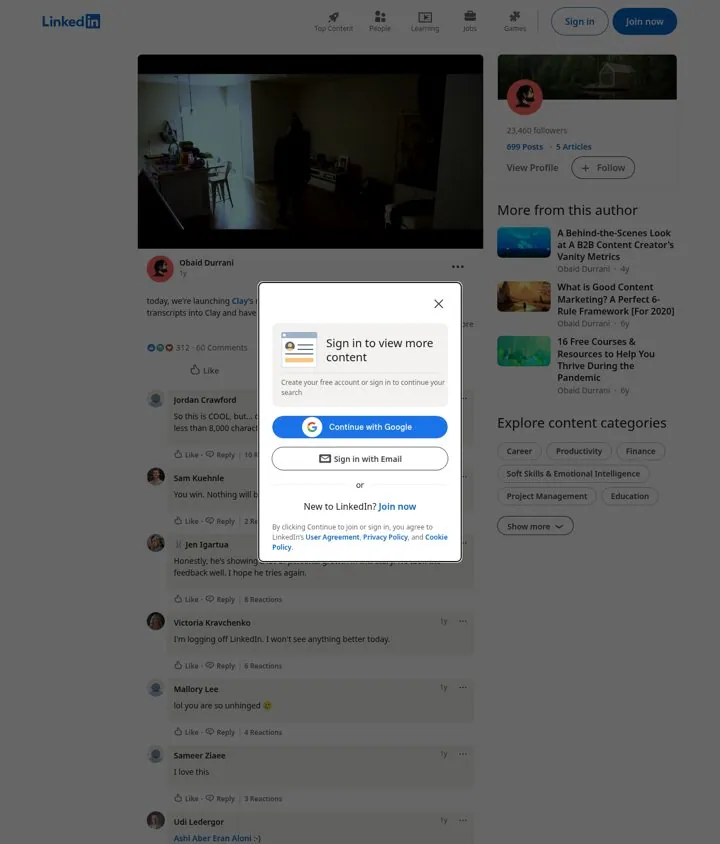 Clay
ClayA personal account with humor reaches people the company page does not.
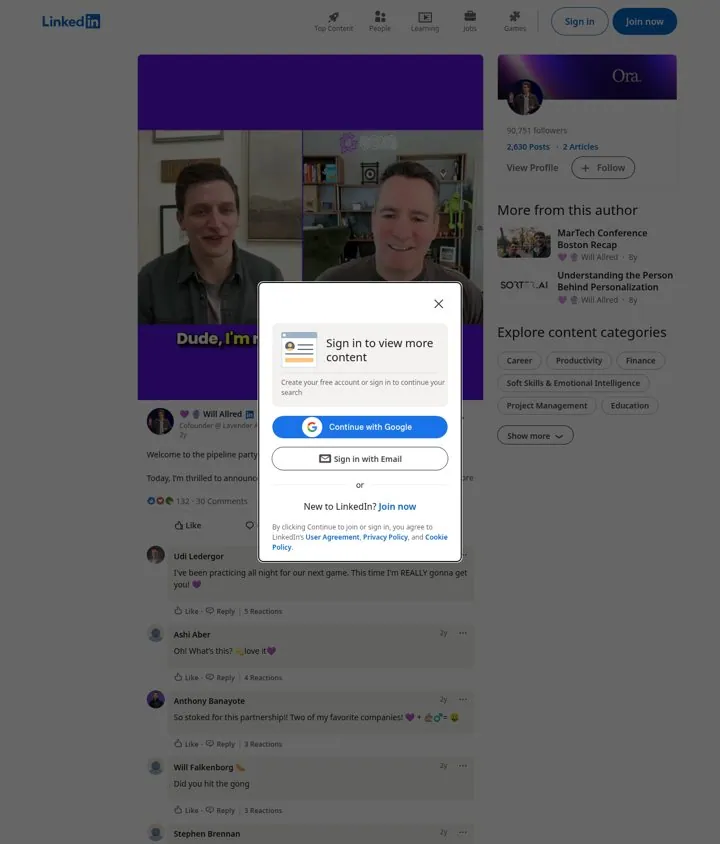
Speaking to the partner's users by a nickname makes the launch feel like a welcome, and the game gives a reason to visit.
Pick a channel and a goal. Get real examples and a plan to fill in. Free, no login.
Many teams put it in the comments, as Clay did. Test both.
The company page plus the founder and a few teammates.
They reach both audiences when both sides post.