Today’s Marketing

How to announce a new feature

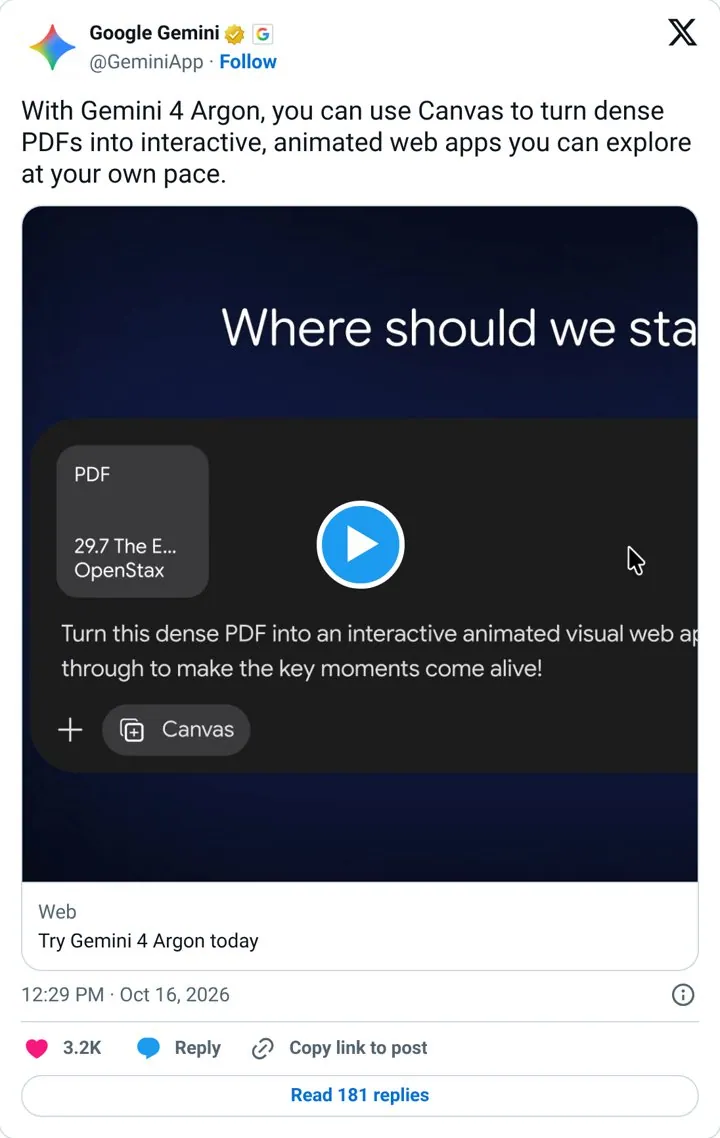
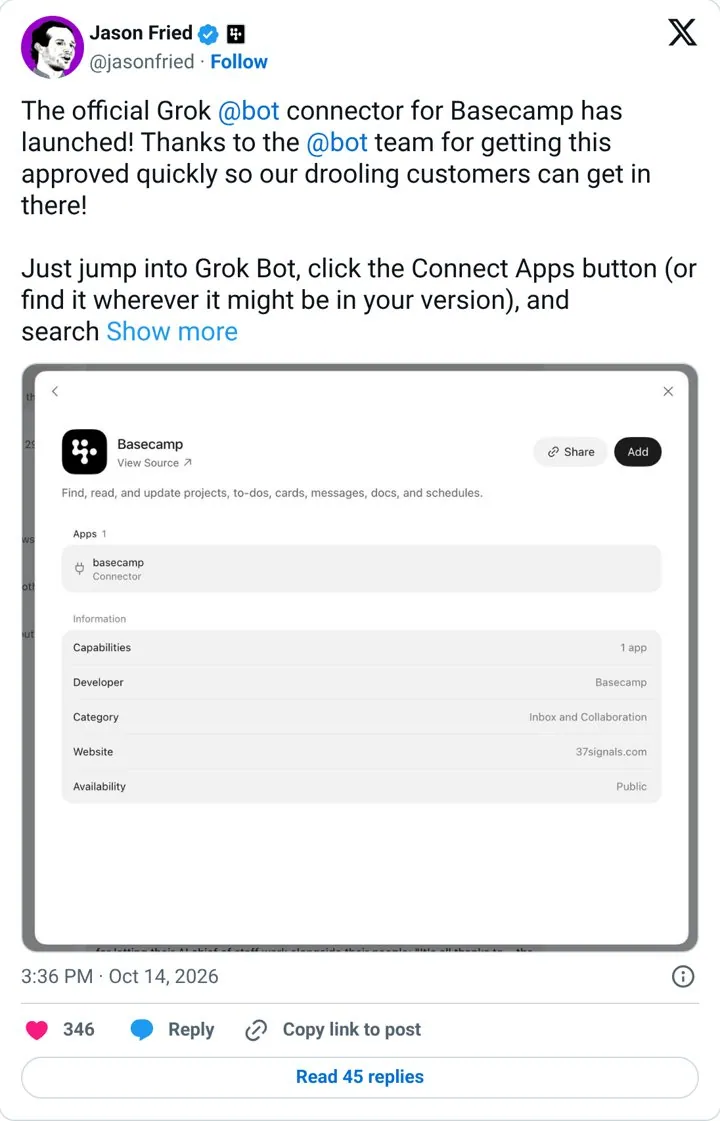
Announce a new feature by naming the change people will feel, showing it working on a real example, and telling them exactly where to find it. Use one channel to lead, then echo it in email, the changelog and in product. Basecamp told users exactly where to click, and Gemini showed one use case.

Updated · By Blake Emal · 6 real examples, each linked to its source

What are the steps

  1. Name the changeWhat can people do now.
  2. Show one real useGemini shows a single use case people can picture.
  3. Tell them where to clickJason Fried told users exactly where to find it.
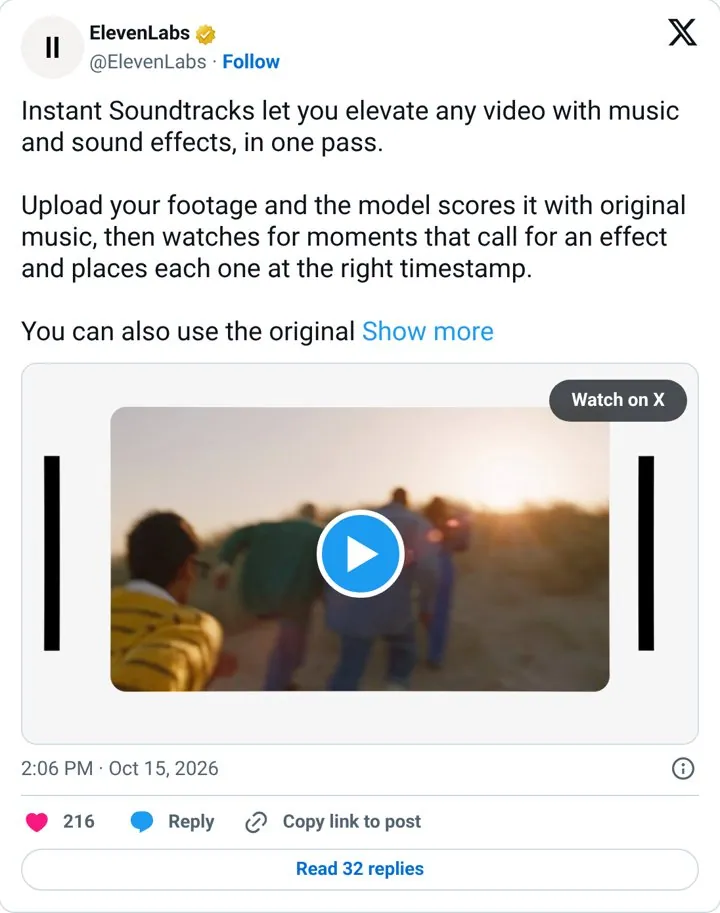
  4. Explain by outcomeElevenLabs explains a feature by what it does for you.
  5. Echo everywhereChangelog, email and an in product note.

How do the options compare

ChannelRoleReal example
Social postReachGemini, ElevenLabs
ChangelogRecordLinear
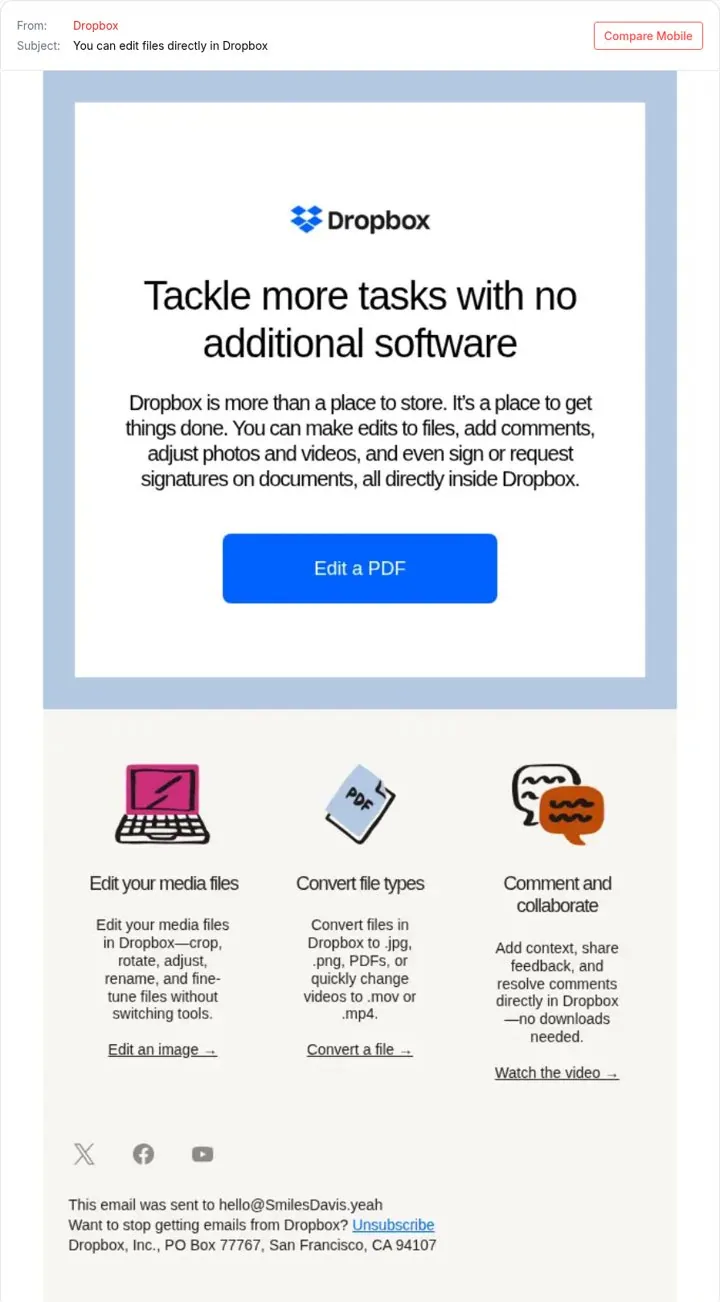
EmailExisting usersDropbox
In productAdoptionLovable
Founder postTrustJason Fried

Which real examples show it

Tell users exactly where to click
Basecamp

1. Tell users exactly where to click

Launching inside a fast growing AI assistant puts the product where users already work, and the steps lower friction.

  1. Ship a connector for a popular AI assistant
  2. Thank the partner team by name
  3. Tell users exactly how to turn it on
  4. Post from the founder account

Full breakdown · Source

Get three ideas for your own product

Pick a channel and a goal. Get real examples and a plan to fill in. Free, no login.

Open the idea generator

What else do people ask

How do I announce a feature to existing customers

Email the users who can use it, with one button straight to the feature.

Should every feature get a post

Big ones yes. Bundle small ones into a weekly or monthly update.

What should a feature announcement include

The change, one visual, who gets it and where to find it.

Related answers

One email every Monday