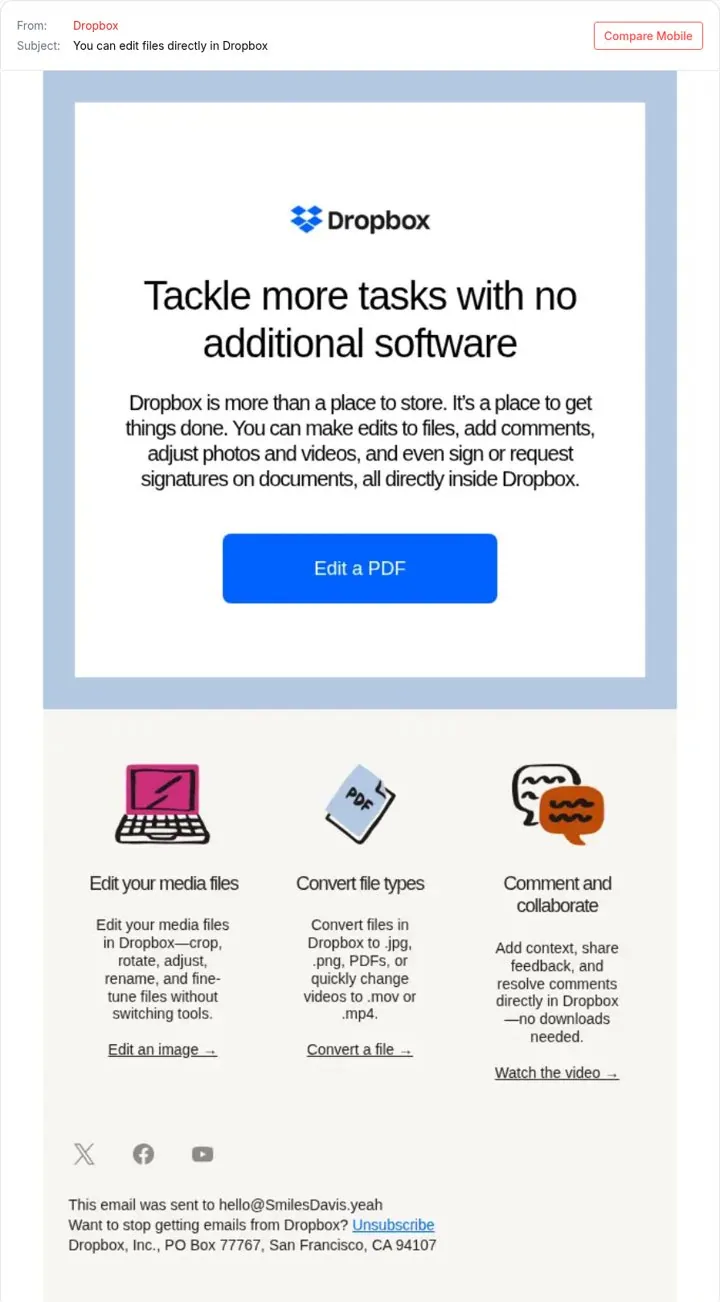
 Dropbox
1. Tell users what they can do now
Concrete tasks show value faster than a feature name.
- Name the task in the subject
- Show three tasks with icons
- Give each task a link
A product update email tells users what they can do now that they could not do before. Lead with the change they will feel, show it in one image, and give one button to try it. Bundle small updates into a monthly email, as Framer does, and send big ones on their own.
Updated · By Blake Emal · 4 real examples, each linked to its source
| Format | When to use it | Real example |
|---|---|---|
| Single feature email | A big change | Dropbox |
| Monthly roundup | Many small changes | Framer |
| Teach then show | Feature needs skill | Canva |
| Newsletter with a hook | Thought leadership | Chargebee |
DropboxConcrete tasks show value faster than a feature name.
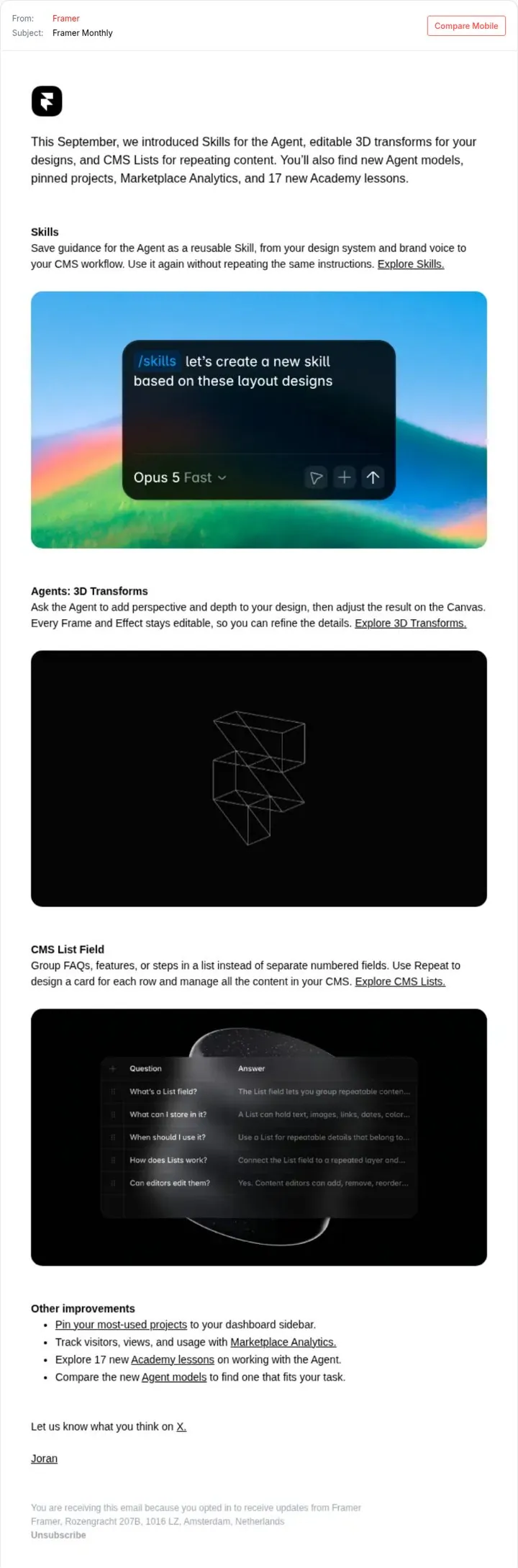
 Framer
One monthly digest keeps users up to date without many emails.
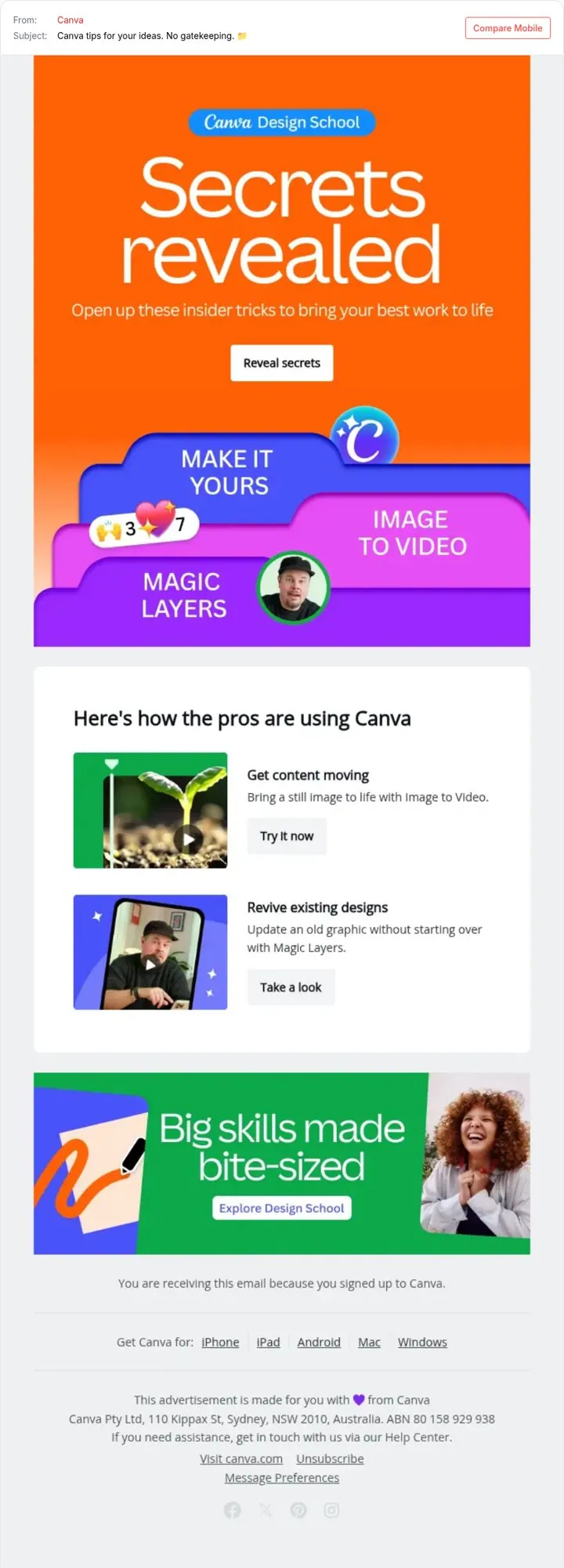
 Canva
CanvaTips feel like a gift, and the features come along for the ride.
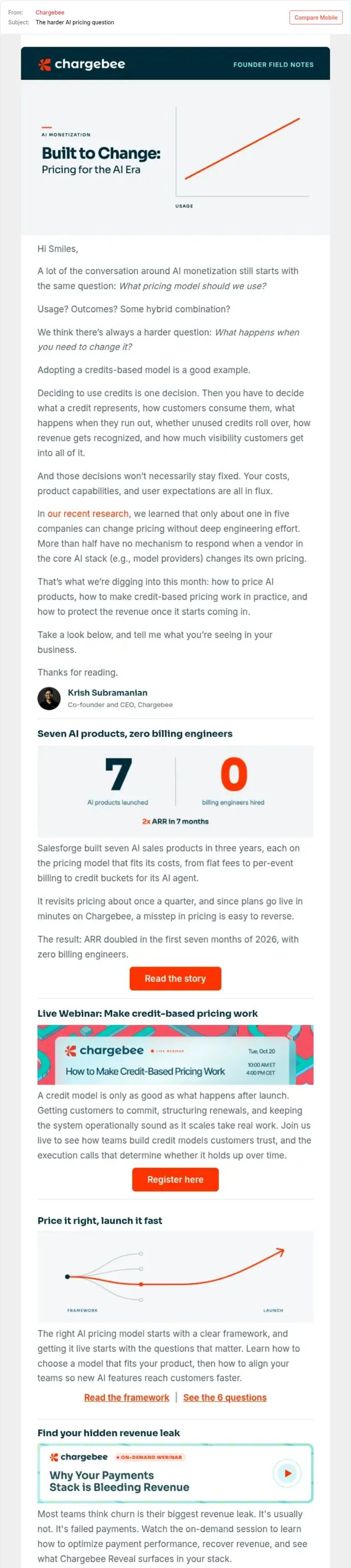
 Chargebee
A real question makes the email feel like advice not a promo.
Pick a channel and a goal. Get real examples and a plan to fill in. Free, no login.
Monthly for small changes, plus a separate email for each major launch.
Name the new thing people can do, in plain words.
Send to users who can use the change, and let others opt in.