Today’s Marketing

How to make a changelog easy for AI tools to read

To make a changelog easy for AI tools and answer engines to read, give every entry its own page with a plain title and date, use the same sections in every entry, offer a Markdown or LLM copy option and an RSS feed, and flag breaking changes clearly. Supabase and Stripe both add Markdown options.

Updated · By Blake Emal · 6 real examples, each linked to its source

What are the steps

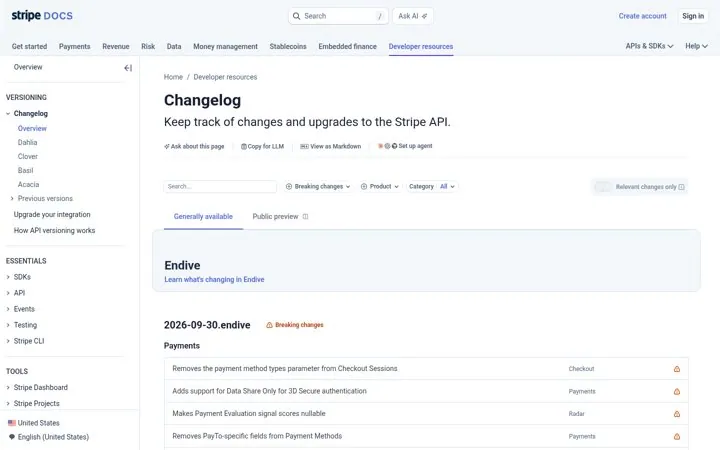
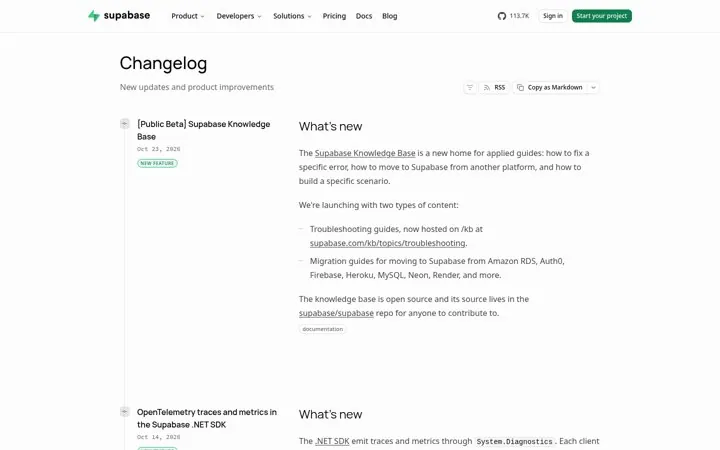
  1. Add a Markdown optionSupabase has Copy as Markdown, and Stripe has Copy for LLM and View as Markdown.
  2. Use fixed sectionsSupabase entries use What's new, What you get and How to use it.
  3. Flag breaking changesStripe has a Breaking changes filter.
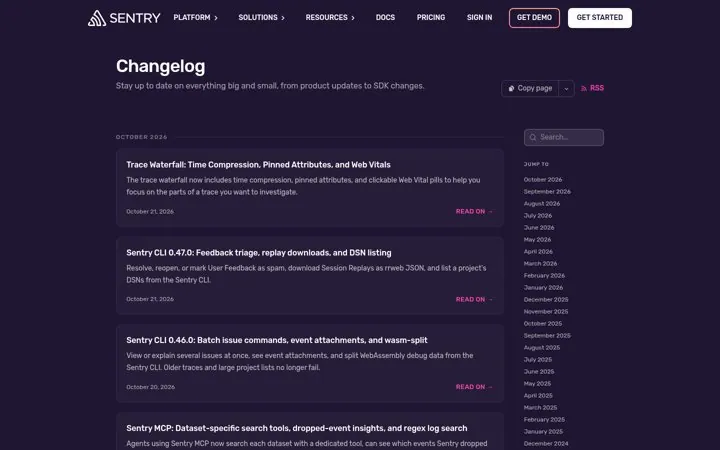
  4. Offer RSSCloudflare, Sentry and Tailscale offer RSS feeds.
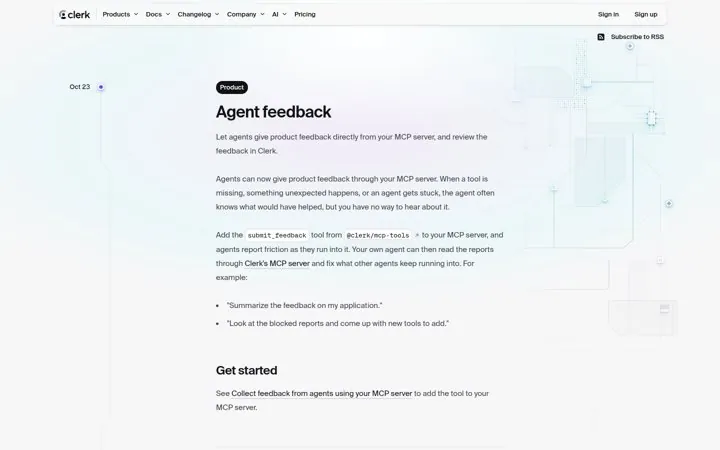
  5. Keep titles plainName the feature and the change, like Clerk's Agent feedback.

How do the options compare

MoveWhy AI tools need itReal example
Copy as MarkdownClean text to paste or parseSupabase
Copy for LLMReady for coding assistantsStripe
Fixed sectionsPredictable structureSupabase
Breaking changes filterClear risk signalStripe
RSS feedMachine readable updatesCloudflare, Sentry

Where do these numbers come from

  1. Supabase changelog
  2. Stripe API changelog

Which real examples show it

Flag breaking changes clearly
Stripe

2. Flag breaking changes clearly

A breaking changes filter and a relevant changes toggle let each developer find only what could break their integration.

  1. Add a breaking changes filter
  2. Offer a view of only changes relevant to the user
  3. Give each release a name and a date

Full breakdown · Source

Let readers filter by product
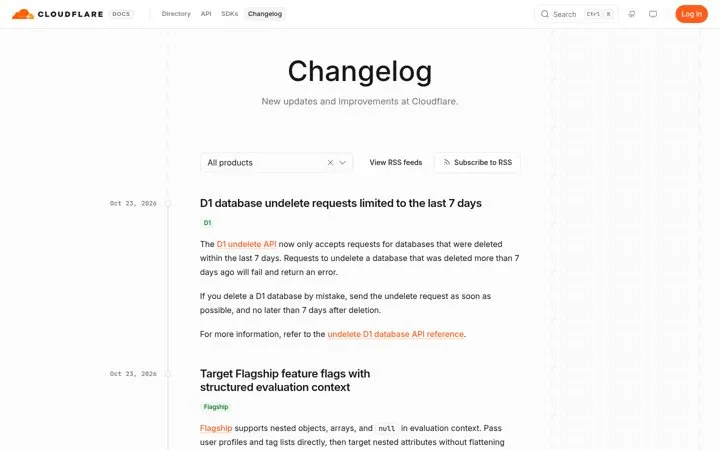
Cloudflare

4. Let readers filter by product

A company with many products needs one changelog that each team can narrow to its own stack, plus a feed per product for people who only follow one.

  1. Add a product filter to the feed
  2. Offer an RSS feed per product
  3. Tag each entry with its product name

Full breakdown · Source

Sort fixes by platform
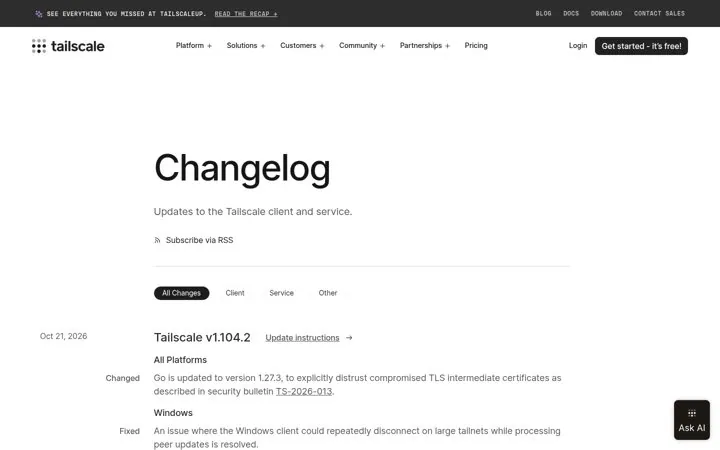
Tailscale

5. Sort fixes by platform

Grouping notes by platform lets each user skip to their device, and an update link turns the note into an action.

  1. Add tabs for client and service changes
  2. Group each release by platform
  3. Link update instructions on every release

Full breakdown · Source

Get three ideas for your own product

Pick a channel and a goal. Get real examples and a plan to fill in. Free, no login.

Open the idea generator

What else do people ask

Why does a changelog matter for AI answers

Assistants answer questions like does this product support a feature, and a dated, plain changelog entry is a clear source for that answer.

Should a changelog be in llms.txt

Yes, link it from llms.txt along with your docs so AI tools can find it.

Is a docs changelog enough

For developer products, often yes. Stripe keeps its API changelog inside its docs, next to the versioning guides.

Related answers

One email every Monday