Today’s Marketing

What a SaaS changelog page should include

A SaaS changelog page should include dated entries with a plain title and a one line benefit, a tag for the type of change and the product area, filters, a way to subscribe by email or RSS, and a link to try or set up each feature. Give each entry its own page so it can be shared.

Updated · By Blake Emal · 6 real examples, each linked to its source

What are the steps

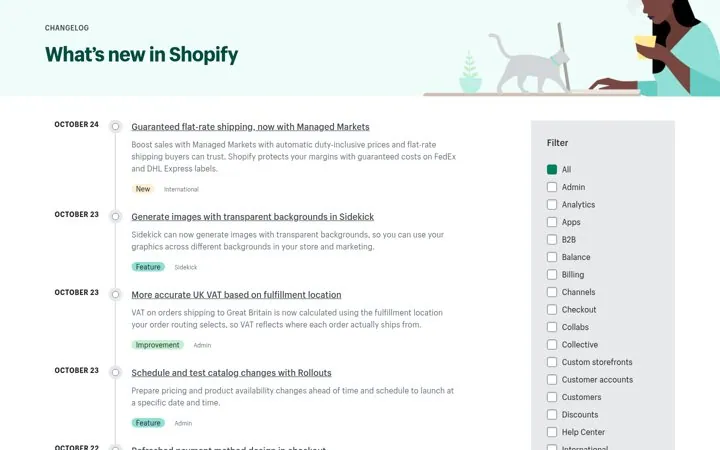
  1. Date every entryShopify puts each update on a dated timeline.
  2. Tag type and areaShopify pairs a type like Feature with an area like Checkout.
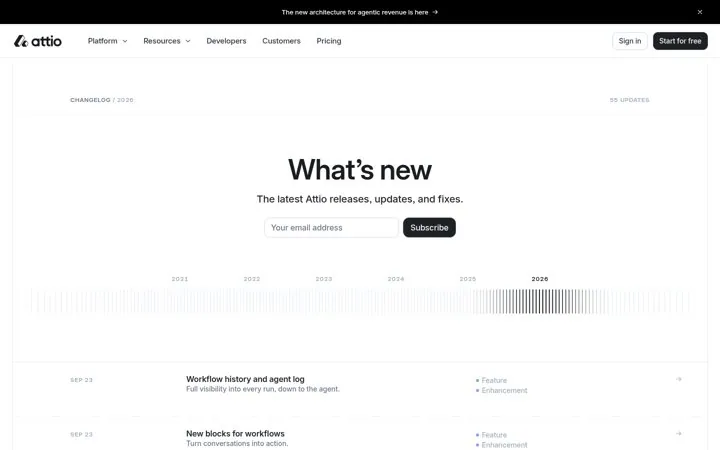
  3. Write a one line benefitAttio adds lines like Full visibility into every run, down to the agent.
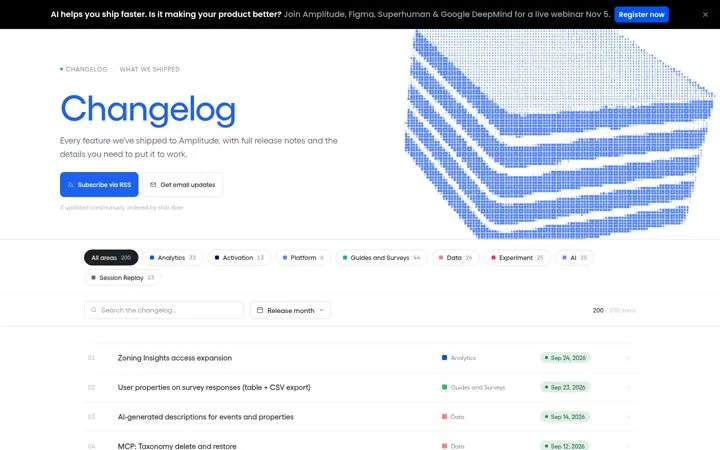
  4. Offer a subscribe optionAttio puts an email box under the headline, and Amplitude offers RSS and email.
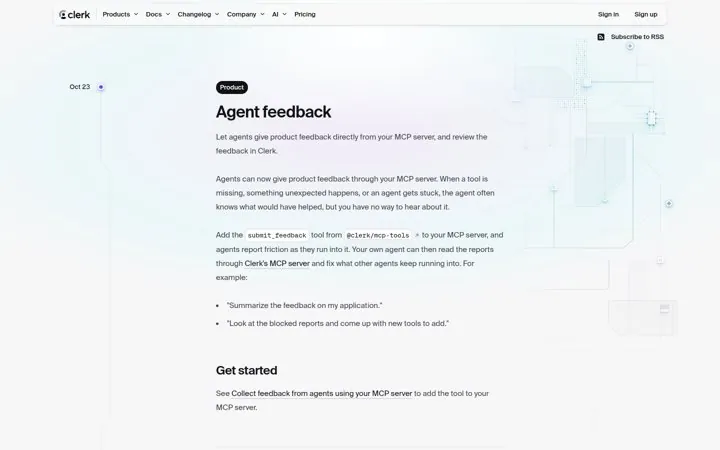
  5. Link to try itClerk ends entries with a Get started section that links to the docs.

How do the options compare

ElementJob it doesReal example
Dated timelineShows freshnessShopify
Type and area tagsEasy scanningShopify
One line benefitSays why it mattersAttio
Subscribe optionBrings readers backAttio, Amplitude
Get started linkDrives adoptionClerk

Where do these numbers come from

  1. Shopify changelog
  2. Attio changelog

Which real examples show it

Tag every update by type and area
Shopify

1. Tag every update by type and area

Two tags per entry let a merchant scan for what touches their store, so a busy changelog stays useful instead of noisy.

  1. Tag each entry with a type and a product area
  2. Add a filter sidebar for the areas
  3. Keep each summary to one or two lines

Full breakdown · Source

Put a subscribe box in the changelog hero
Attio

2. Put a subscribe box in the changelog hero

An email box at the top turns readers into a list you can reach with every release, and the year scrubber shows years of steady shipping.

  1. Put an email subscribe box under the headline
  2. Add a timeline people can jump through
  3. Write a one line benefit under each title

Full breakdown · Source

Show how many updates each area got
Amplitude

3. Show how many updates each area got

Counts on the area chips prove momentum at a glance and let each buyer jump to the part of the product they care about.

  1. Add filter chips for each product area
  2. Show the number of updates on each chip
  3. Offer both RSS and email updates

Full breakdown · Source

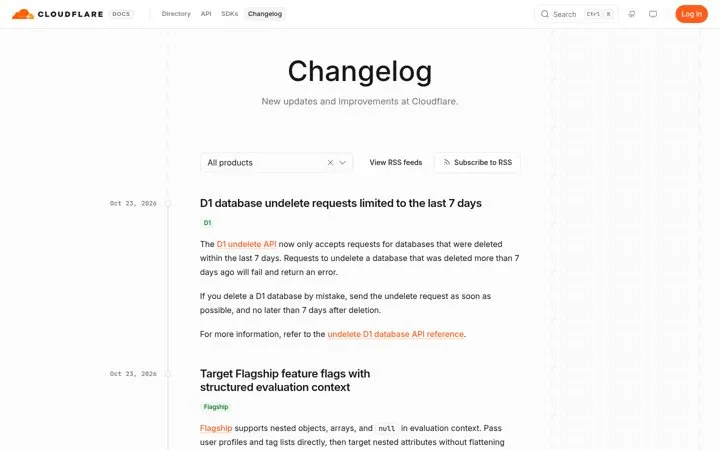
Let readers filter by product
Cloudflare

5. Let readers filter by product

A company with many products needs one changelog that each team can narrow to its own stack, plus a feed per product for people who only follow one.

  1. Add a product filter to the feed
  2. Offer an RSS feed per product
  3. Tag each entry with its product name

Full breakdown · Source

Get three ideas for your own product

Pick a channel and a goal. Get real examples and a plan to fill in. Free, no login.

Open the idea generator

What else do people ask

Should every changelog entry have its own page

Yes. A page per entry can be linked from emails, social posts and docs, and it can rank for the feature name.

Should a changelog include bug fixes

Yes, but keep them short or grouped. Tailscale lists fixes under each platform, and Liveblocks lists fixes by version inside each week.

Where should the changelog link go

In the main nav or footer and in your docs. Clerk and Trigger.dev put Changelog in the top nav.

Related answers

One email every Monday