Today’s Marketing

How to organize a changelog page

Organize a changelog so each reader can find what touches them. Tag every entry by type and product area, add filters for those tags, group entries by date with an archive, and pin the biggest launches at the top. Companies with many products should add a filter and a feed per product.

Updated · By Blake Emal · 6 real examples, each linked to its source

What are the steps

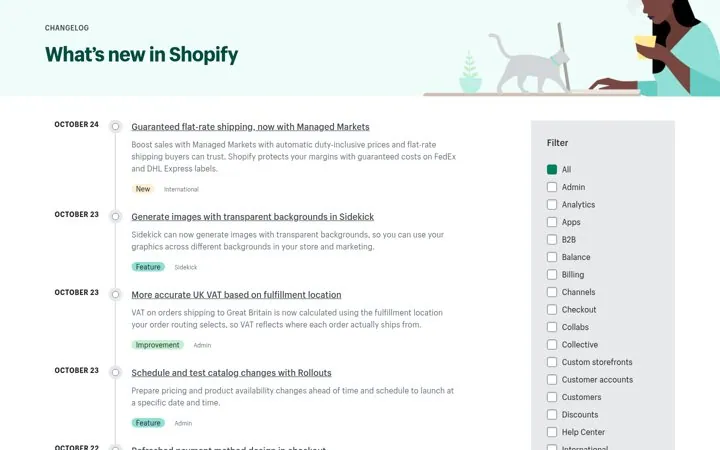
  1. Tag every entryShopify tags type and area, like Improvement and Admin.
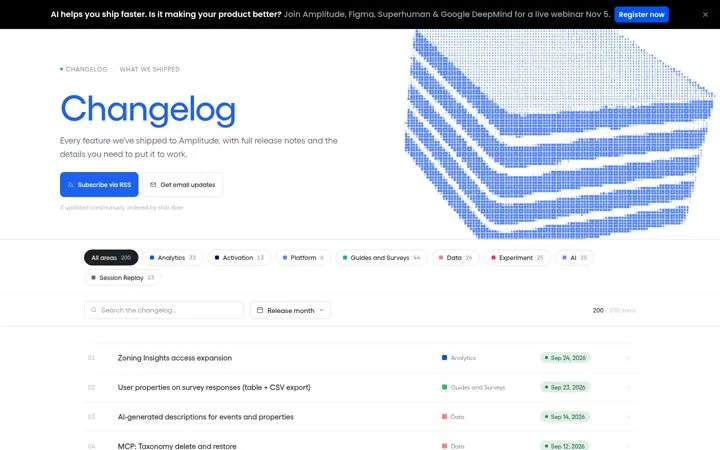
  2. Add filtersAmplitude shows area chips with counts, like Guides and Surveys 44.
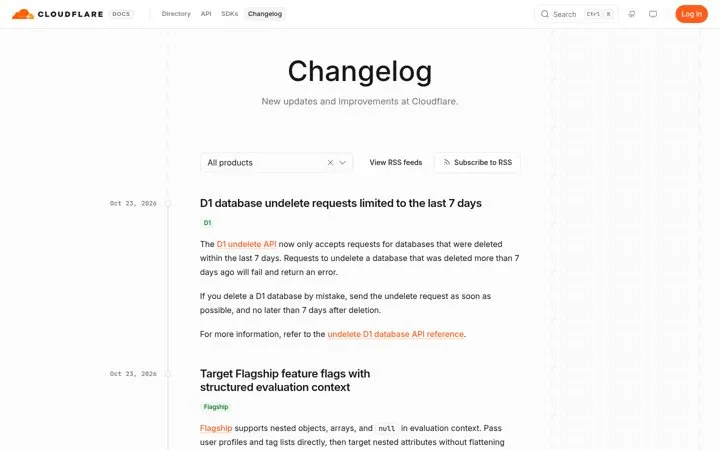
  3. Filter by productCloudflare has an All products dropdown and an RSS feed per product.
  4. Add an archiveSentry groups by month and adds a Jump to list.
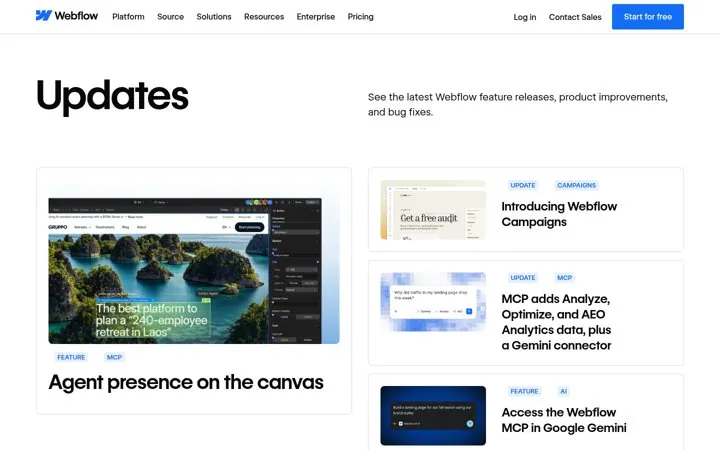
  5. Pin the big launchesWebflow puts a featured grid above the feed.

How do the options compare

StructureBest forReal example
Type and area tagsBusy changelogsShopify
Area chips with countsMany product areasAmplitude
Product filter and feedsMany productsCloudflare
Month archive and searchLong historiesSentry
Featured gridBig launches plus small fixesWebflow
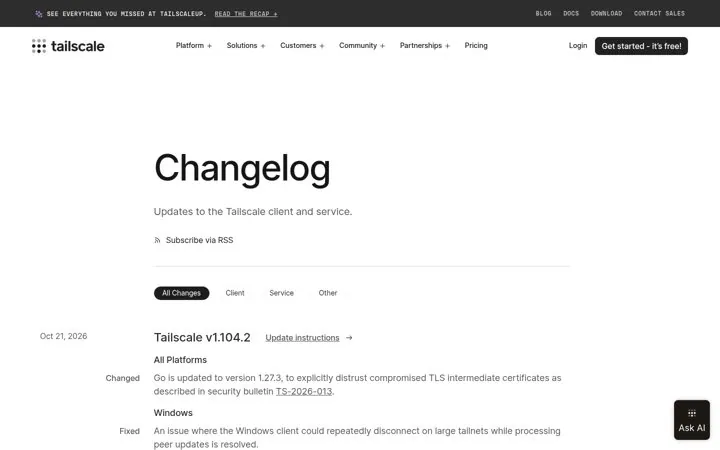
Platform groupsApps on many devicesTailscale

Where do these numbers come from

  1. Amplitude changelog
  2. Cloudflare changelog

Which real examples show it

Tag every update by type and area
Shopify

1. Tag every update by type and area

Two tags per entry let a merchant scan for what touches their store, so a busy changelog stays useful instead of noisy.

  1. Tag each entry with a type and a product area
  2. Add a filter sidebar for the areas
  3. Keep each summary to one or two lines

Full breakdown · Source

Show how many updates each area got
Amplitude

2. Show how many updates each area got

Counts on the area chips prove momentum at a glance and let each buyer jump to the part of the product they care about.

  1. Add filter chips for each product area
  2. Show the number of updates on each chip
  3. Offer both RSS and email updates

Full breakdown · Source

Let readers filter by product
Cloudflare

3. Let readers filter by product

A company with many products needs one changelog that each team can narrow to its own stack, plus a feed per product for people who only follow one.

  1. Add a product filter to the feed
  2. Offer an RSS feed per product
  3. Tag each entry with its product name

Full breakdown · Source

Sort fixes by platform
Tailscale

6. Sort fixes by platform

Grouping notes by platform lets each user skip to their device, and an update link turns the note into an action.

  1. Add tabs for client and service changes
  2. Group each release by platform
  3. Link update instructions on every release

Full breakdown · Source

Get three ideas for your own product

Pick a channel and a goal. Get real examples and a plan to fill in. Free, no login.

Open the idea generator

What else do people ask

How many tags should a changelog use

A few types like New, Improvement and Fix, plus one tag per product area. Shopify uses one of each on every entry.

Should you split changelogs by product

Keep one page with a product filter, as Cloudflare does, and offer a separate feed per product for people who follow only one.

Where should big launches go

At the top in a featured spot, as Webflow does, so they do not get lost among small fixes.

Related answers

One email every Monday