 Linear
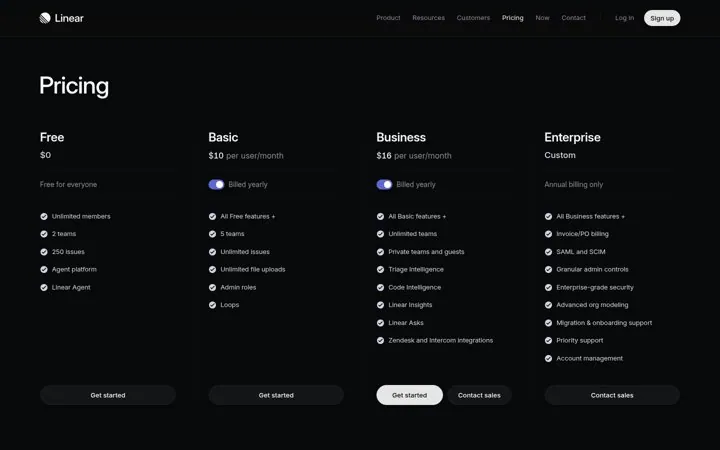
1. Keep every plan on one clean row
Four plans in one row make comparing take seconds.
- Fit all plans on one screen
- Keep each list to a few lines
- Give each plan one button
Real marketing from startups and B2B SaaS brands that is working right now, picked by hand.
Click the link we just sent to confirm your email.
Free. Unsubscribe in one click.
The best productivity tool pricing page examples make one clear move and back it with proof. Our library has 10 real ones from Linear, Cal.com, Zapier and others, each linked to the source. Common moves: keep every plan on one clean row, say free with no limits up front and tell people pricing works the same everywhere.
Updated · By Blake Emal · 10 real examples, each linked to its source
| Brand | Move | Why it works |
|---|---|---|
| Linear | Keep every plan on one clean row | Four plans in one row make comparing take seconds. |
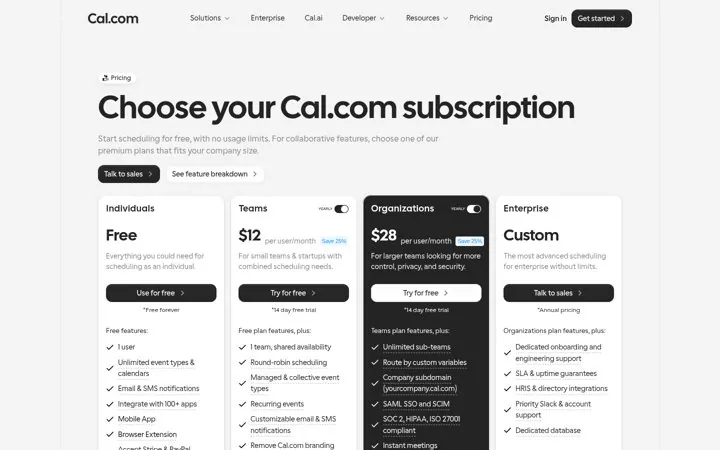
| Cal.com | Say free with no limits up front | A generous free line pulls in people who would never book a demo. |
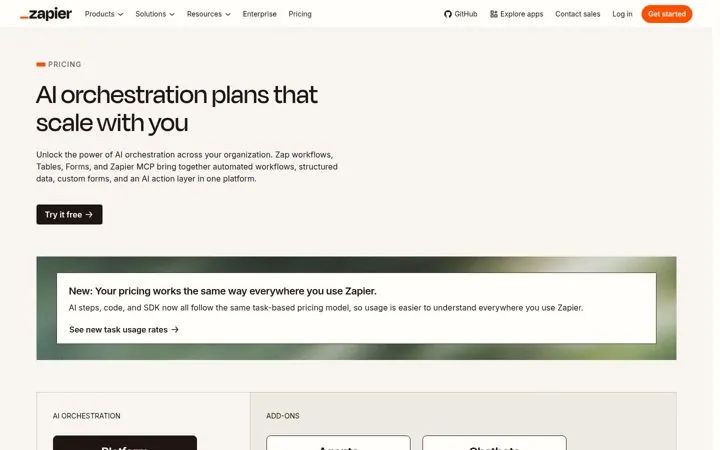
| Zapier | Tell people pricing works the same everywhere | One simple rule makes a big product easier to buy. |
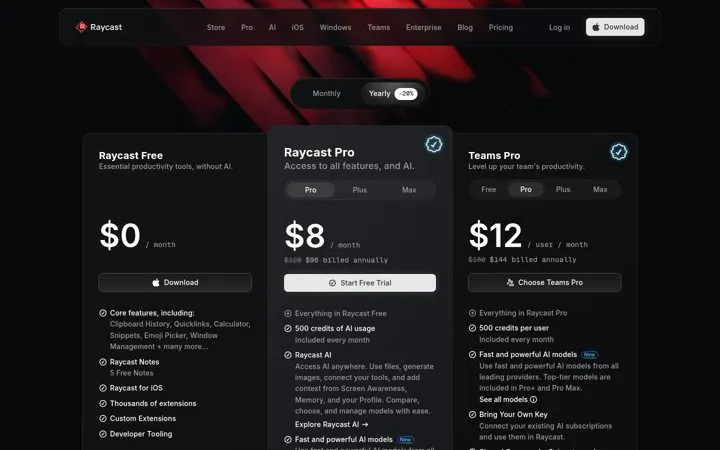
| Raycast | Price the AI as a clear upgrade | A clear free plan plus a clear AI upgrade keeps the choice simple. |
| Notion | Lead pricing with the reason to buy | A value line above the plans reminds buyers why they are here before they compare prices. |
| Calendly | Use the pricing page to sell the add on | Pricing pages get high intent visits, so naming the new add on there reaches buyers already deciding. |
| Loom | Start the ladder at free | A free starting step makes trying it a no risk choice, and the paid plans become upgrades. |
| Airtable | Show a plan for every buyer type | Naming special plans keeps buyers who think they cannot afford it from leaving. |
| Descript | Put the starting price in the meta line | A starting price in the description answers price questions in search results and AI answers before the click. |
| Slack | Speak to businesses on the paid page | Naming businesses sets the frame for paid plans and nudges teams past the free tier. |
LinearFour plans in one row make comparing take seconds.
 Cal.com
A generous free line pulls in people who would never book a demo.
 Zapier
One simple rule makes a big product easier to buy.
 Raycast
A clear free plan plus a clear AI upgrade keeps the choice simple.
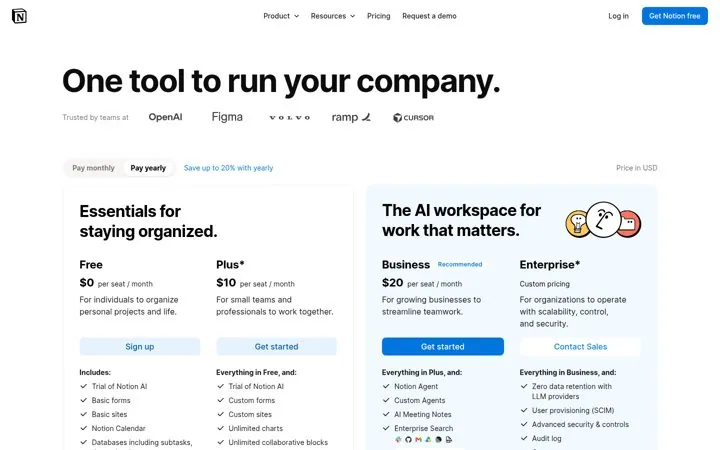
 Notion
A value line above the plans reminds buyers why they are here before they compare prices.
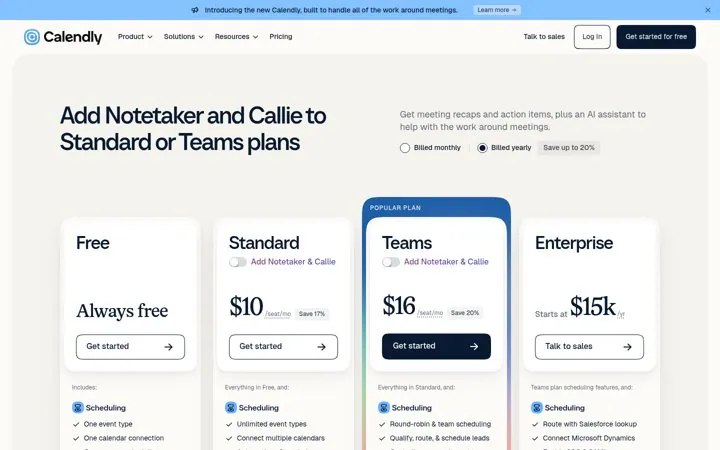
 Calendly
Pricing pages get high intent visits, so naming the new add on there reaches buyers already deciding.
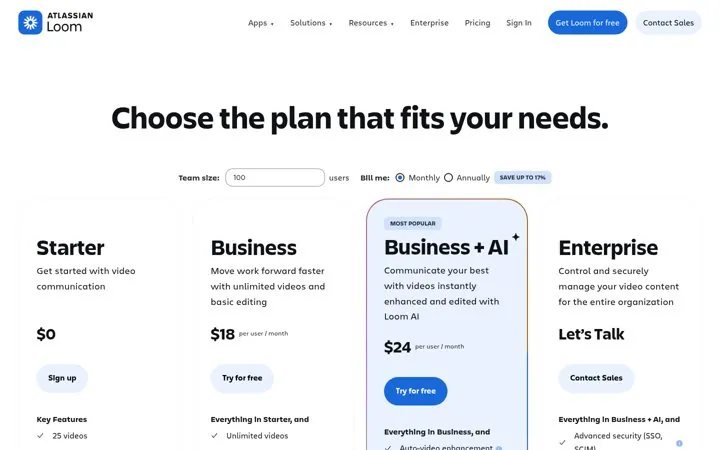
 Loom
LoomA free starting step makes trying it a no risk choice, and the paid plans become upgrades.
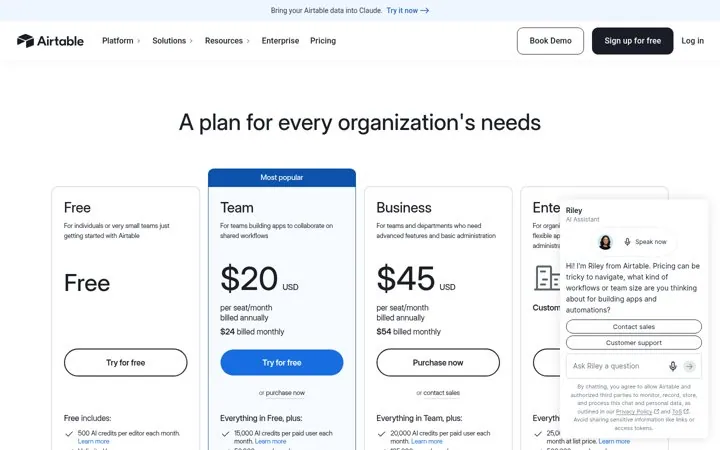
 Airtable
Naming special plans keeps buyers who think they cannot afford it from leaving.
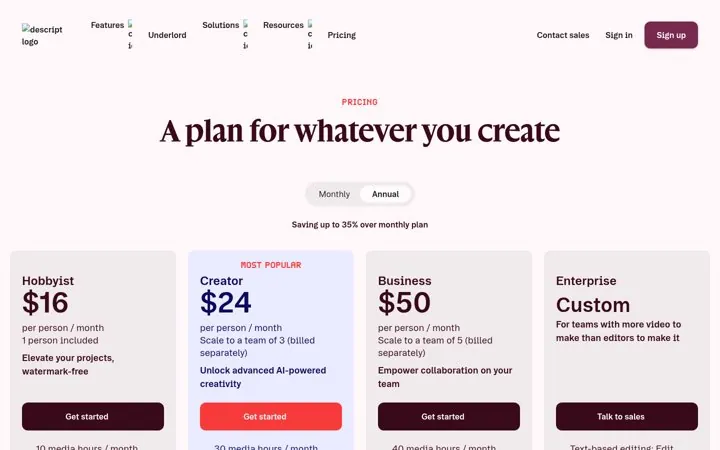
 Descript
A starting price in the description answers price questions in search results and AI answers before the click.
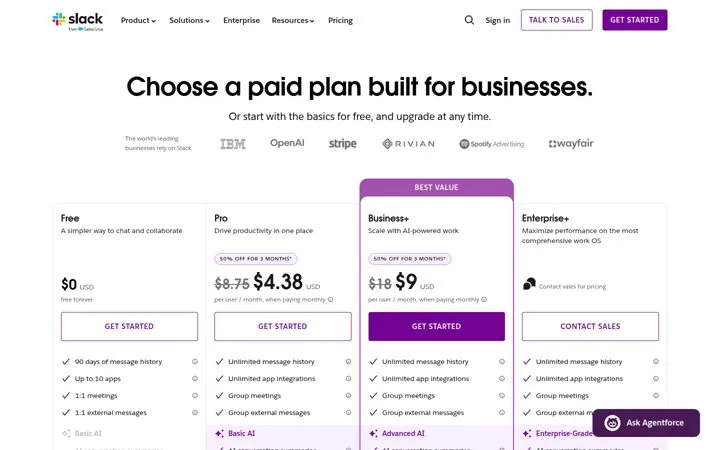
 Slack
SlackNaming businesses sets the frame for paid plans and nudges teams past the free tier.
The best productivity tool pricing page examples make one clear move and back it with proof. Our library has 10 real ones from Linear, Cal.com, Zapier and others, each linked to the source. Common moves: keep every plan on one clean row, say free with no limits up front and tell people pricing works the same everywhere.
Linear, Cal.com, Zapier, Raycast, Notion, Calendly, Loom, Airtable, Descript, Slack.
Each one is a public page, post, ad or email with a link to the source, captured by Today’s Marketing in 2026.