 Okta
OktaLead with the size of the network
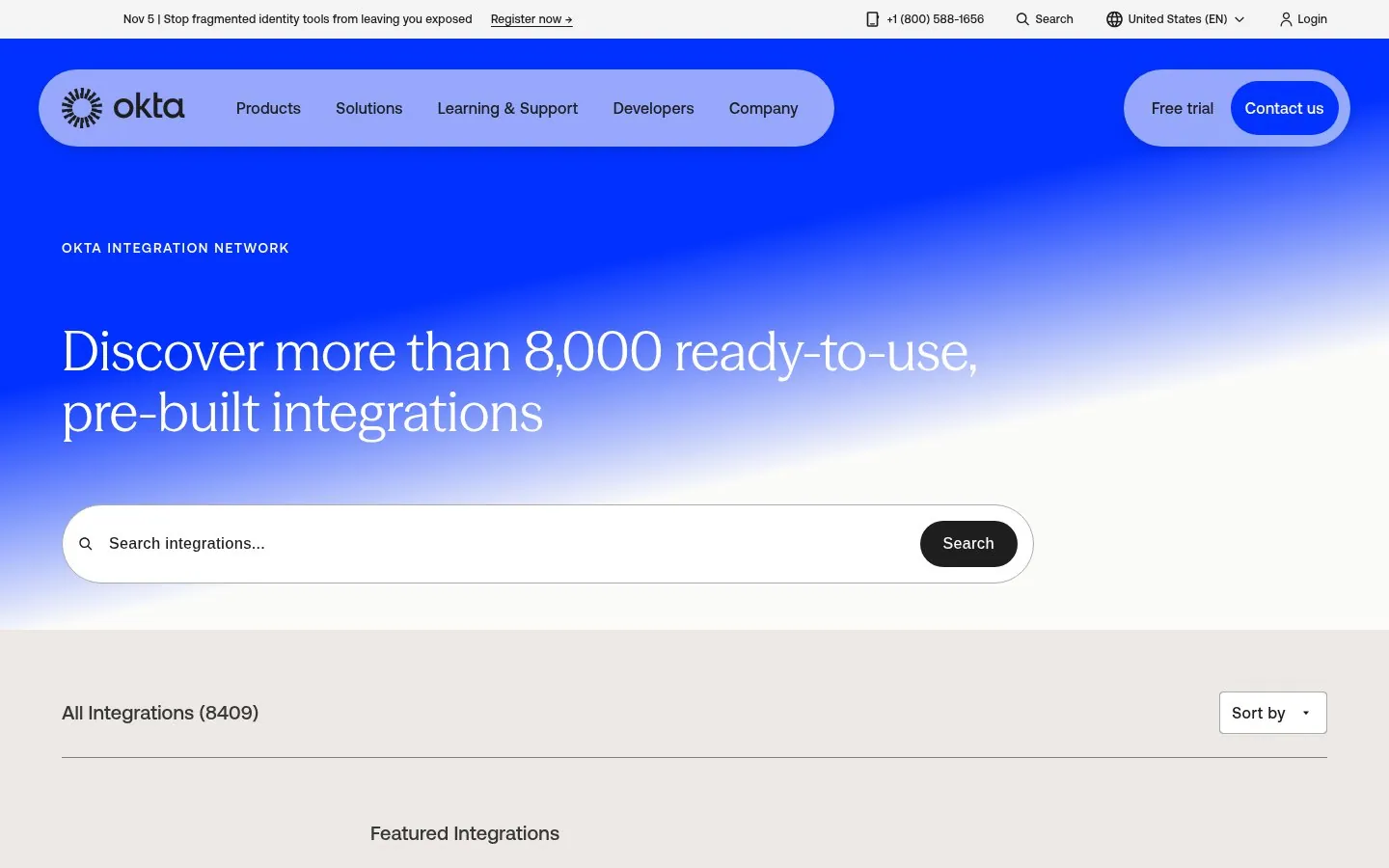
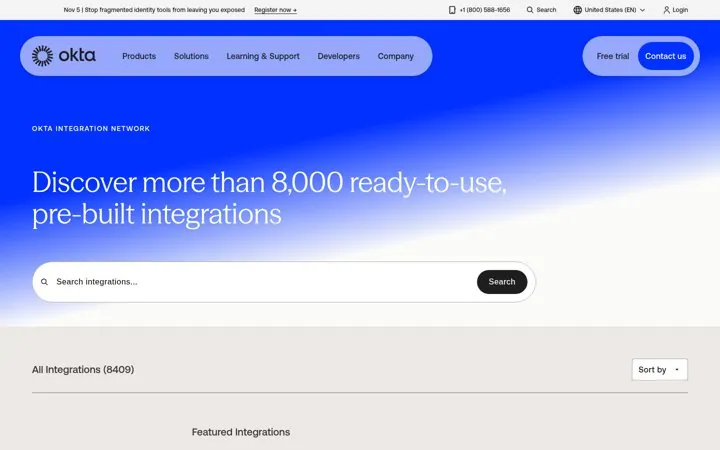
Okta leads with Discover more than 8,000 ready-to-use, pre-built integrations and a live count of 8409 under the search box.
Screenshot okta.com/integrations, Oct 23, 2026 · How to copy it
Real marketing from startups and B2B SaaS brands that is working right now, picked by hand.
Click the link we just sent to confirm your email.
Free. Unsubscribe in one click.
A good SaaS integrations page leads with the size of the network or the job the integrations do, gives people search and categories named after tasks, puts the most used integrations first, and says in one line what each one does. The twenty integrations hubs and app marketplaces below come from Okta, Productboard, Xero, ActiveCampaign, BambooHR, Square, Wix, BigCommerce, Close, Ashby, n8n, Merge, Glean, lemlist, PagerDuty, Twilio Segment, Pendo, Slack, Pipedrive and Zendesk. All were captured Oct 23, 2026, and each links to the live page.
Updated · By Blake Emal
OktaOkta leads with Discover more than 8,000 ready-to-use, pre-built integrations and a live count of 8409 under the search box.
Screenshot okta.com/integrations, Oct 23, 2026 · How to copy it
 Close
Close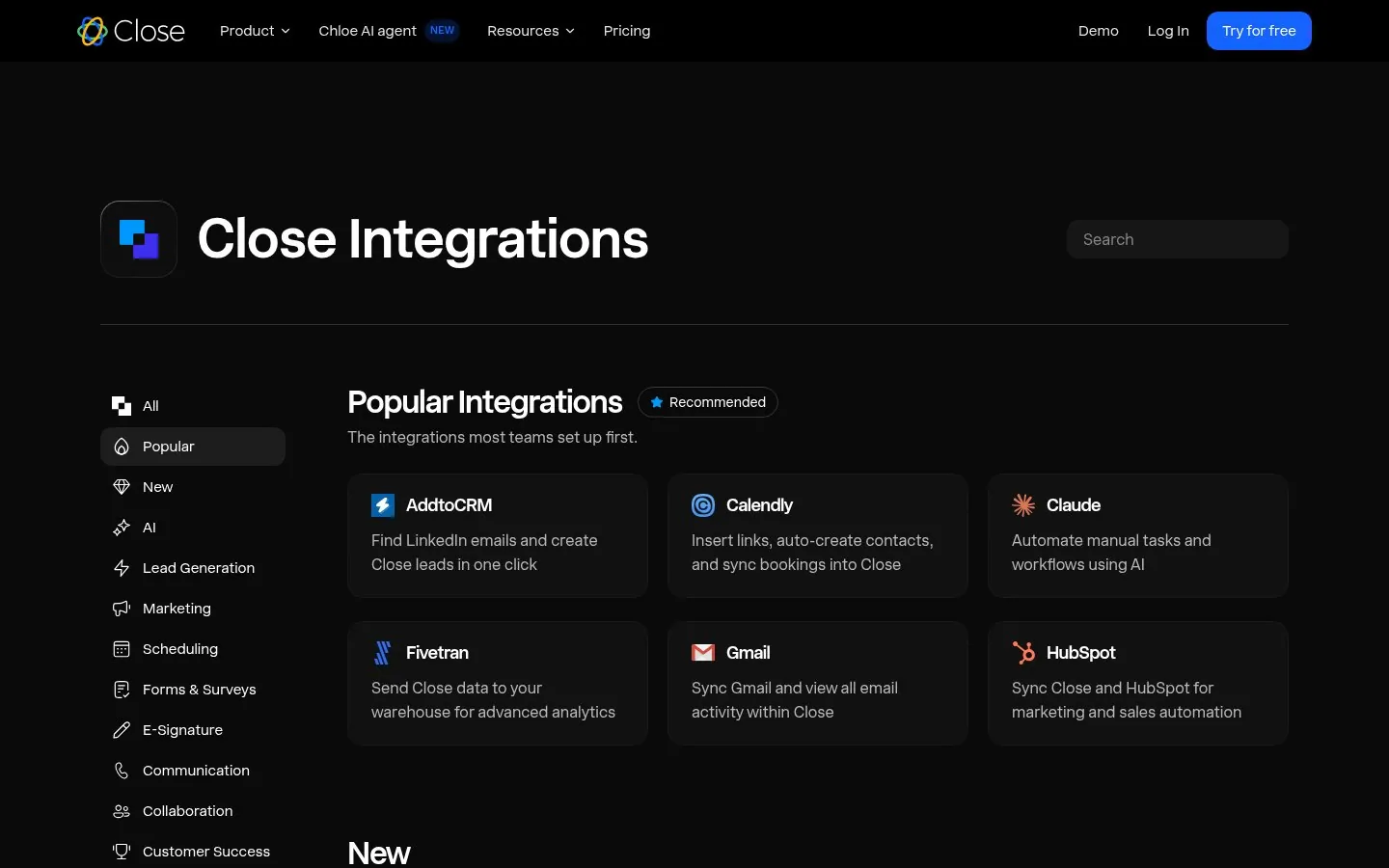
Close opens with Popular Integrations, The integrations most teams set up first, and one line per card on what each one does.
Screenshot close.com/integrations, Oct 23, 2026 · How to copy it
 Xero
Xero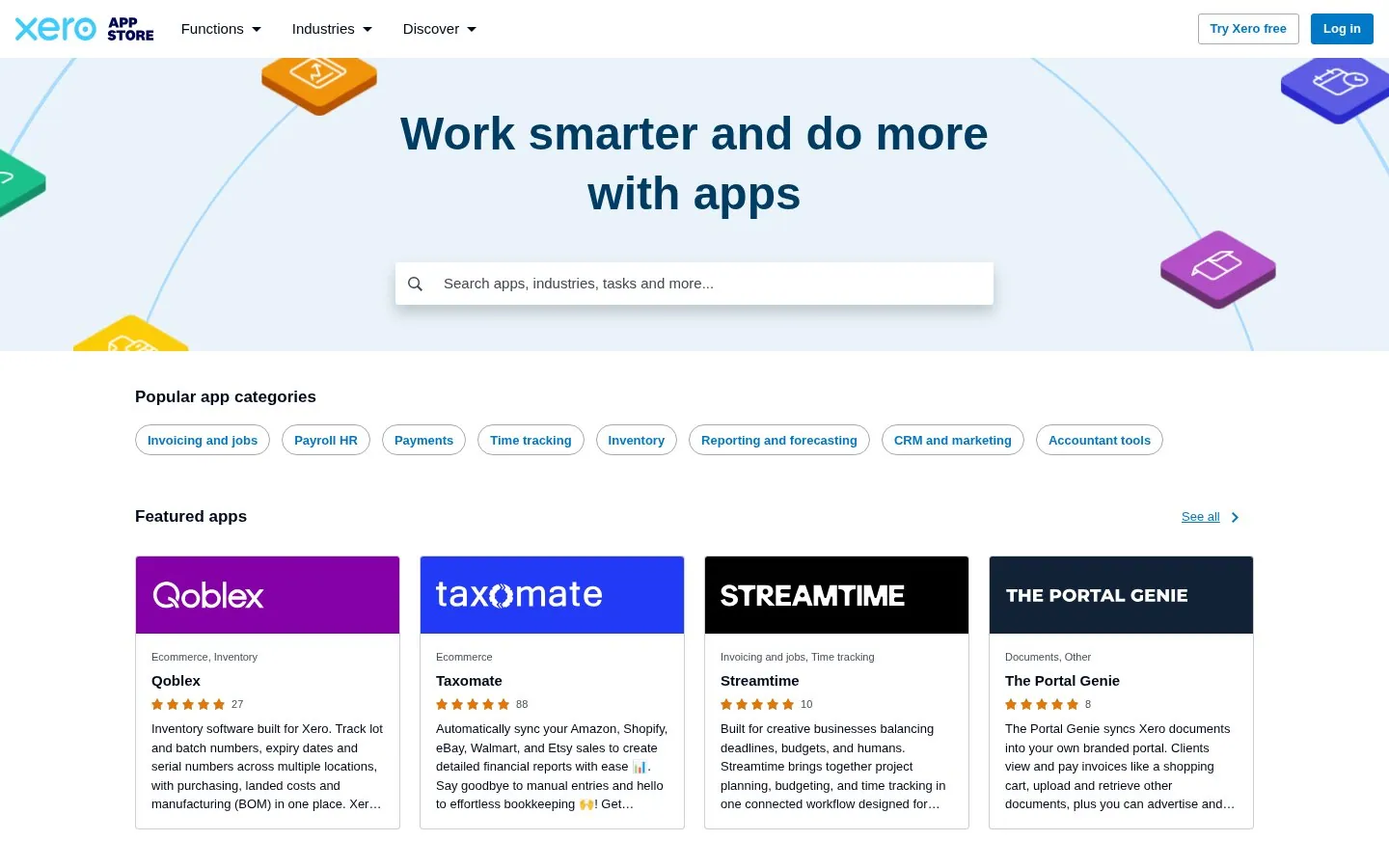
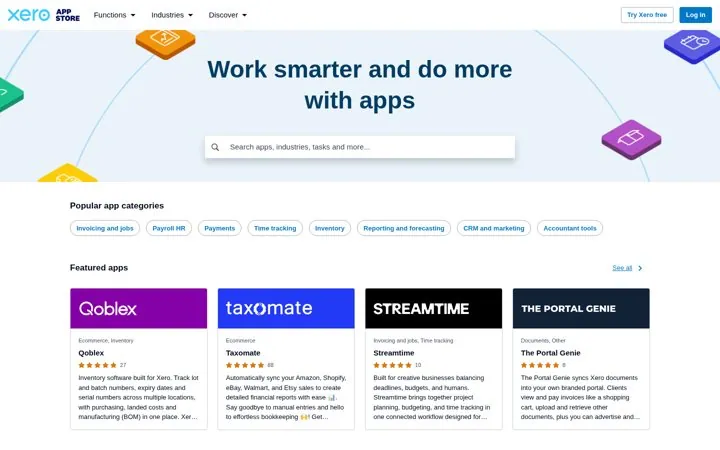
Xero names its categories after jobs, like Invoicing and jobs, Payroll HR and Time tracking, right under the search box.
 Productboard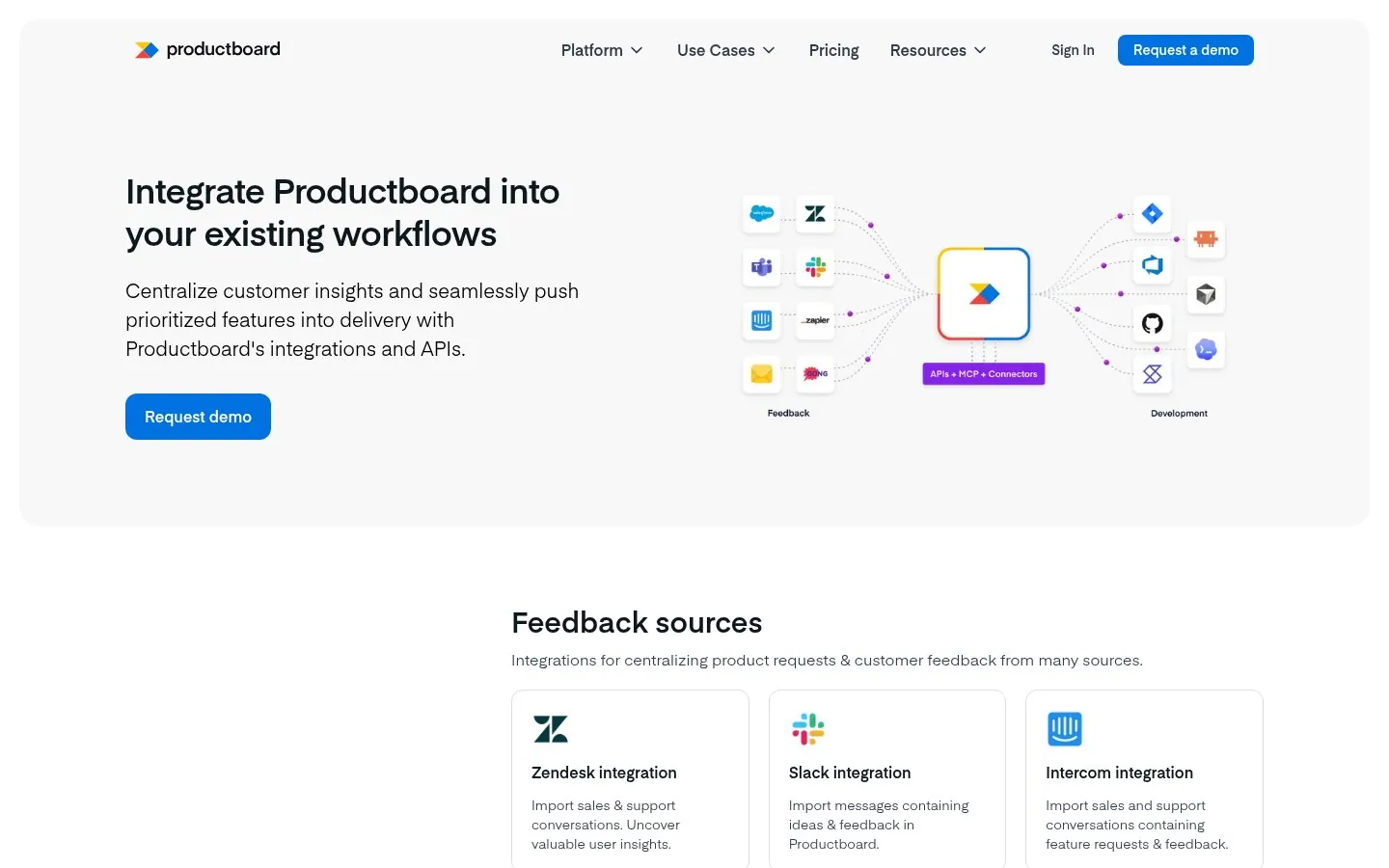
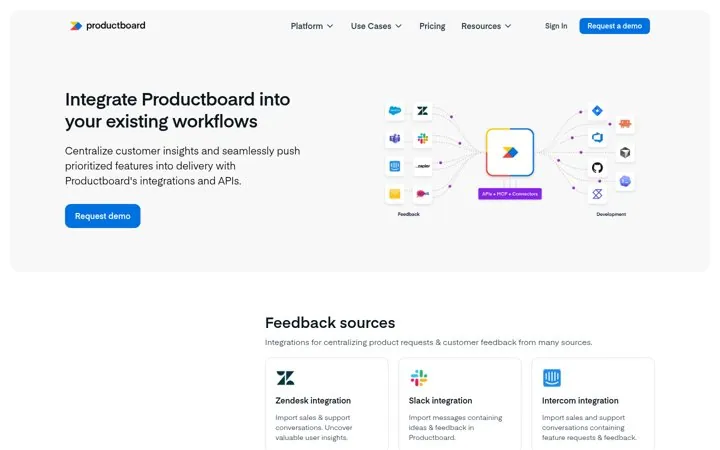
Productboard draws feedback tools flowing in and development tools flowing out, with Productboard in the middle.
Screenshot productboard.com/platform/integrations, Oct 23, 2026 · How to copy it
 Pipedrive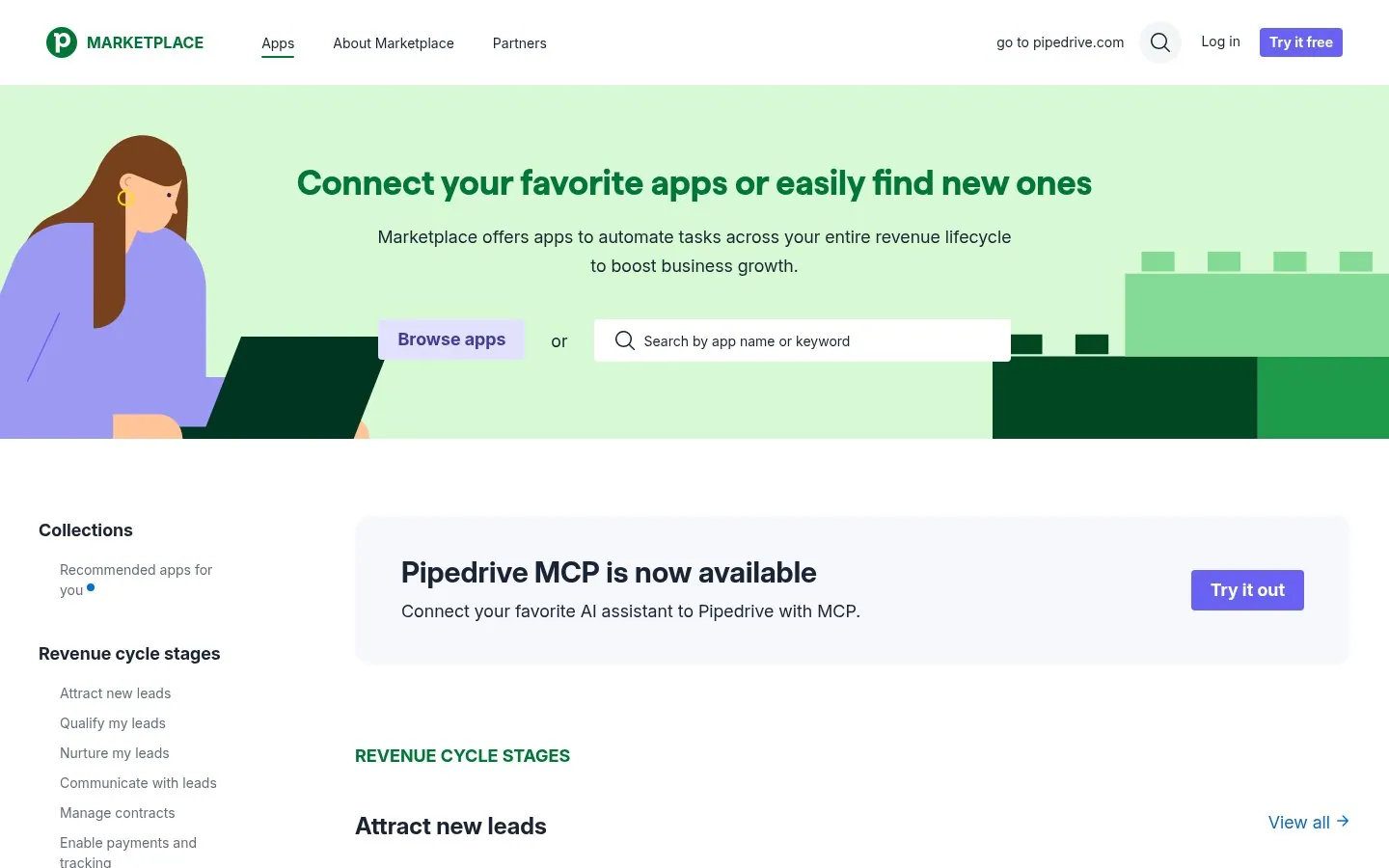
Pipedrive groups apps by revenue cycle stage, from Attract new leads to Manage contracts.
Screenshot pipedrive.com/en/marketplace, Oct 23, 2026 · How to copy it
 Ashby
Ashby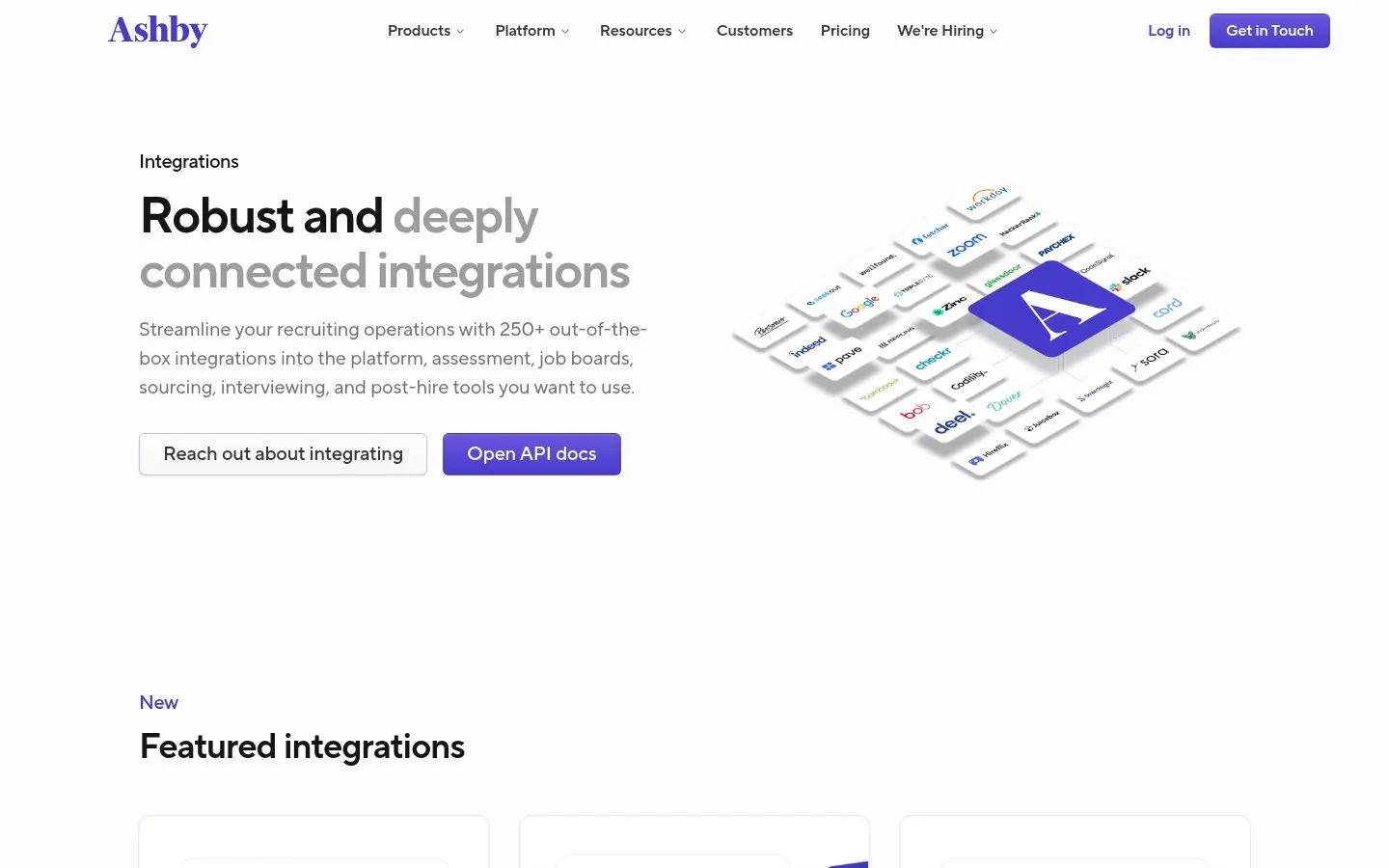
Ashby pairs 250+ integrations with Open API docs, and a Submit Request button for tools that are missing.
Screenshot ashbyhq.com/integrations, Oct 23, 2026 · How to copy it
 lemlist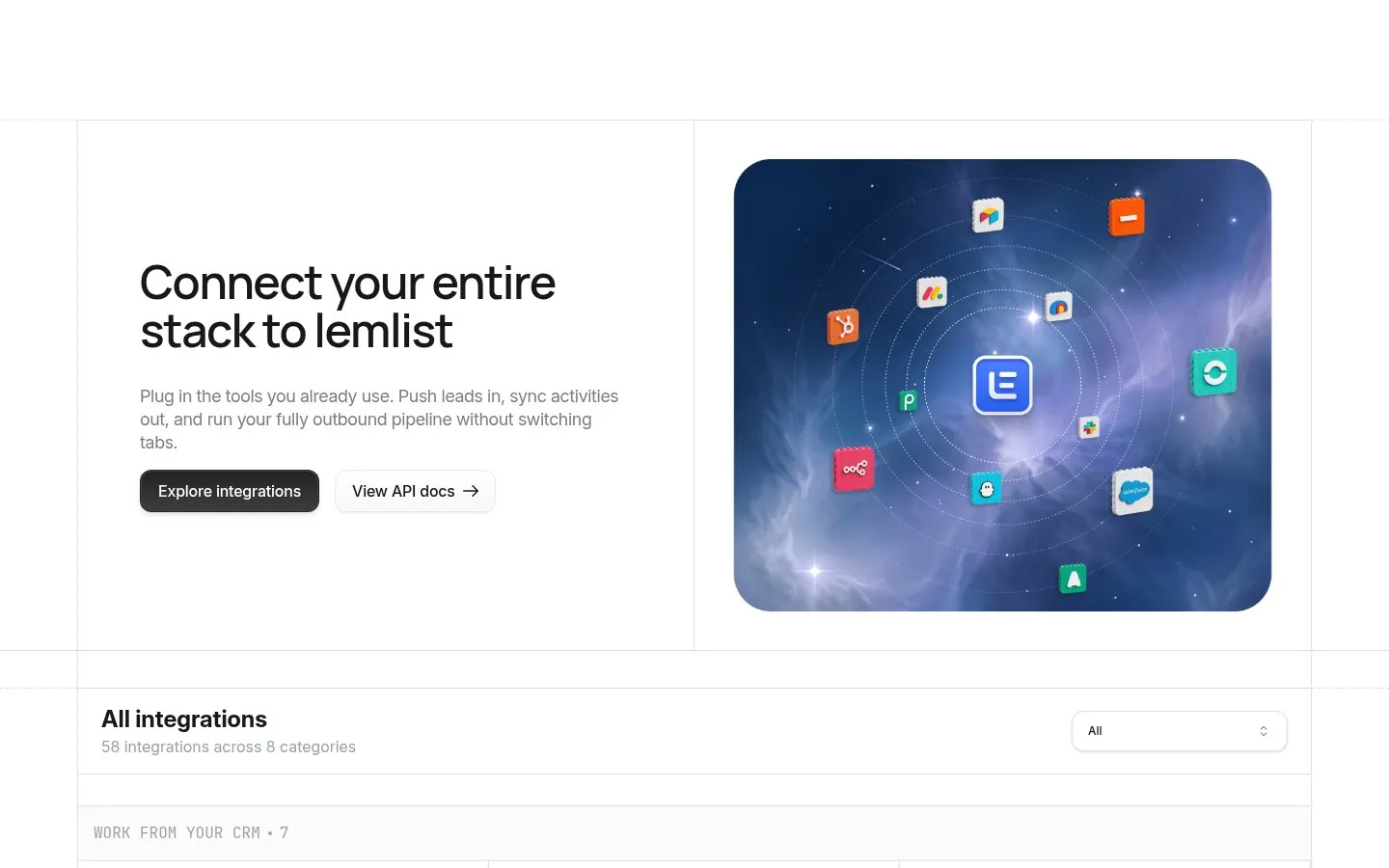
lemlist says what moves each way, Push leads in, sync activities out, and tags CRM cards with 2-WAY SYNC.
Screenshot lemlist.com/integrations, Oct 23, 2026 · How to copy it
 PagerDuty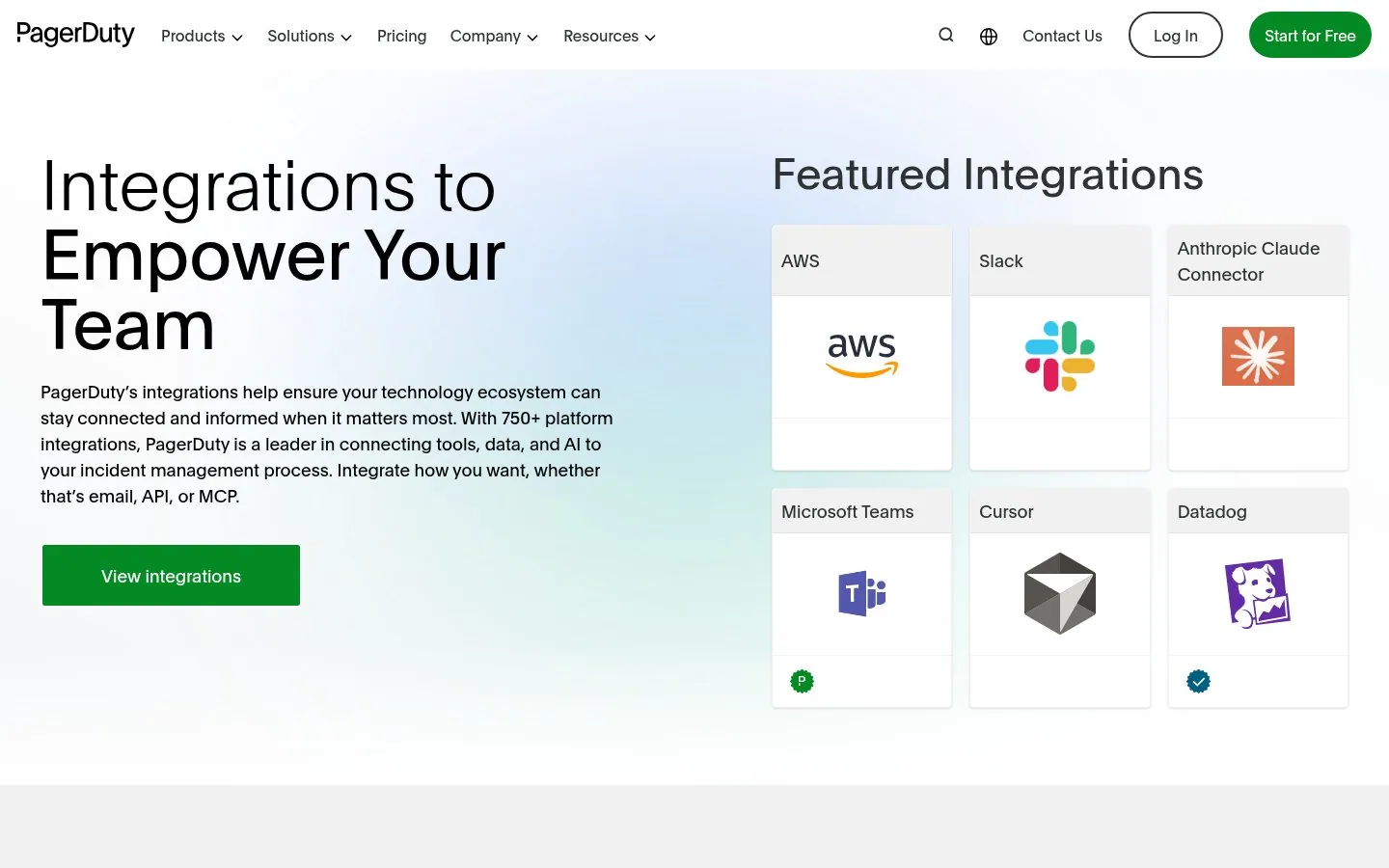
PagerDuty lists 750+ integrations and every way in, email, API or MCP, with Claude and Cursor in the featured grid.
Screenshot pagerduty.com/integrations, Oct 23, 2026 · How to copy it
 Slack
Slack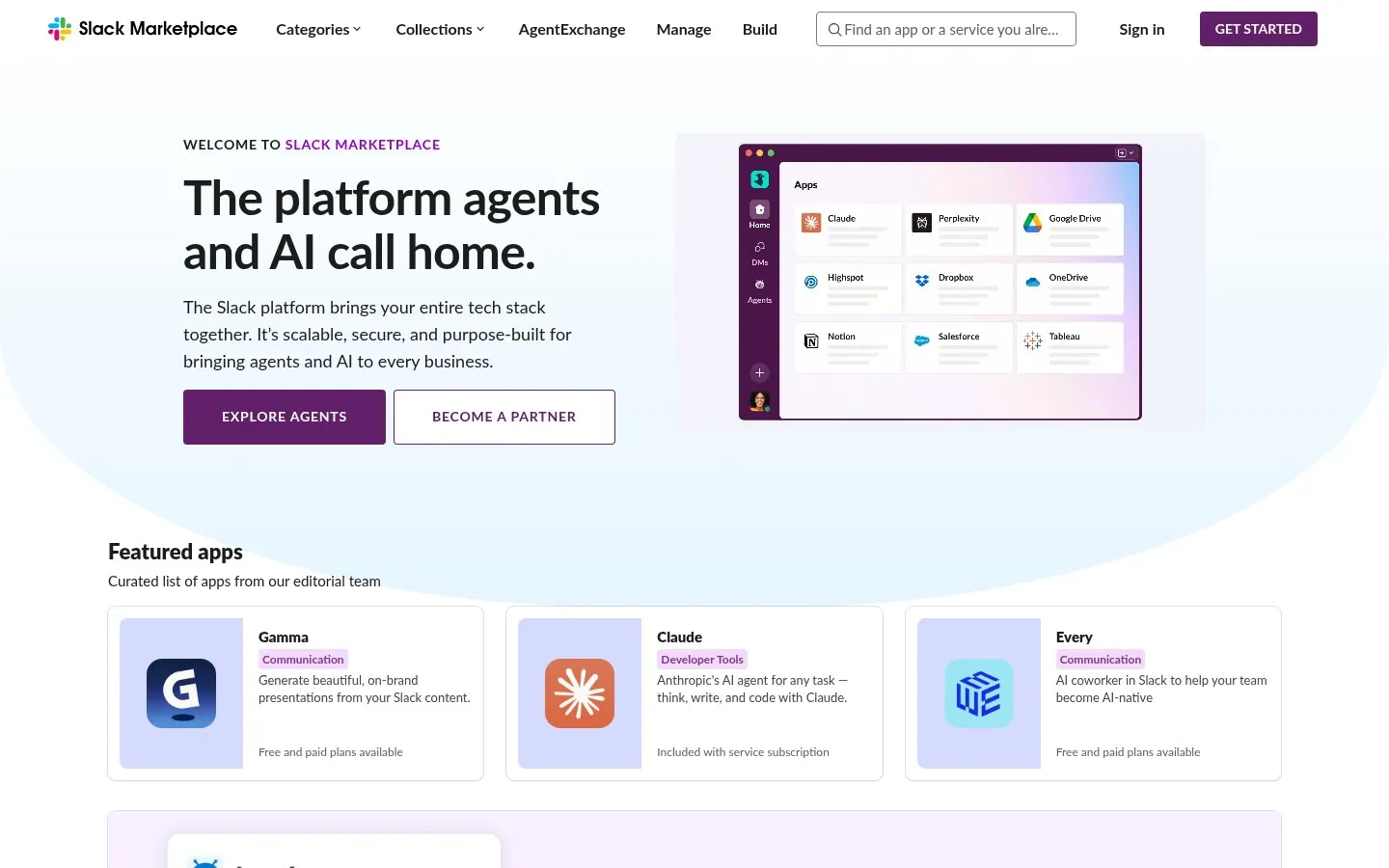
Slack reframes its marketplace as The platform agents and AI call home, with an editorial row of featured apps.
Screenshot slack.com/marketplace, Oct 23, 2026 · How to copy it
 Square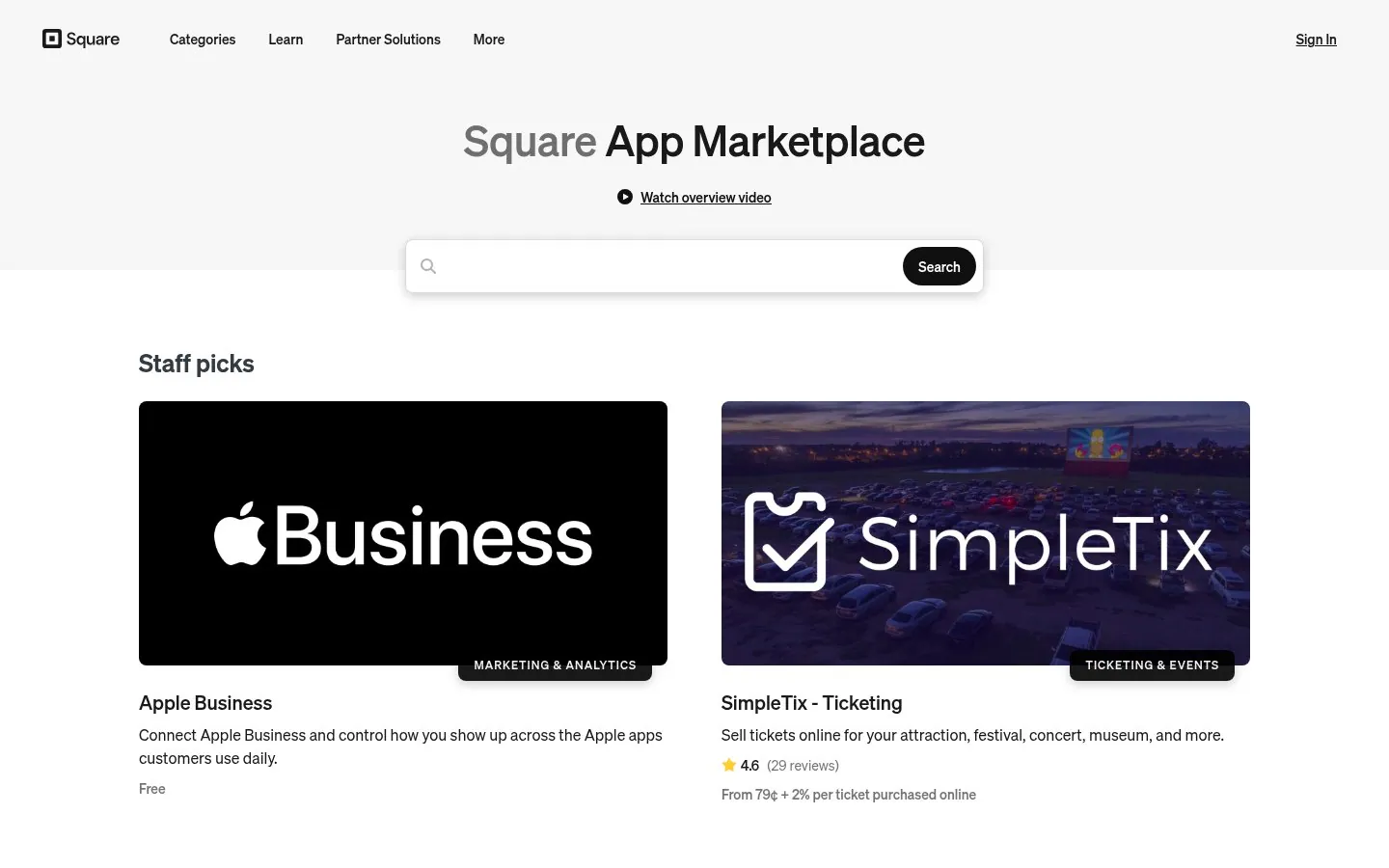
Square shows a category, a rating and the price on every staff pick card.
Screenshot squareup.com/us/en/app-marketplace, Oct 23, 2026 · How to copy it
 Wix
Wix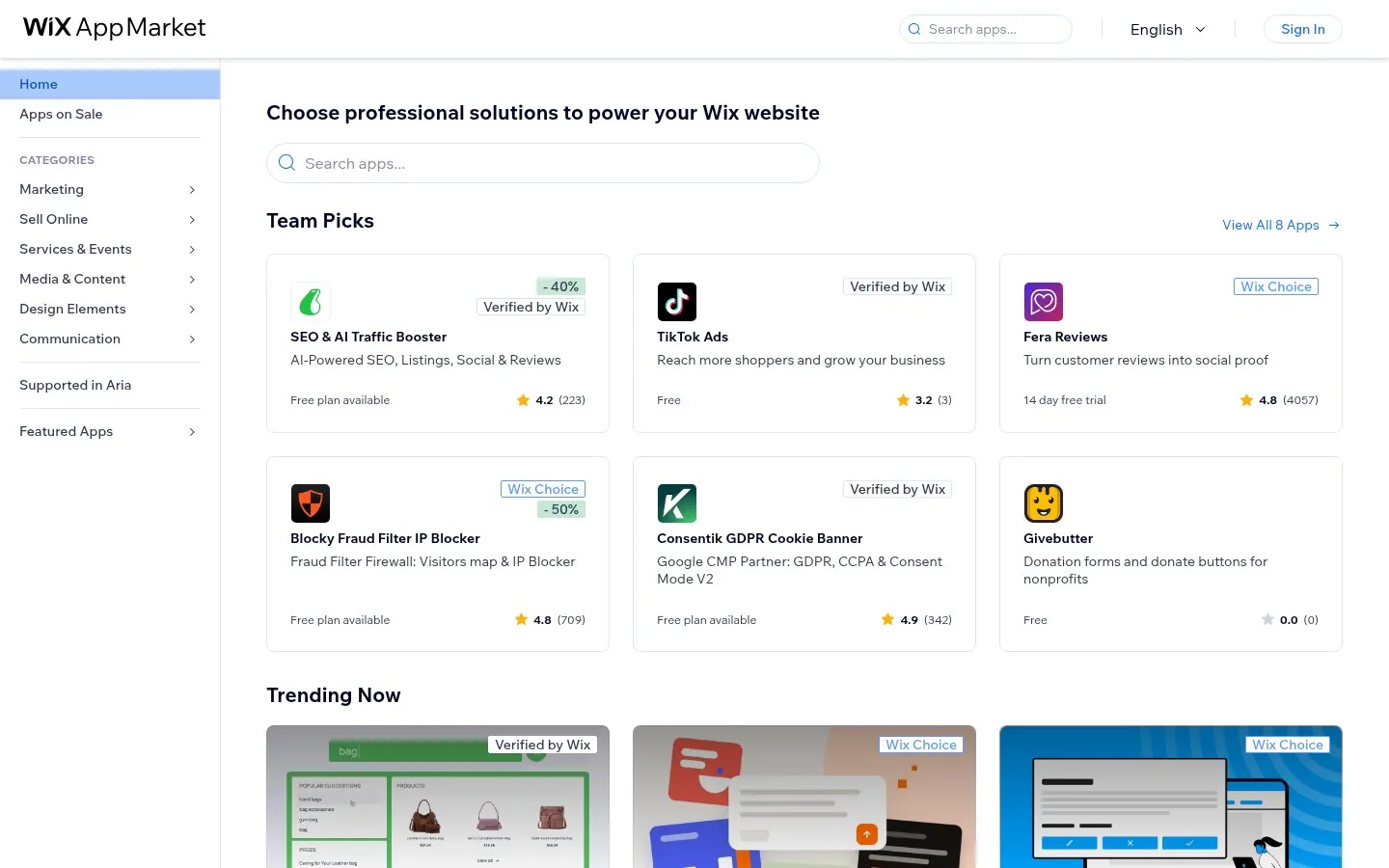
Wix marks Team Picks with Verified by Wix and Wix Choice badges next to ratings and plans.
Screenshot wix.com/app-market, Oct 23, 2026 · How to copy it
 ActiveCampaign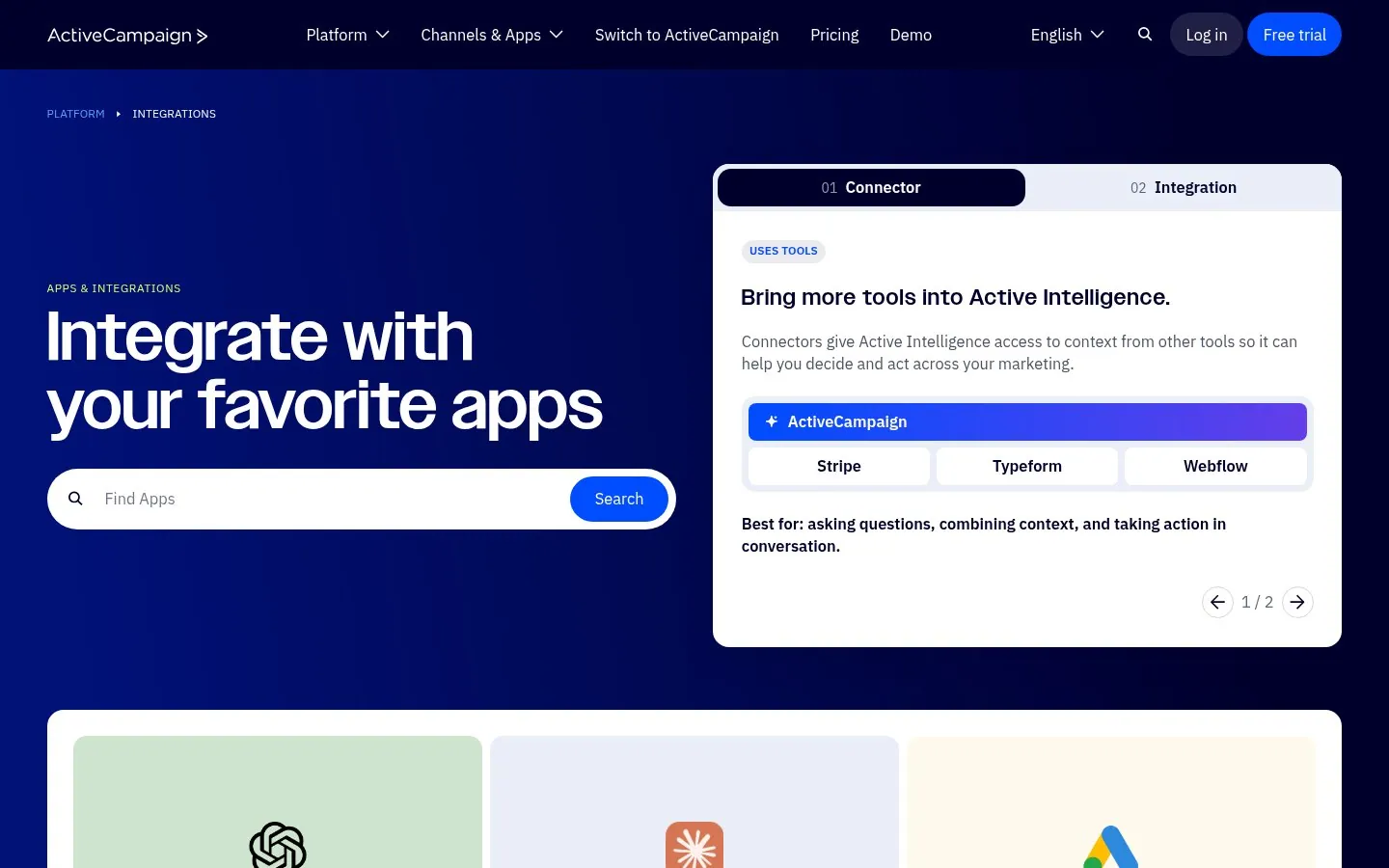
ActiveCampaign explains its two ways to connect, Connector and Integration, and what each is best for.
Screenshot activecampaign.com/apps, Oct 23, 2026 · How to copy it
 n8n
n8n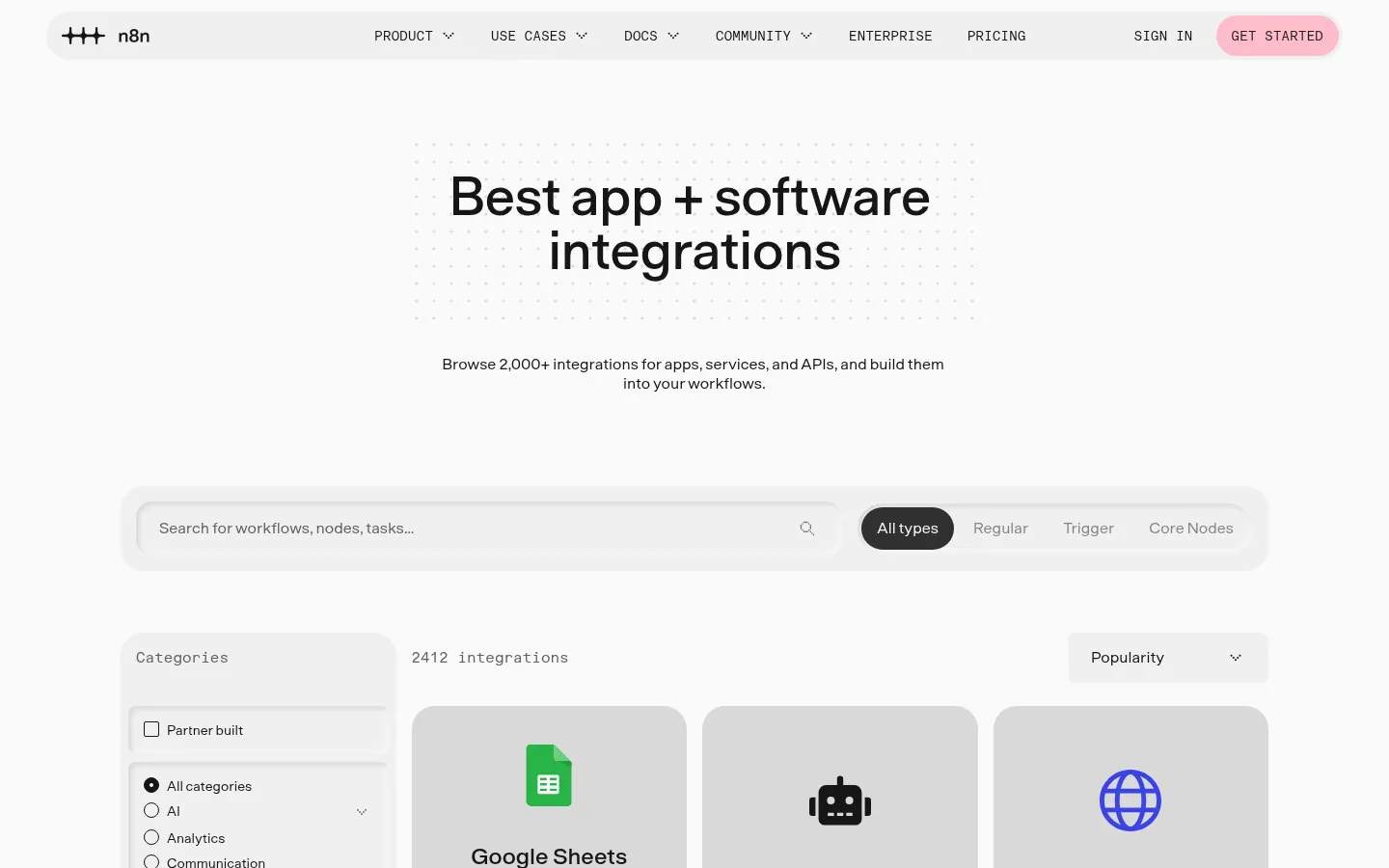
n8n lets builders filter 2,000+ integrations by type, Trigger or Regular, with a live count of results.
Screenshot n8n.io/integrations, Oct 23, 2026 · How to copy it
 Merge
Merge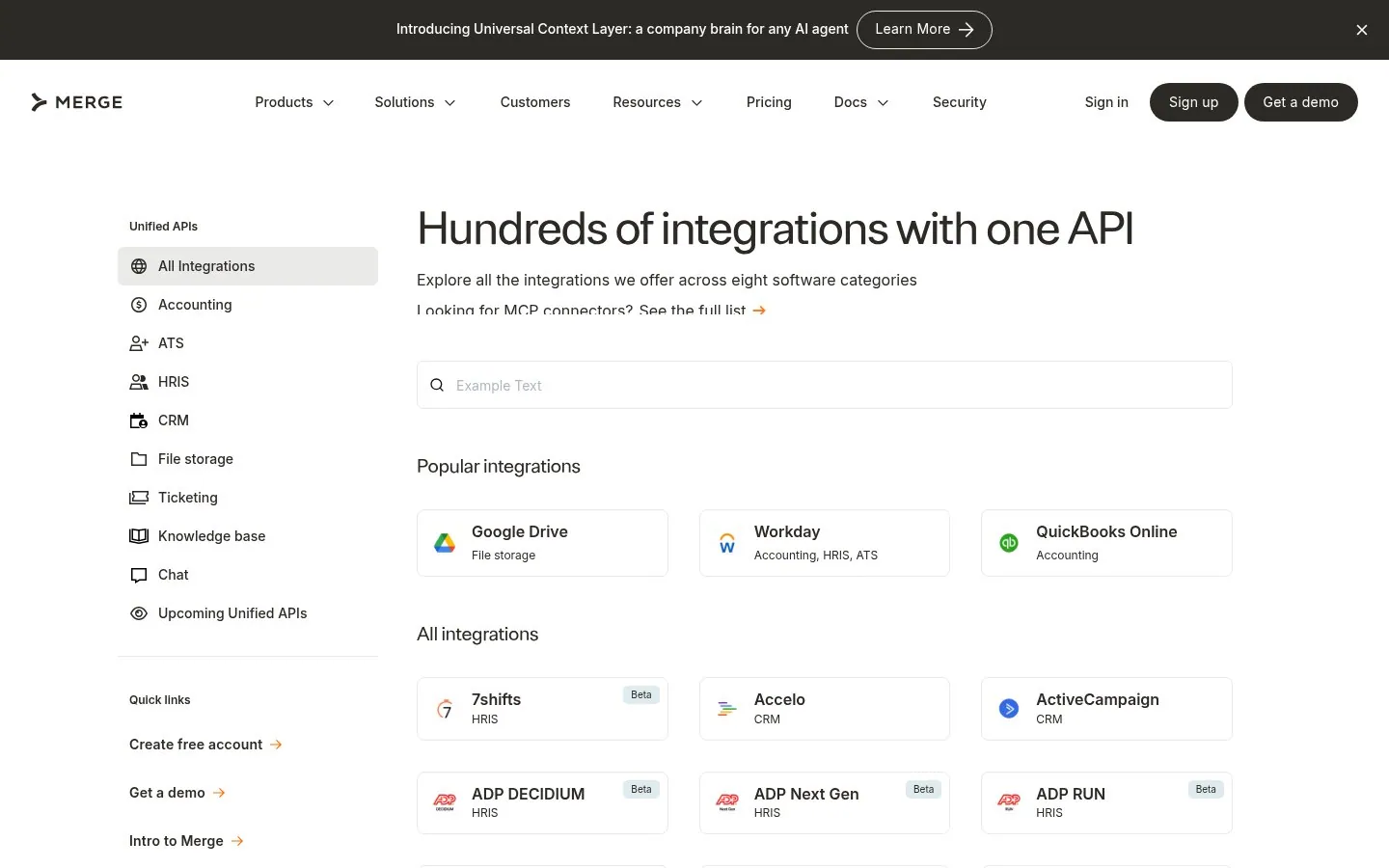
Merge promises Hundreds of integrations with one API and groups them into eight software categories.
Screenshot merge.dev/integrations, Oct 23, 2026 · How to copy it
 Glean
Glean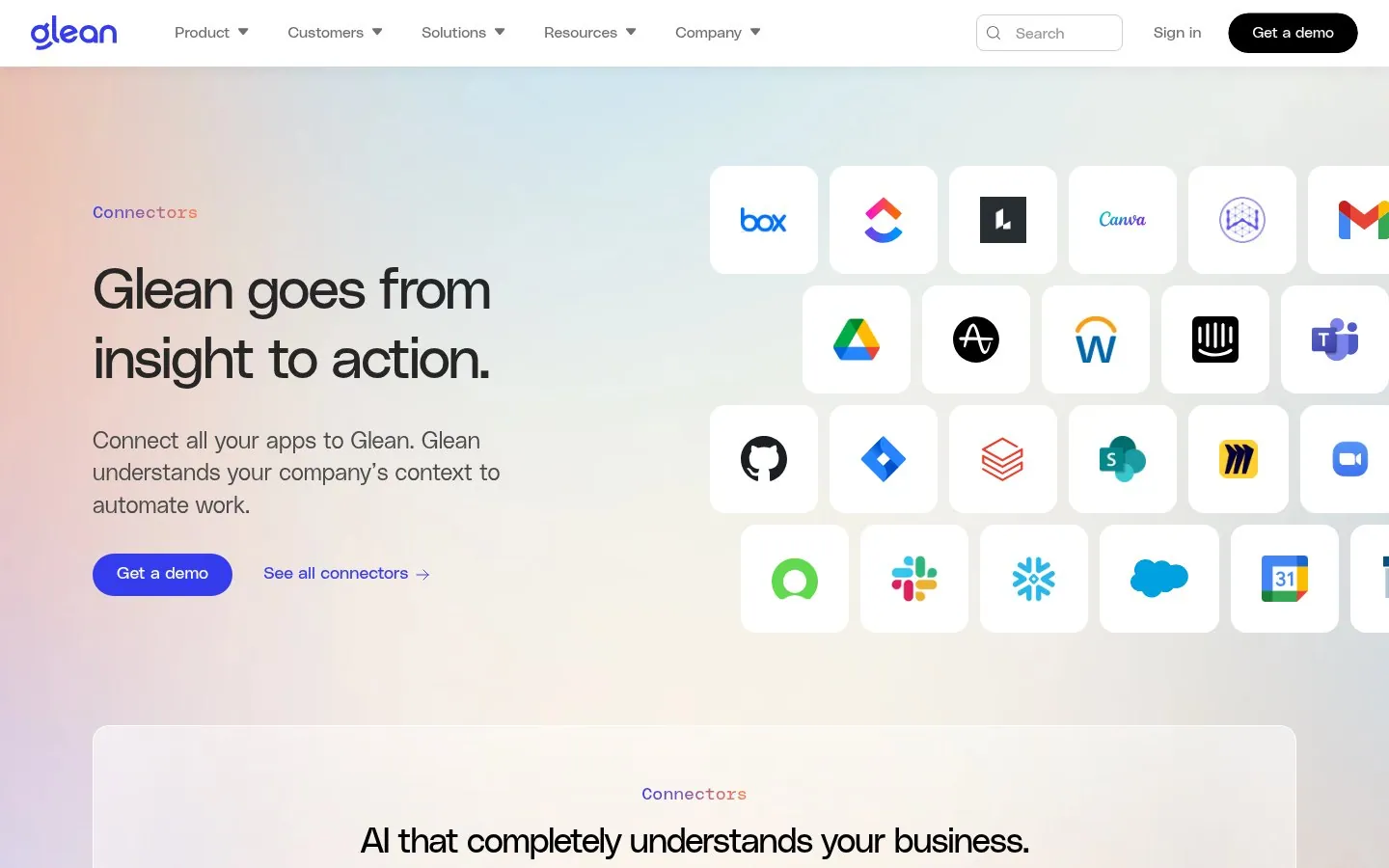
Glean's headline sells the outcome, Glean goes from insight to action, beside a wall of app logos.
Screenshot glean.com/platform/connectors, Oct 23, 2026 · How to copy it
 Zendesk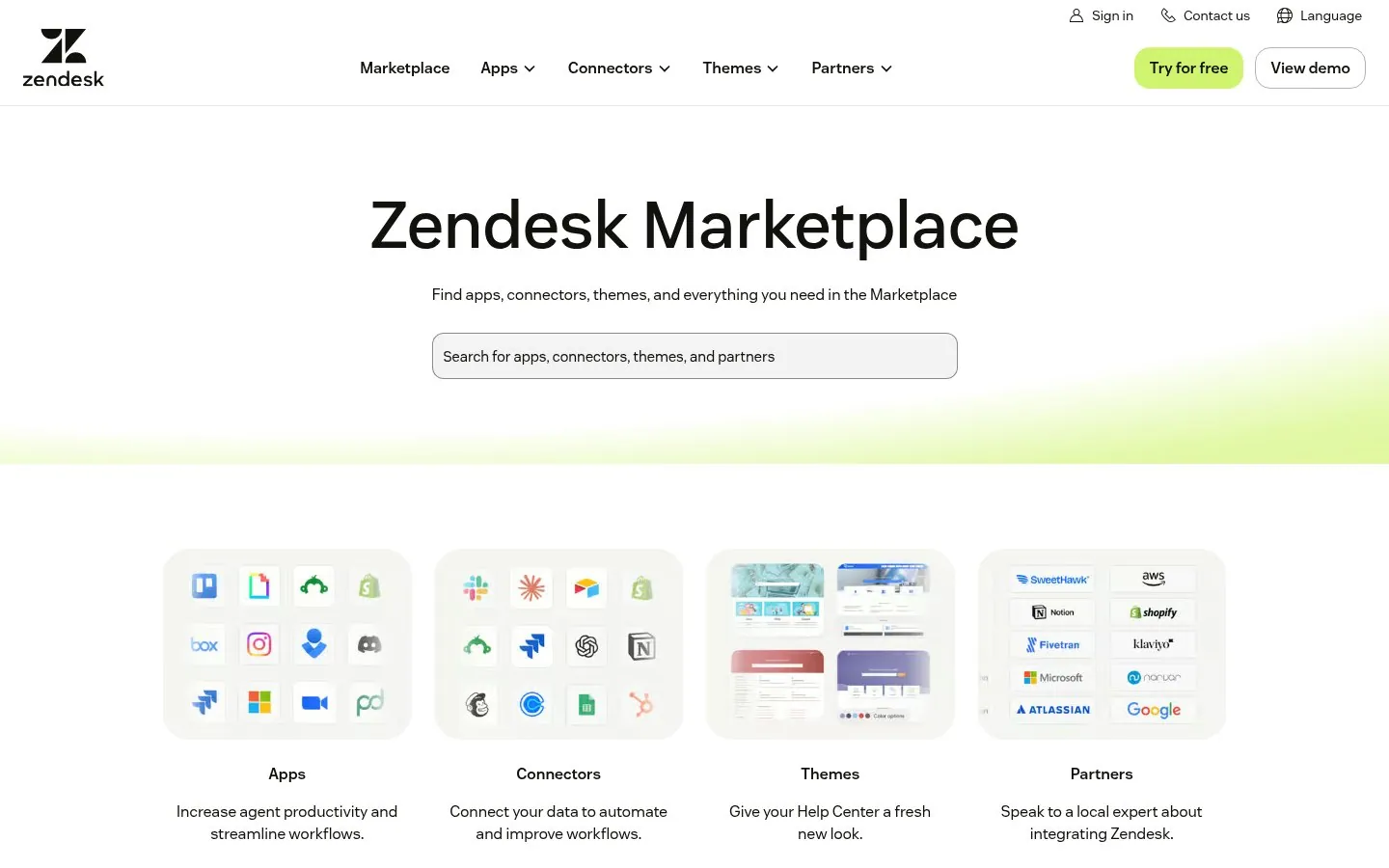
Zendesk splits its marketplace into four doors, Apps, Connectors, Themes and Partners, each with a Browse button.
Screenshot zendesk.com/marketplace, Oct 23, 2026 · How to copy it
 BambooHR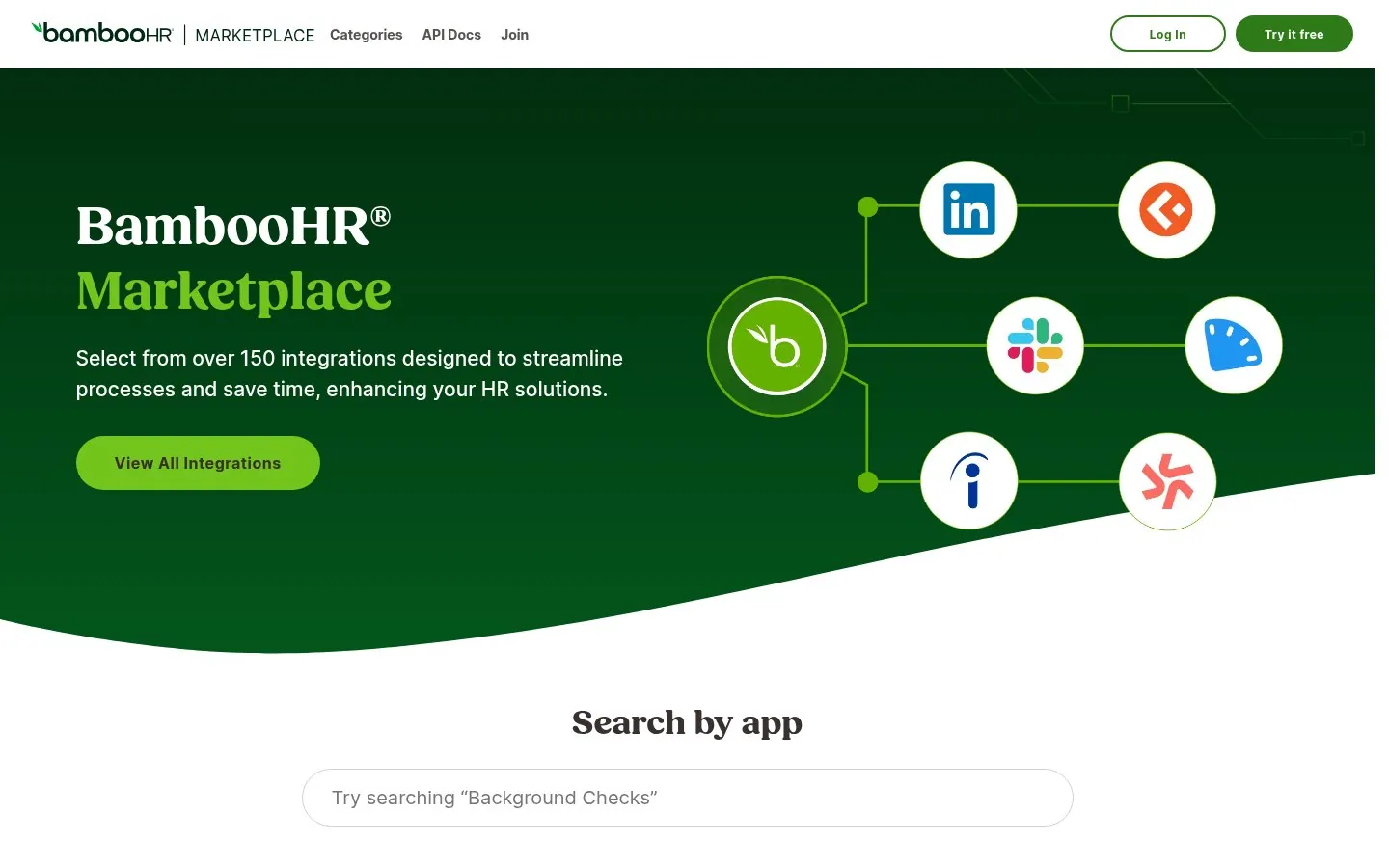
BambooHR pairs over 150 integrations with the payoff, designed to streamline processes and save time.
Screenshot bamboohr.com/integrations, Oct 23, 2026 · How to copy it
 Twilio Segment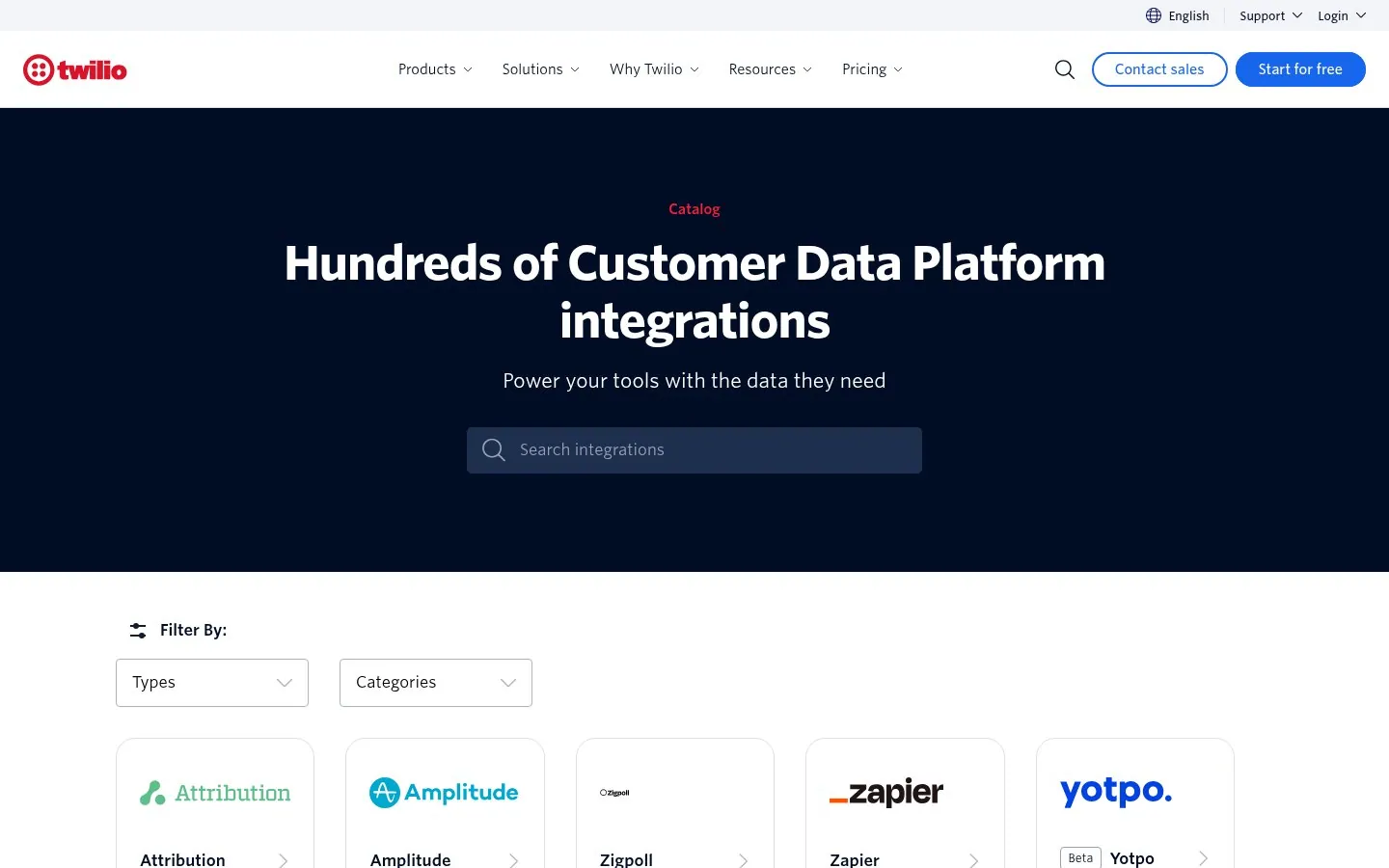
Twilio Segment puts its category in the headline, Hundreds of Customer Data Platform integrations.
Screenshot twilio.com/en-us/catalog, Oct 23, 2026 · How to copy it
 BigCommerce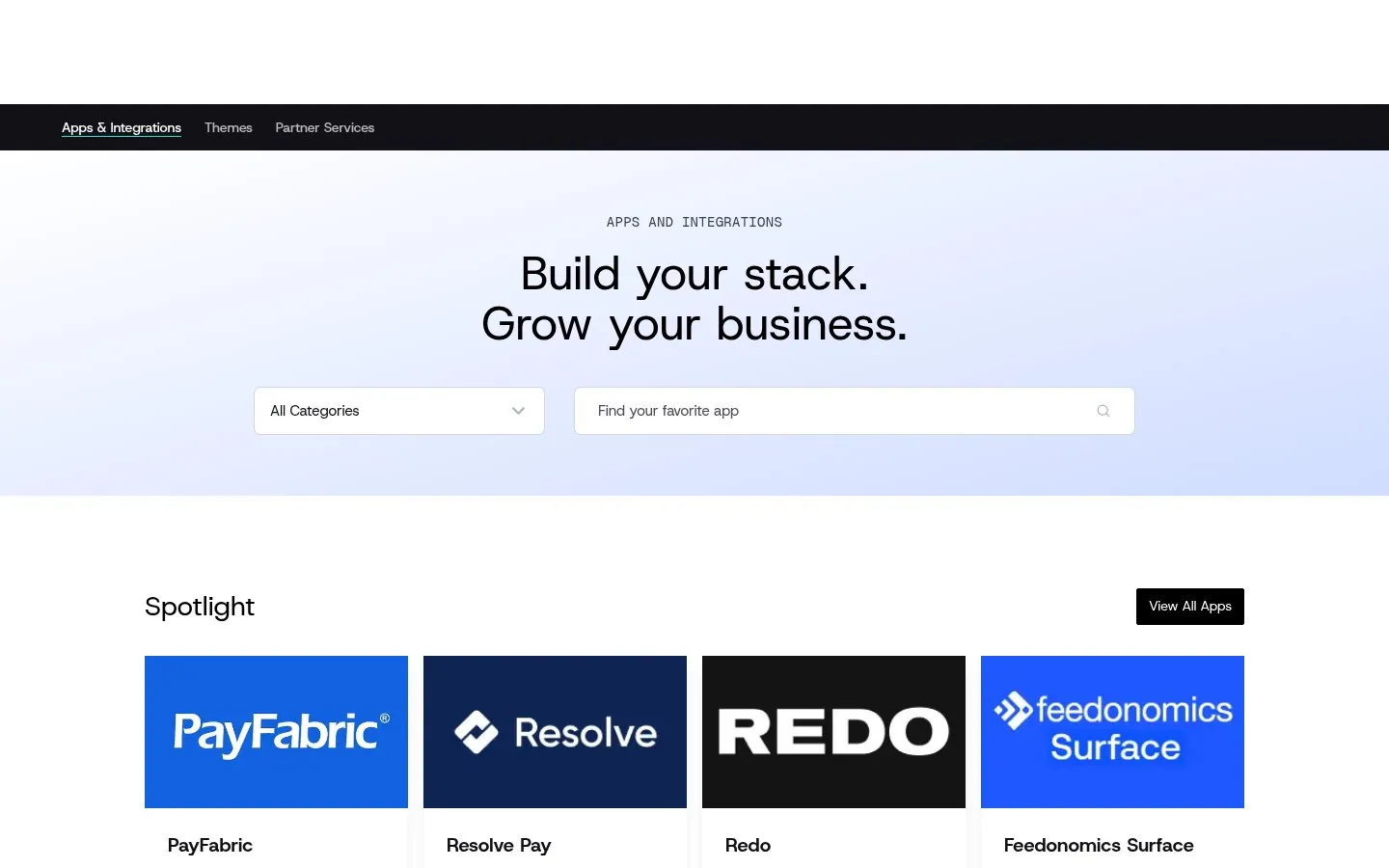
BigCommerce ties apps to revenue with Build your stack. Grow your business. and rows like Free to Start.
Screenshot bigcommerce.com/apps, Oct 23, 2026 · How to copy it
 Pendo
Pendo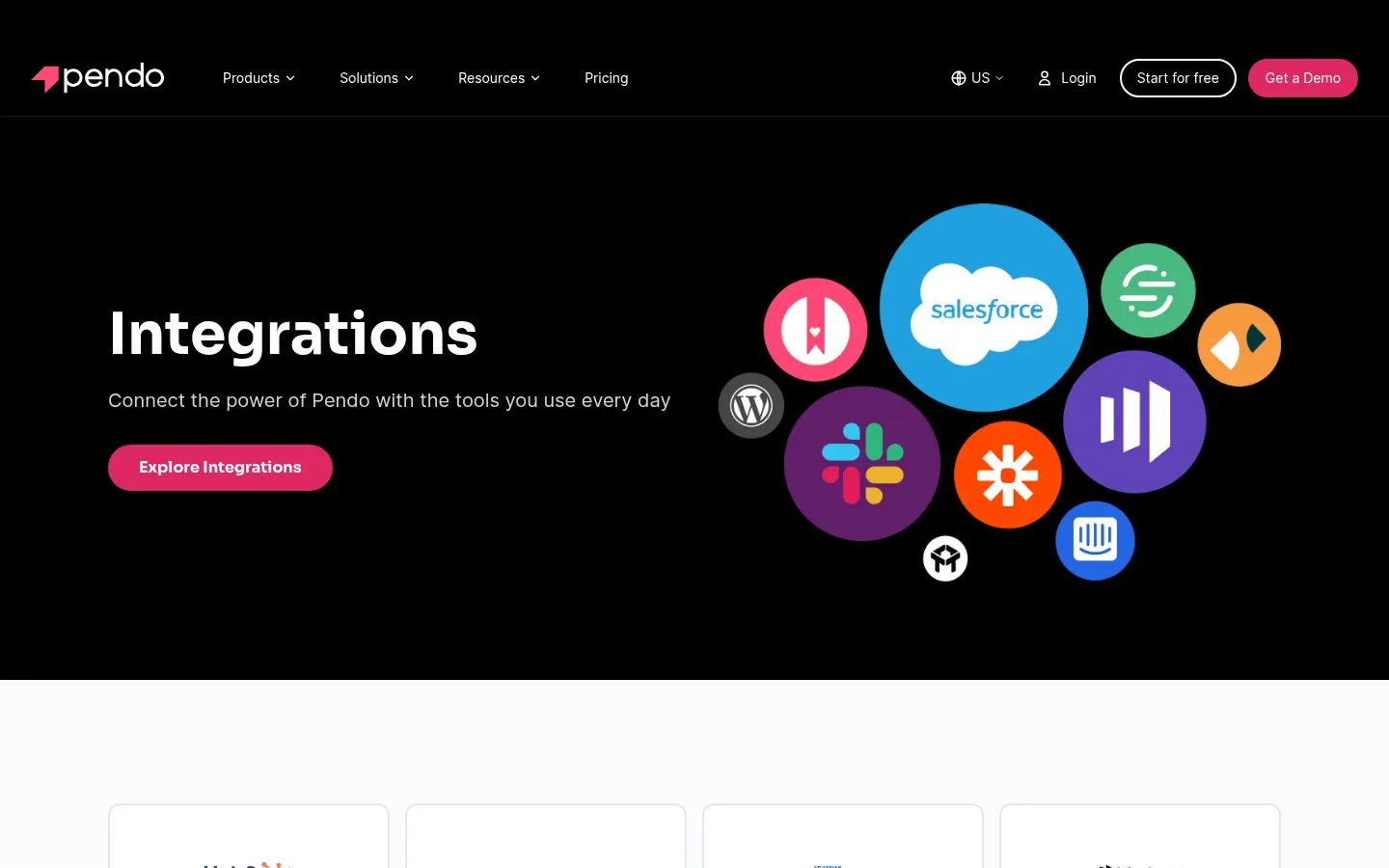
Pendo clusters familiar logos like Salesforce, Slack and HubSpot in the hero, then labels each integration with its category.
Screenshot pendo.io/integrations, Oct 23, 2026 · How to copy it
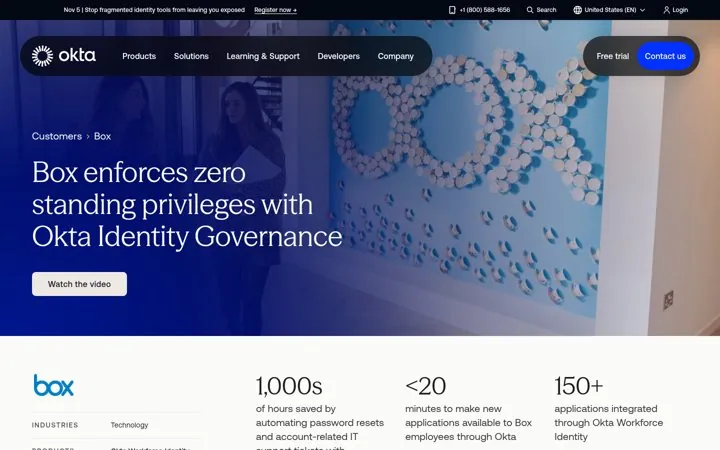 OktaCount the work you took off their plate
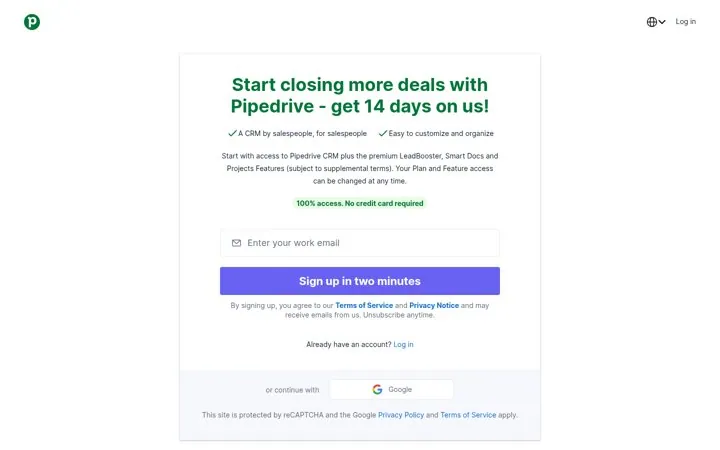 PipedrivePut the time to sign up on the button
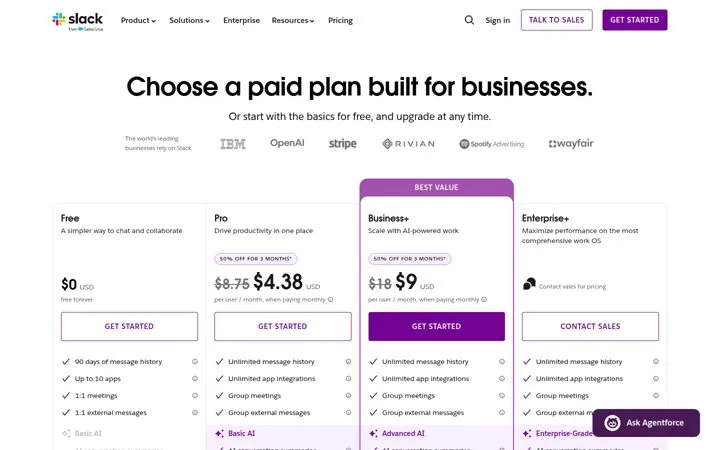 SlackSpeak to businesses on the paid page
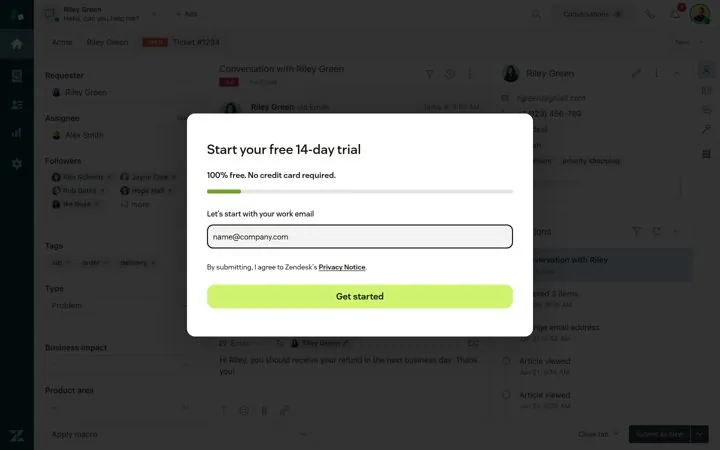 ZendeskShow progress from the first field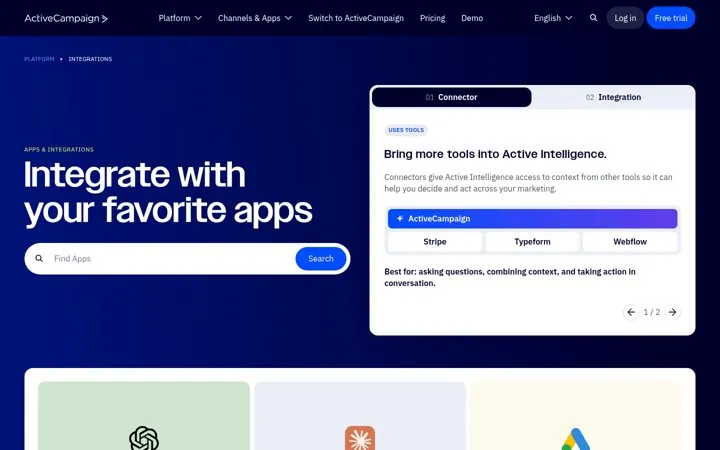
 20 examples+15SaaS Integrations Page ExamplesLead with the size of your network or the job it does, let people search and filter by task, and give every card one line of what the integration does.
 62 examples


 +56Landing Page ExamplesSay what you are in a few words, show the real product, and give one clear next step.

 20 examples


 +15SaaS Case Study ExamplesLead with one result and its time frame, name the customer and why they chose you, and let a quote explain the number.
A headline with your integration count or the job the integrations do, a search box, categories named after tasks, a row of popular or featured integrations, one line per card that says what the integration does, and a way to ask for a missing tool. Okta leads with more than 8,000 integrations, Close shows the integrations most teams set up first, and Ashby adds a Submit Request button.
By the job people want done, not by vendor name. Xero groups apps into categories like Invoicing and jobs and Payroll HR, Pipedrive groups them by revenue stage like Attract new leads, and n8n lets builders filter by trigger or action. Add search for people who already know the app they want.
An integrations page lists the tools your product connects to, usually built by your team. An app marketplace also lists apps built by partners, so it adds ratings, prices and trust badges. Square shows the price on every card and Wix marks apps with Verified by Wix and Wix Choice badges.
You get nine examples, each with one line on why it works.