Today’s Marketing

How to show AI and MCP integrations on your site

Show AI and MCP integrations near the top of your integrations page, because buyers now ask whether a tool works with their AI assistant. Name the assistants, like ChatGPT and Claude, say what the AI can do with your product, and list MCP as its own way to connect next to the API.

Updated · By Blake Emal · 6 real examples, each linked to its source

What are the steps

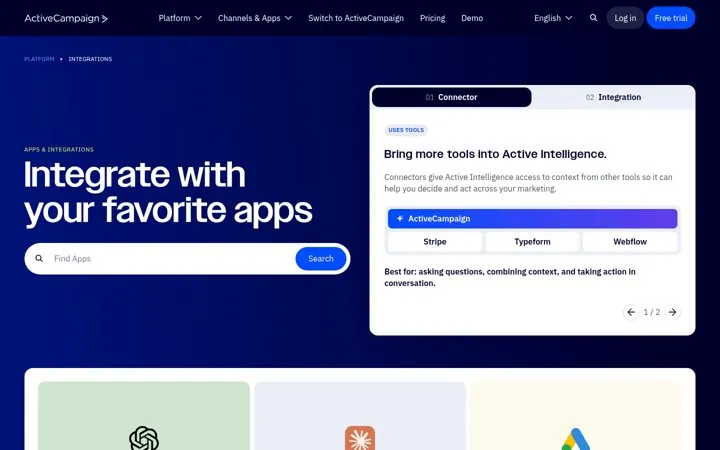
  1. Name the assistantsActiveCampaign leads its app list with ChatGPT and Claude.
  2. Say what the AI can doDescribe the task, like updating records or automating work.
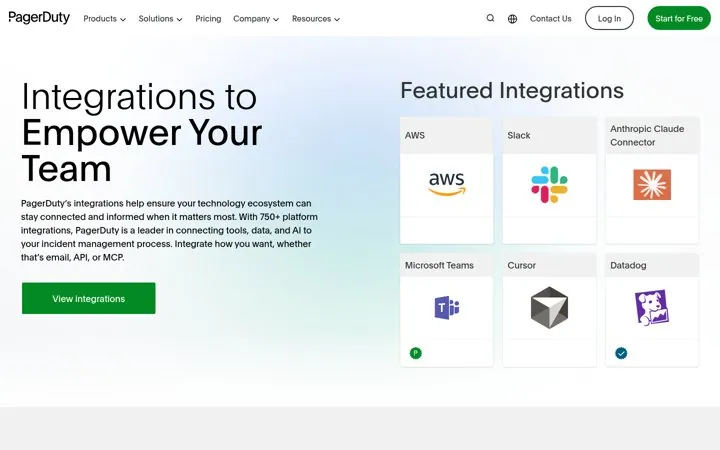
  3. List MCP as a way to connectPagerDuty says integrate by email, API or MCP.
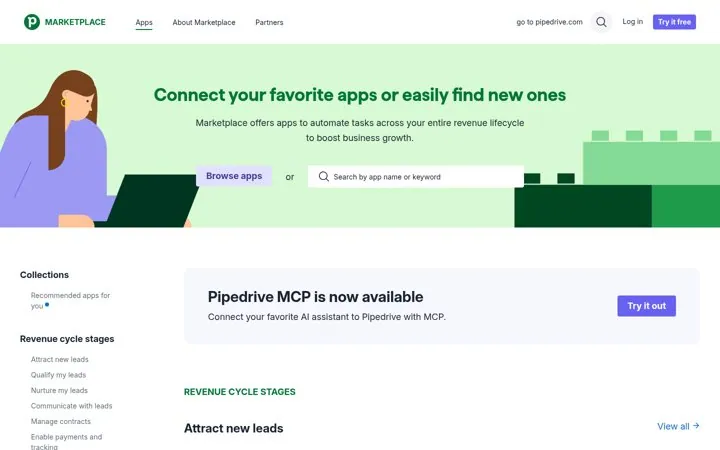
  4. Announce it on the hubPipedrive runs a Pipedrive MCP is now available banner.
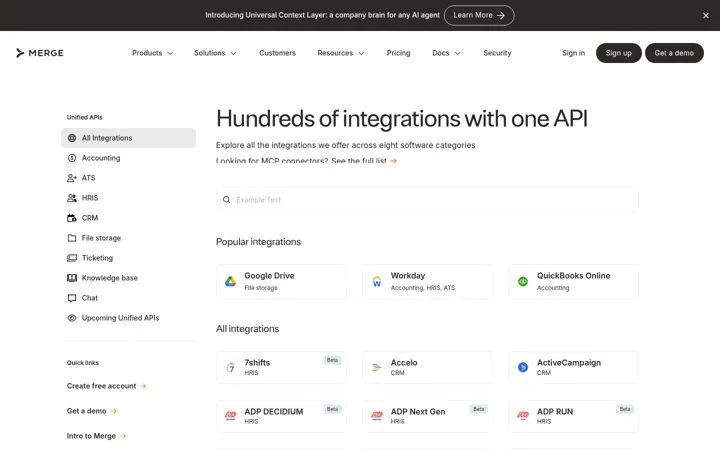
  5. Link to the connector listMerge links Looking for MCP connectors right under its headline.

How do the options compare

MoveReal example
AI apps first in the listActiveCampaign
MCP as a way to connectPagerDuty
Launch banner on the hubPipedrive
Link to MCP connectorsMerge
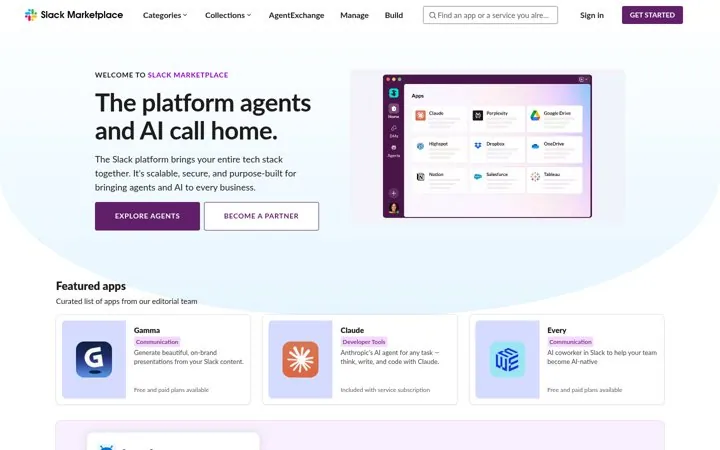
Agents in the headlineSlack

Where do these numbers come from

  1. Model Context Protocol, Introduction
  2. PagerDuty integrations

Which real examples show it

Explain the ways to connect
ActiveCampaign

1. Explain the ways to connect

Splitting connectors from integrations tells buyers which kind of connection fits their job before they compare apps.

  1. Name each way people can connect
  2. Say what each one is best for
  3. Put the most asked for apps first

Full breakdown · Source

Name every way to connect
PagerDuty

2. Name every way to connect

Listing email, API and MCP tells every buyer, from ops to AI teams, that there is a way in for their setup.

  1. List every way to connect in the hero
  2. Feature the tools buyers adopted most recently
  3. Keep the count in the copy

Full breakdown · Source

Group apps by revenue stage
Pipedrive

3. Group apps by revenue stage

Salespeople think in pipeline stages, so stage named groups match how they find a fix for a gap.

  1. Map categories to your customer's funnel
  2. Write them as goals in their words
  3. Announce new connection types in a banner

Full breakdown · Source

Sell one API that covers a category
Merge

4. Sell one API that covers a category

Developers buy fewer builds, so naming the category instead of the vendor shows how much work one API saves.

  1. Group integrations by software category
  2. Promise one build for the whole group
  3. Link the newest connection type near the top

Full breakdown · Source

Draw how data flows in and out
Productboard

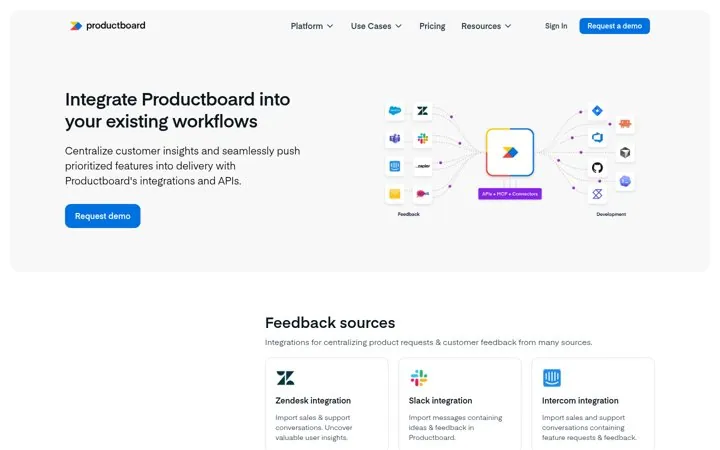
6. Draw how data flows in and out

One picture shows where Productboard sits in the stack, so a reader sees the whole workflow before reading a single card.

  1. Draw your tool in the middle of the stack
  2. Put inputs on one side and outputs on the other
  3. Use the same groups as page sections

Full breakdown · Source

Get three ideas for your own product

Pick a channel and a goal. Get real examples and a plan to fill in. Free, no login.

Open the idea generator

What else do people ask

What is an MCP integration

MCP, the Model Context Protocol, is an open standard that lets AI assistants connect to tools and data. An MCP server for your product lets assistants like Claude read and act in it.

Should AI integrations get their own category

Yes, once you have more than one. Close lists AI as its own category in the sidebar.

Does Slack treat agents differently

Its marketplace headline is The platform agents and AI call home, with an Explore agents button.

Related answers

One email every Monday