Today’s Marketing

How to organize an integrations page

Organize an integrations page by the job people want done, not by vendor name. Use categories named after tasks or funnel stages, add search for people who already know the app, put popular or featured integrations first, and add filters for type once the list grows past one screen.

Updated · By Blake Emal · 6 real examples, each linked to its source

What are the steps

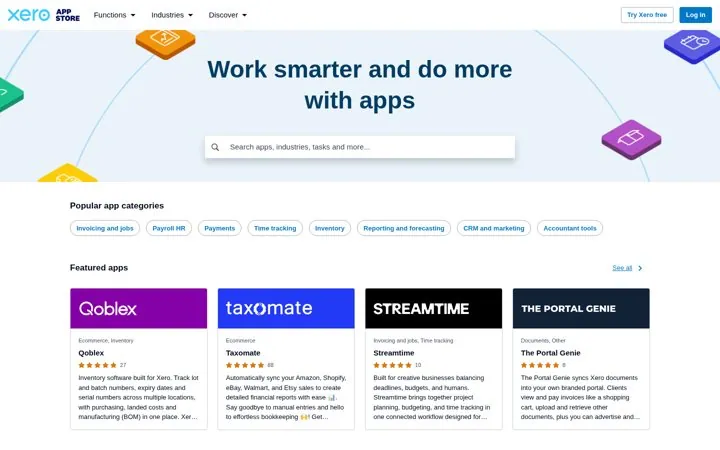
  1. Name categories after tasksXero uses Invoicing and jobs, Payroll HR and Time tracking.
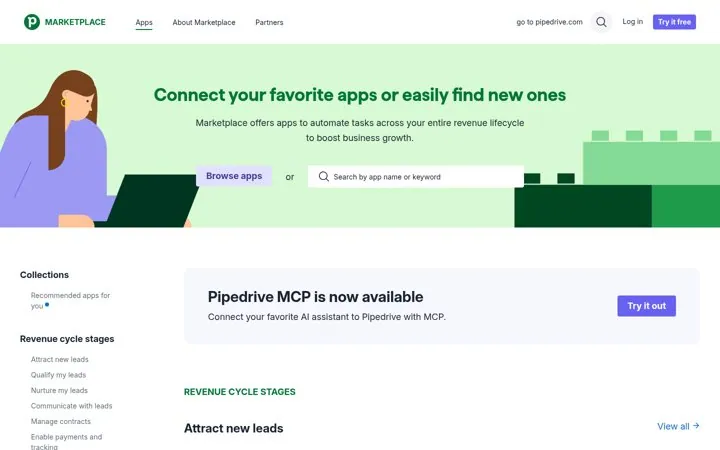
  2. Or map them to your funnelPipedrive groups apps by revenue stage, from Attract new leads to Manage contracts.
  3. Add search for known appsMost hubs here put search in or right under the hero.
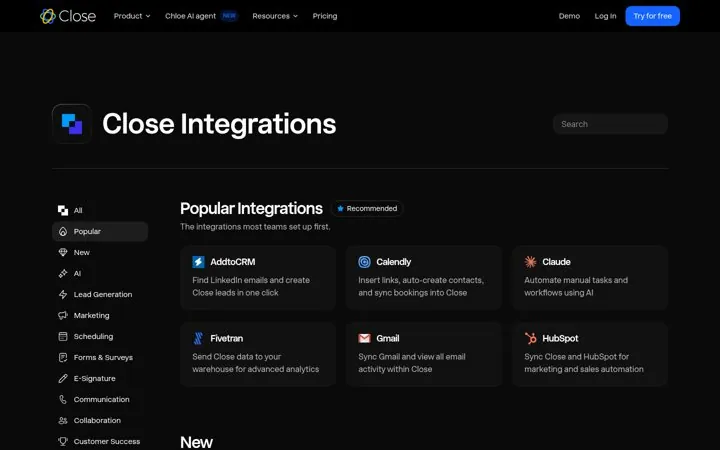
  4. Lead with popular picksClose and Wix show a curated row before the full list.
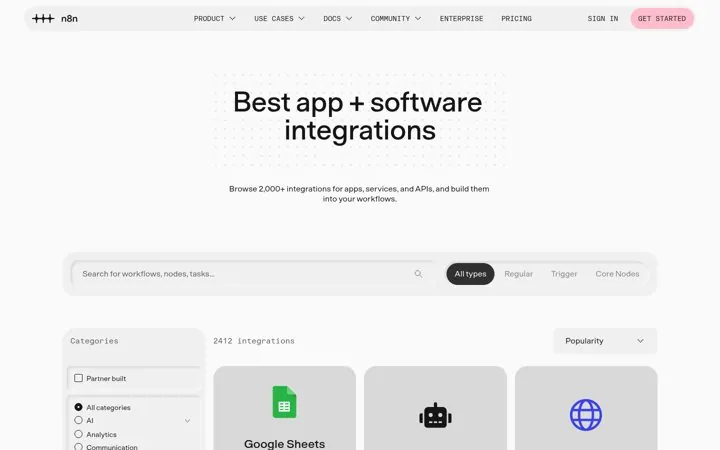
  5. Filter by type as you grown8n filters by Trigger or Regular nodes and shows a live count.

How do the options compare

Way to groupBest forReal example
TaskSmall business buyersXero
Funnel stageSales toolsPipedrive
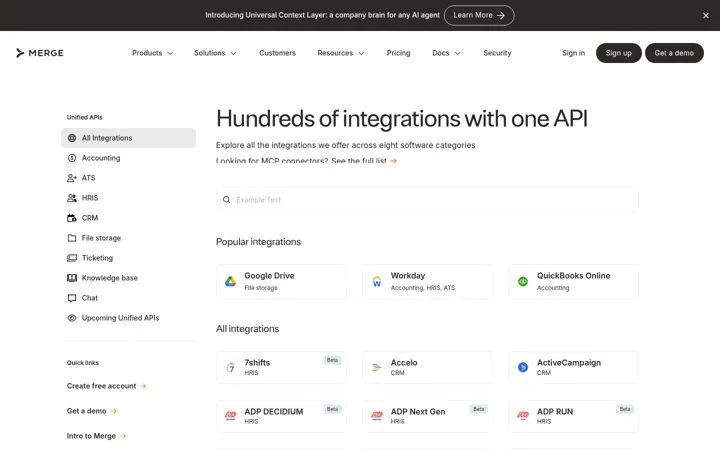
Software categoryDeveloper toolsMerge
Node typeWorkflow buildersn8n
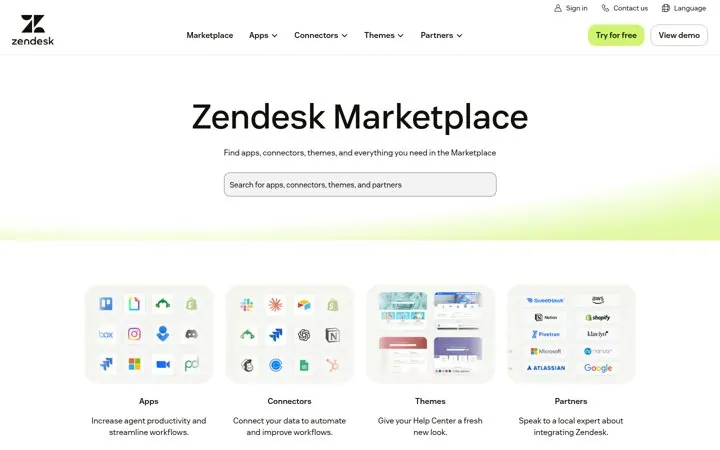
Offer typeLarge marketplacesZendesk

Where do these numbers come from

  1. n8n integrations

Which real examples show it

Sort apps by the job to be done
Xero

1. Sort apps by the job to be done

Small business owners think in tasks, not app names, so job named categories get them to the right app in one click.

  1. Name categories after the task, not the tech
  2. Let search take tasks and industries
  3. Show ratings on every card

Full breakdown · Source

Group apps by revenue stage
Pipedrive

2. Group apps by revenue stage

Salespeople think in pipeline stages, so stage named groups match how they find a fix for a gap.

  1. Map categories to your customer's funnel
  2. Write them as goals in their words
  3. Announce new connection types in a banner

Full breakdown · Source

Sell one API that covers a category
Merge

4. Sell one API that covers a category

Developers buy fewer builds, so naming the category instead of the vendor shows how much work one API saves.

  1. Group integrations by software category
  2. Promise one build for the whole group
  3. Link the newest connection type near the top

Full breakdown · Source

Get three ideas for your own product

Pick a channel and a goal. Get real examples and a plan to fill in. Free, no login.

Open the idea generator

What else do people ask

How many categories should an integrations page have

Enough that each holds a handful of apps. Merge uses eight software categories, while Wix runs a long sidebar because its market is huge.

Should integrations be sorted alphabetically

Only inside a category. Lead with popular or featured ones, since most people want the same few.

Do filters help on small integrations pages

Not much. Under one screen of cards, categories and search are enough.

Related answers

One email every Monday