Today’s Marketing

How to connect an AI agent to your marketing tools

Most assistants connect to tools through built in connectors or MCP servers. Start read only, such as analytics or docs, test in a sandbox or a low risk account, and give the agent its own login or a scoped key instead of your password. Add write access, like posting or editing pages, one tool at a time.

Updated · By Blake Emal · 6 real examples, each linked to its source

Think of MCP like a USB-C port for AI applications.Model Context Protocol: What is MCP

What are the steps

  1. List the toolsAnalytics, CMS, email, ads, docs.
  2. Start read onlyLet the agent read reports before it can change anything.
  3. Use scoped accessA separate login, a scoped key or a password manager made for agents.
  4. Test in a safe placeA draft page, a test list or a paused campaign.
  5. Add write access slowlyOne tool at a time, with an approval step.

At a glance

Tool typeFirst connectionLater
AnalyticsRead reportsScheduled summaries
CMS or site builderDraft pagesPublish with approval
EmailRead lists and statsDraft campaigns
AdsRead performancePaused drafts only

Which real examples show it

Give every AI tool its own connect button
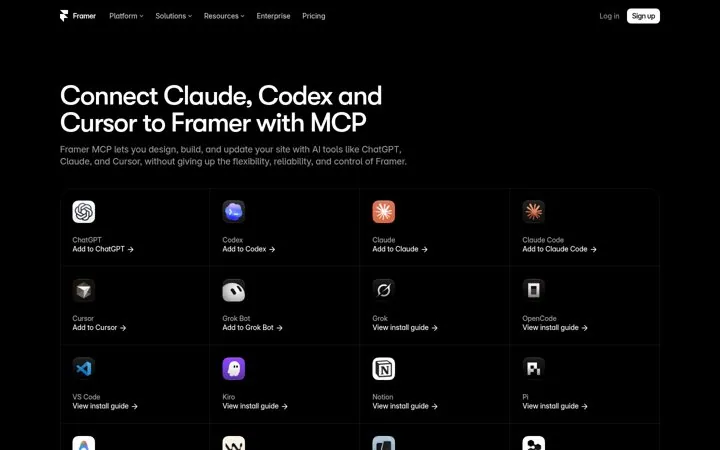
Framer

1. Give every AI tool its own connect button

Naming the AI tools people already use in the headline makes the feature instantly relevant, and a button per tool removes the setup step that stops most people.

  1. Name the tools buyers already use in the headline
  2. Give each tool its own connect button
  3. Add a manual setup path for everything else
Full breakdown · Source

Name the tools your buyers already use
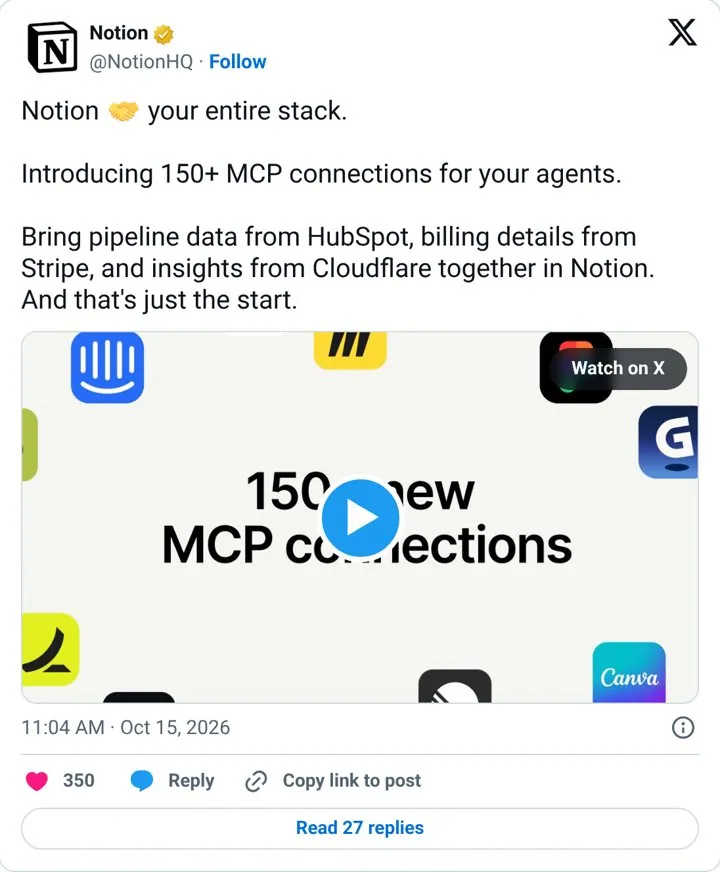
Notion

2. Name the tools your buyers already use

Naming famous tools and what data comes from each turns an abstract protocol into a picture of the buyer's own stack.

  1. Count your integrations and lead with the number
  2. Name three well known tools from your users' stacks
  3. Pair each with the exact data it brings in
  4. Show it in a short demo clip

Full breakdown · Source

Explain agent access in three steps
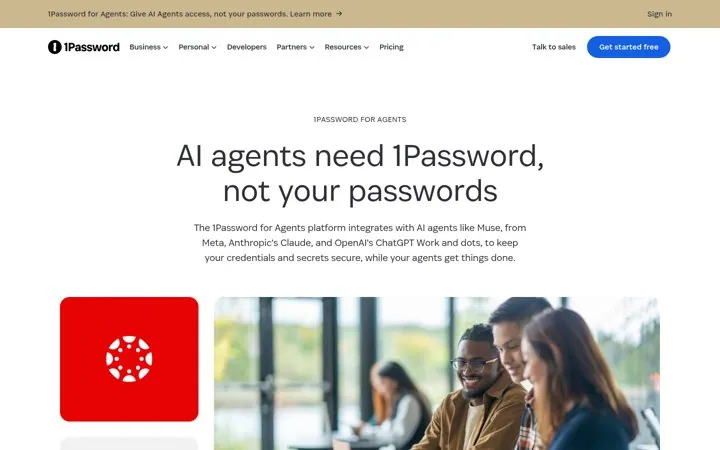
1Password

3. Explain agent access in three steps

Everyday jobs make an abstract security product concrete, and three short steps answer the scary question of what the agent can see.

  1. Show everyday jobs the product makes safe
  2. Explain how it works in three steps
  3. Repeat the waitlist button down the page

Full breakdown · Source

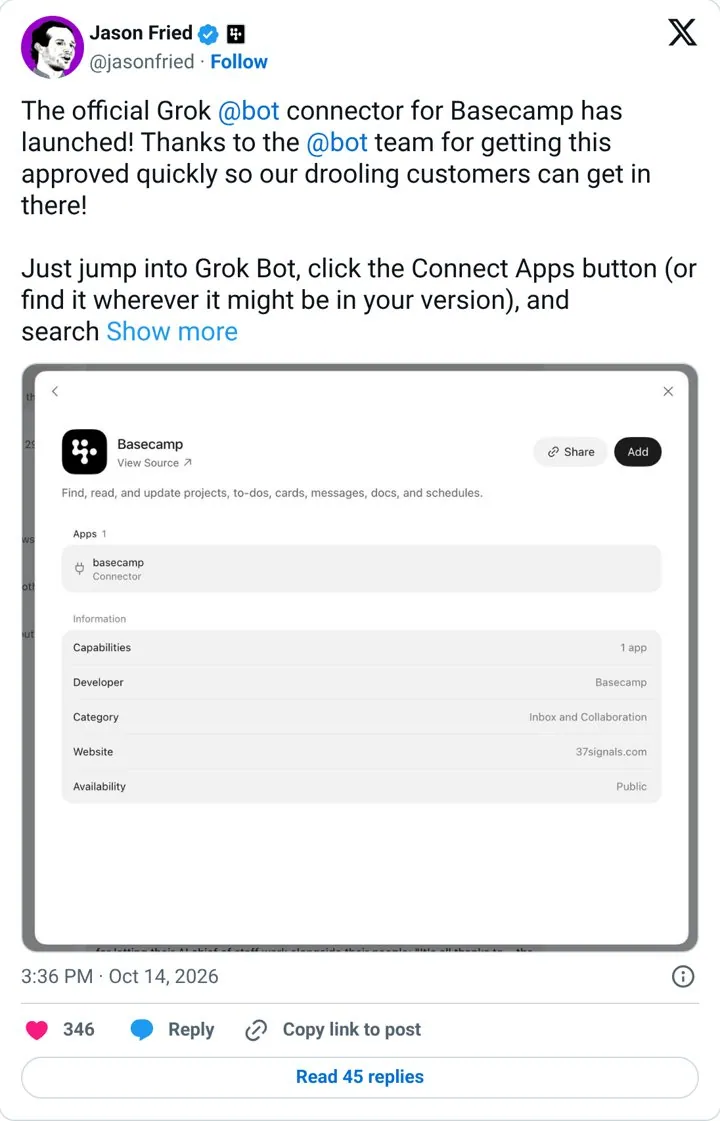
Tell users exactly where to click
Basecamp

4. Tell users exactly where to click

Launching inside a fast growing AI assistant puts the product where users already work, and the steps lower friction.

  1. Ship a connector for a popular AI assistant
  2. Thank the partner team by name
  3. Tell users exactly how to turn it on
  4. Post from the founder account

Full breakdown · Source

Partner with a bigger brand on launch day
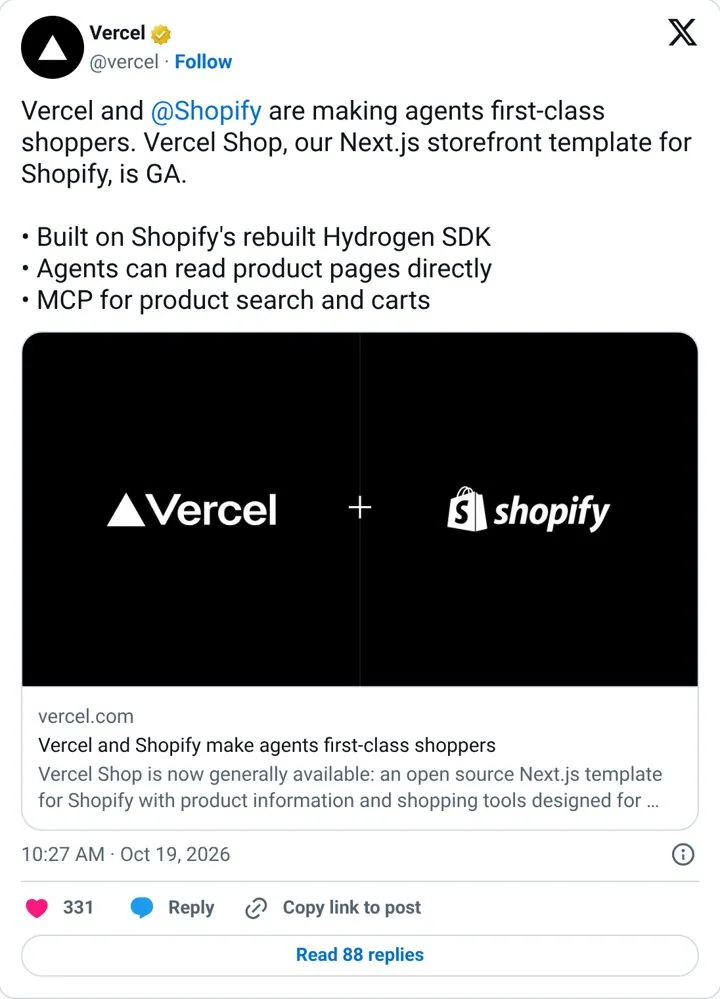
Vercel

6. Partner with a bigger brand on launch day

The partner tag doubles reach and the agent angle ties a template to the biggest current trend.

  1. Pick a partner whose users overlap yours
  2. Frame the launch around a trend you both care for
  3. Tag the partner and coordinate a repost
  4. List three concrete capabilities

Full breakdown · Source

Sources

  1. Model Context Protocol: What is MCP
  2. 1Password for AI agents
  3. Anthropic: Introducing the Model Context Protocol

What else do people ask

What is an MCP server

A small service that exposes a tool, like a site builder or database, to AI apps in a standard way.

Is it safe to give an agent my logins

Use scoped access instead of your main password, and keep spending and publishing behind approval.

Which tools support MCP

Framer and Notion are two examples in our library. Check each tool’s docs for an MCP or connector page.

Keep going

Free AI marketing email course

Eight short lessons on doing real marketing work with ChatGPT, Claude, Grok Bot or any agent you use. Each lesson ends with one task. Lessons open soon. Confirm your email and Lesson 1 arrives the day the course opens. Confirming also adds you to our Monday email, and you can unsubscribe any time.

See all 8 lessons