 Today’s Marketing
Fresh moves to steal
Issue 7 · Sent · By Blake Emal
The nine best marketing examples of the week and how to use each one
1Show the crossover fans want in one frame
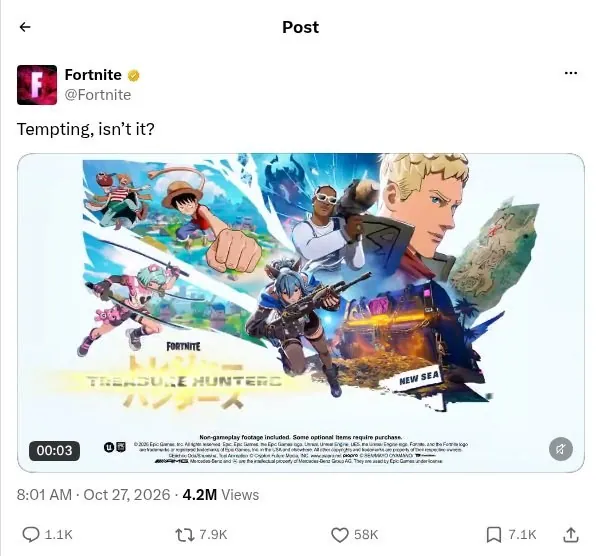
Fortnite teased its Treasure Hunters season with key art that puts One Piece heroes like Luffy next to its own characters, captioned Tempting, isn’t it?, so fans saw the team up in one look and the caption spoke to them as if they already wanted in. The trailer passed 58,000 likes and 4.2 million views.
Team up with a name your buyers already love, put both worlds in one image, and write the caption as if they already said yes, such as [Your product] meets [their favorite]. Tempting?
2Show collectors the whole set before launch day
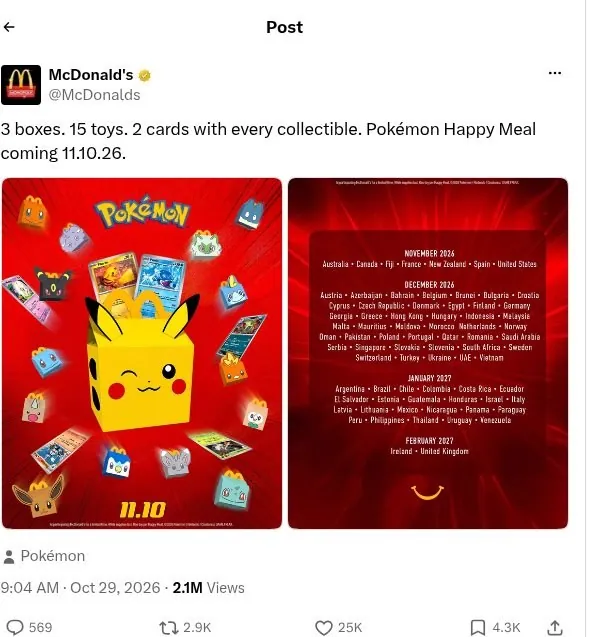
McDonald’s opened with 3 boxes. 15 toys. 2 cards with every collectible. over a photo of the full Pokémon set and the date 11.10, so collectors could plan how many visits they need before the promo starts. It passed 25,000 likes and 2.1 million views.
Count your full drop out loud and show every piece in one photo with the date, such as [number] [items]. [number] [bonus] with every [purchase]. Coming [date].
3Give fans a routine they can copy and post
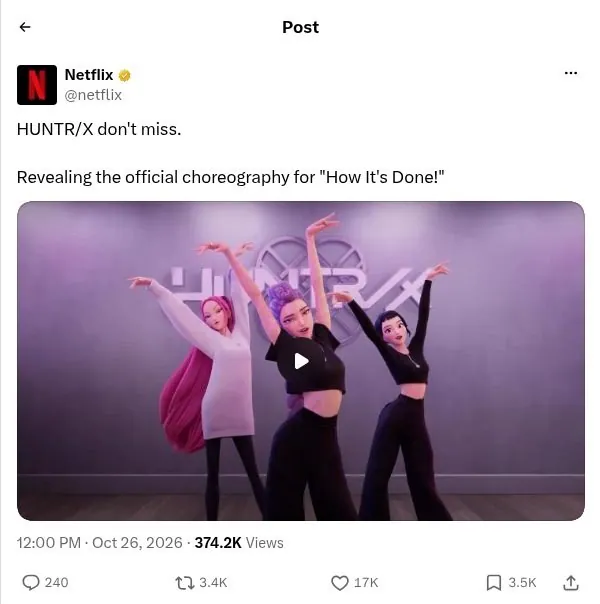
Netflix revealed the official choreography for How It’s Done! in a HUNTR/X dance video, and within hours fans replied with their own dance clips, so every copy became one more ad for the song and the film.
Turn your product into something people can repeat on camera, such as an official [dance, recipe, setup or template], post it as The official [thing] for [product], and share the best copies back.
4Show the product doing what looks impossible
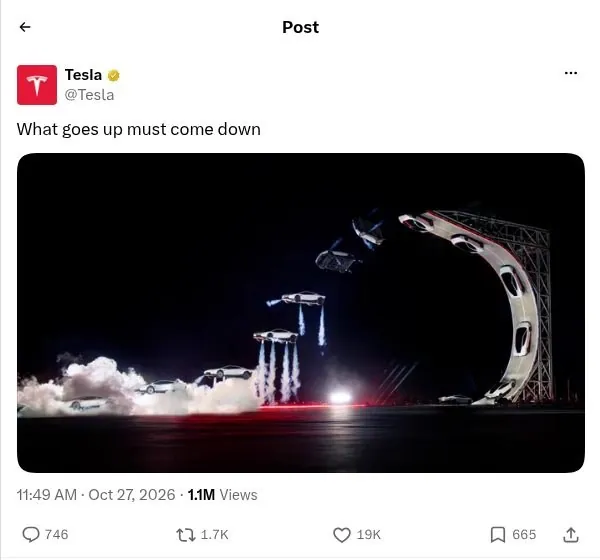
Tesla posted one night shot of white cars flying off a giant curved ramp on thruster trails, captioned What goes up must come down, a saying the picture argues with, so fans filled in the story themselves and replies tied it to the next gen Roadster. It passed 19,000 likes and 1.1 million views.
Stage one image of your product doing something people think it cannot do, pair it with a saying the image breaks, such as [a saying that sets a limit], and let the replies guess what is coming.
5Make the merch act out the title
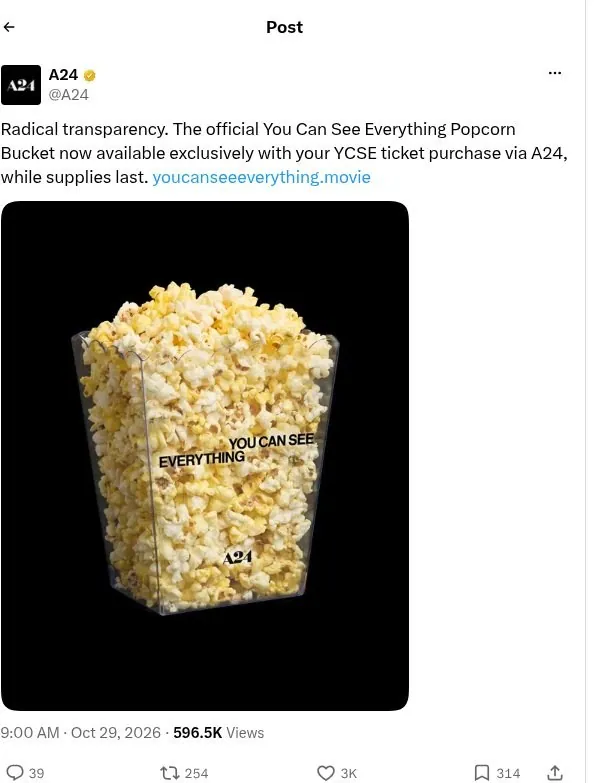
A24 made a clear popcorn bucket for its film You Can See Everything, captioned Radical transparency., and offered it only with tickets bought through A24, so the joke lands in one look and the laugh turns into a reason to buy direct. It passed 3,000 likes and 590,000 views.
Make one small item that acts out your product’s name or promise, and give it only to people who buy from you directly, such as The official [item], free with every [purchase] from us, while supplies last.
6Turn one part of the launch into its own news
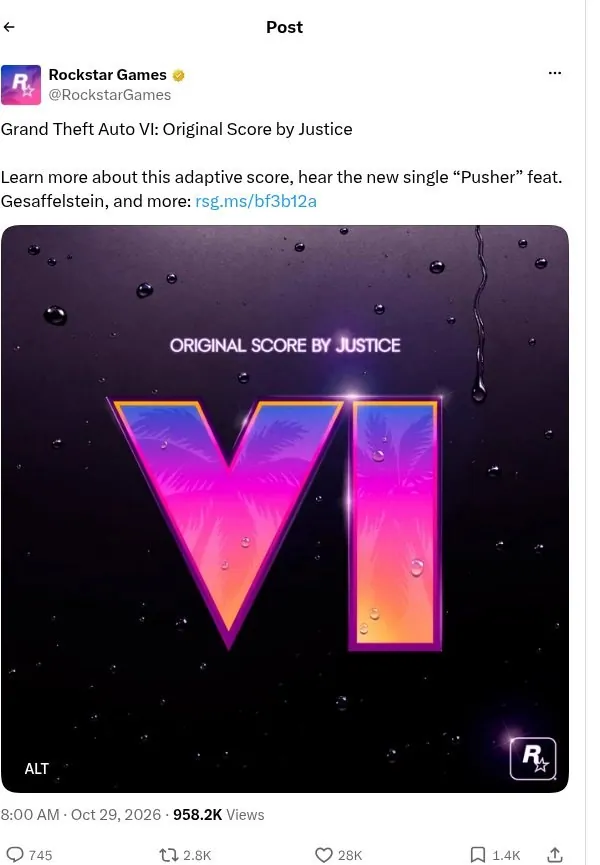
While fans wait for Grand Theft Auto VI, Rockstar announced the game’s Original Score by Justice with a new single fans can hear today, so they got fresh news and something to share without a new trailer. It passed 28,000 likes and 950,000 views.
Split your launch into parts and announce one piece on its own with something people can use right now, such as [Product]: [part] by [name you can credit]. Try it today.
7Tie your news to the launch everyone is waiting for
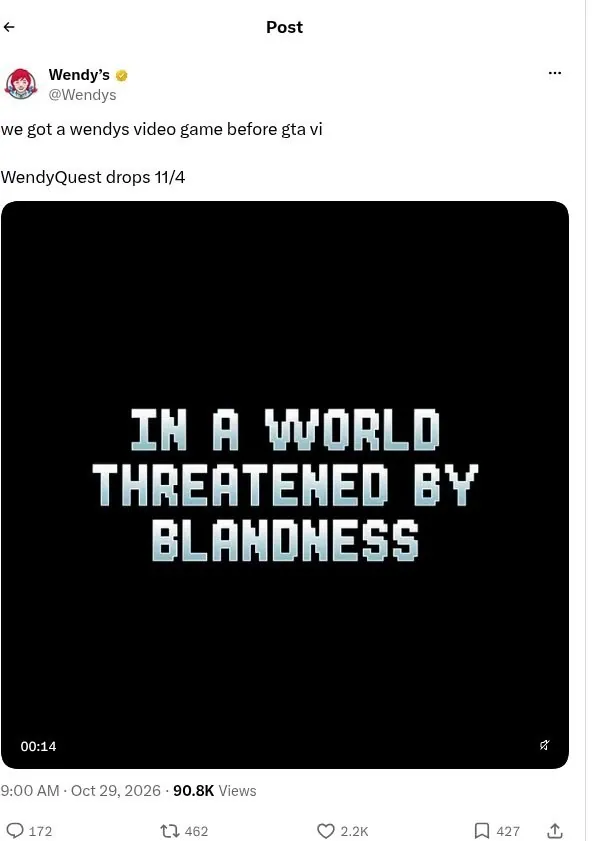
The same morning Rockstar was in the feed with GTA VI news, Wendy’s posted we got a wendys video game before gta vi and WendyQuest drops 11/4, so every gamer got the joke and the date made it a launch, not a meme. It passed 2,200 likes.
Find the launch your audience wants next, and on a day it is in the news, tie your own release to it with a date, such as we got a [your thing] before [awaited launch]. [Name] drops [date].
8Open the demo on the flaw your buyer already sees
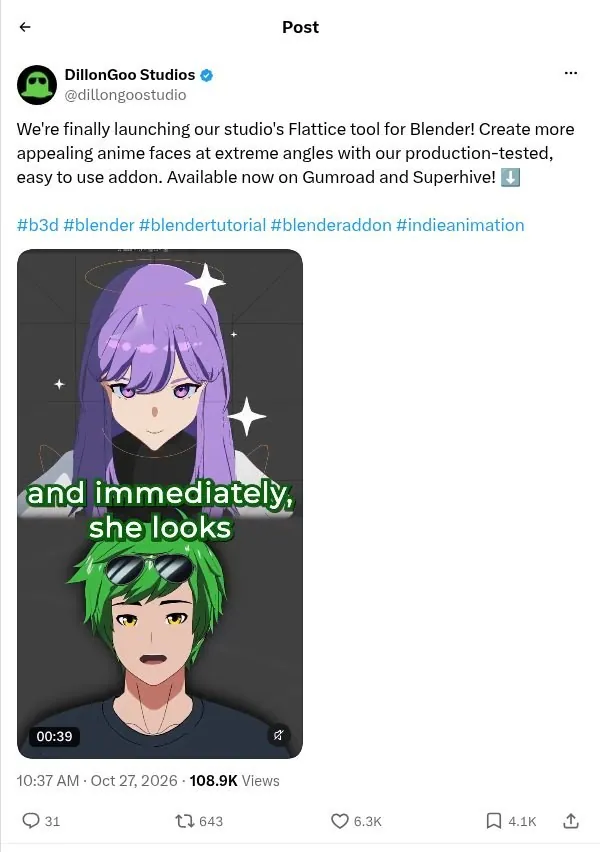
DillonGoo Studios launched its Blender add on Flattice with a video where its animated host first explains why 3D anime faces look wrong at wide angles, then fixes it by sliding one value up, so every 3D artist knew the pain and saw the fix was easy before the store link. It passed 6,300 likes and 4,100 bookmarks.
Start your launch video on the mistake buyers see in their own work, then show the fix in as few steps as you can, such as [Thing] looks wrong because [reason]. Here is the fix.
9Lead with the hassle your update removes
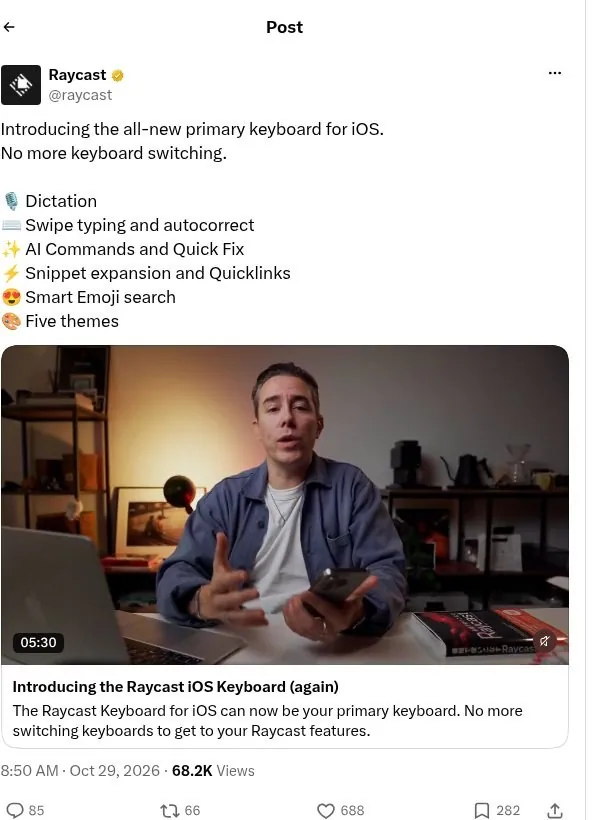
Raycast launched its iOS keyboard with No more keyboard switching. right under the product name, before any feature, so everyone who gave up on a third party keyboard over that hassle saw why this one is different, then got one line per feature.
Put the hassle your update removes right under the product name and list features after it, such as Introducing [product]. No more [hassle].
Bring Blake your homepage or launch plan and fix it together on a live call. Book a call