 Today’s Marketing
Free welcome email checker
How to use it
- Paste the subject line of your welcome email.
- Paste the body and the button label if you have one.
- Fix the three misses at the top, then check again before you send.
Real welcome emails behind the rules
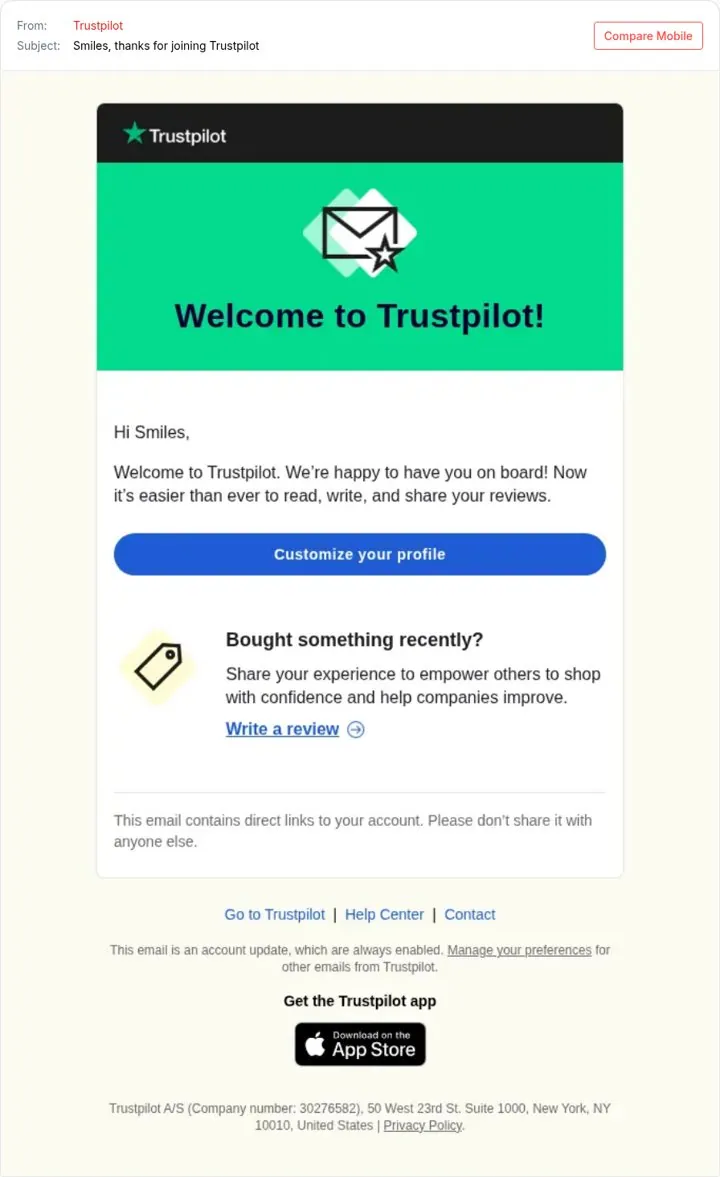
Give one clear first step in welcome emails
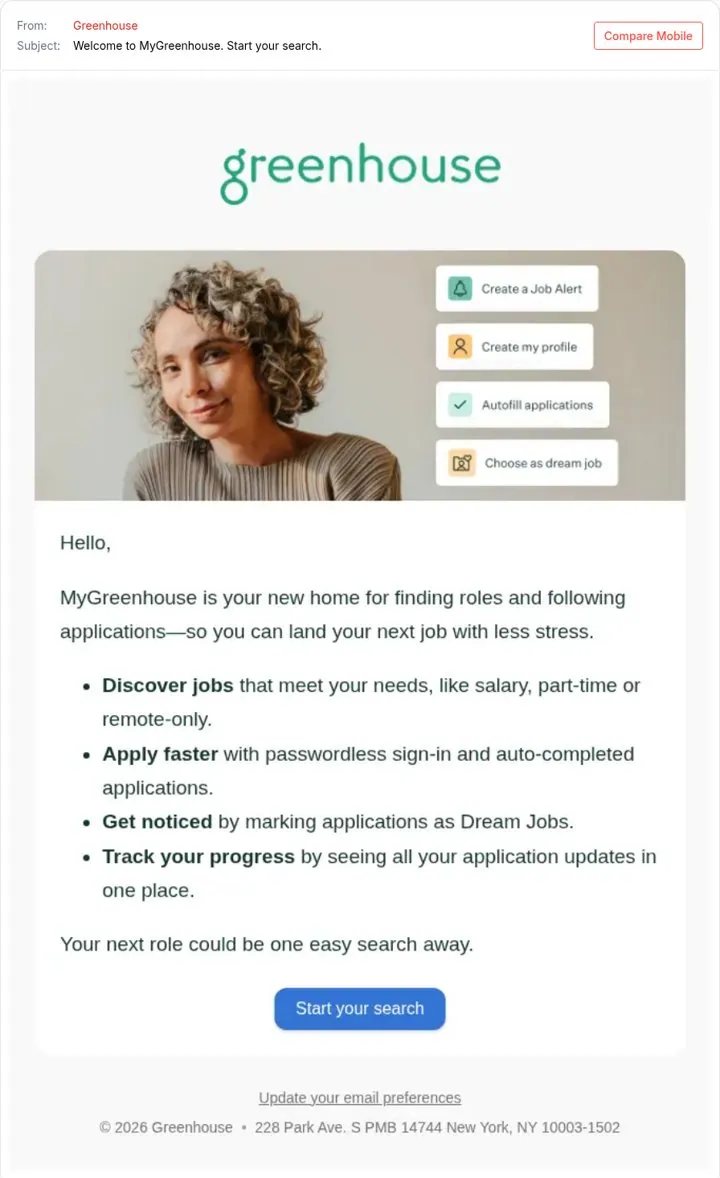
List the four things they can do now
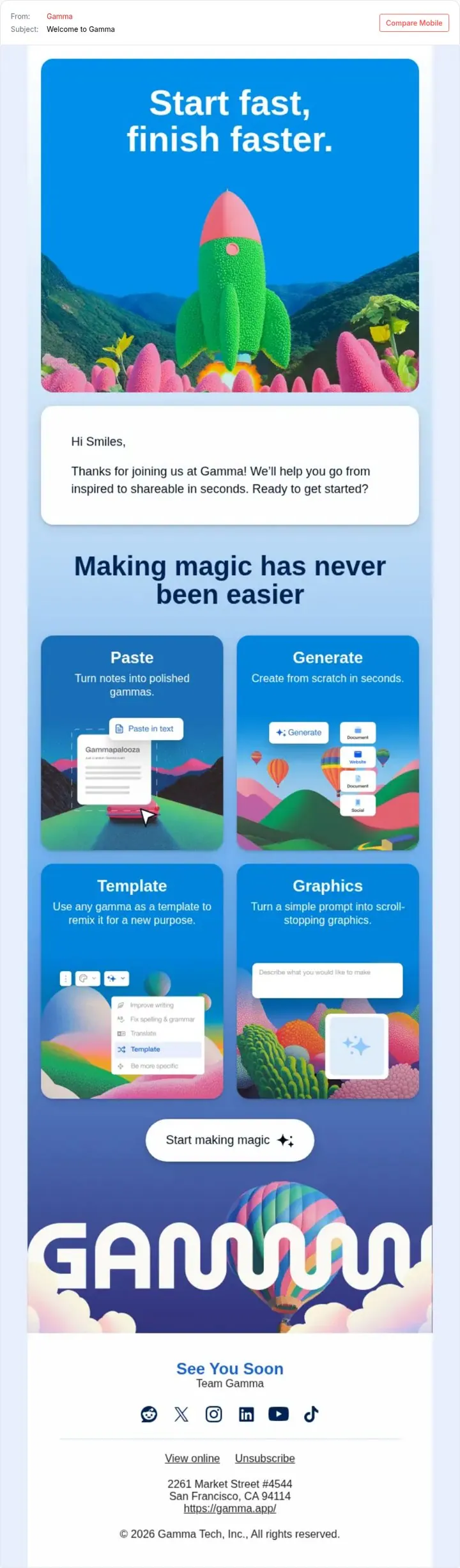
Promise speed in the welcome email
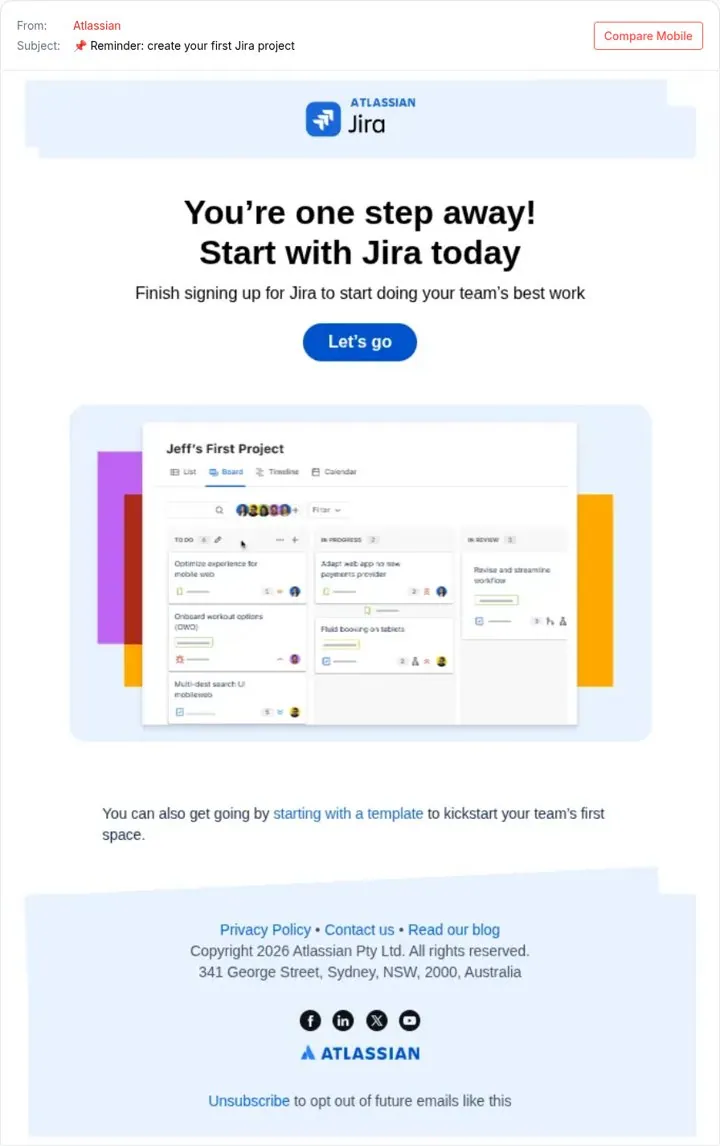
Remind people of the one next step
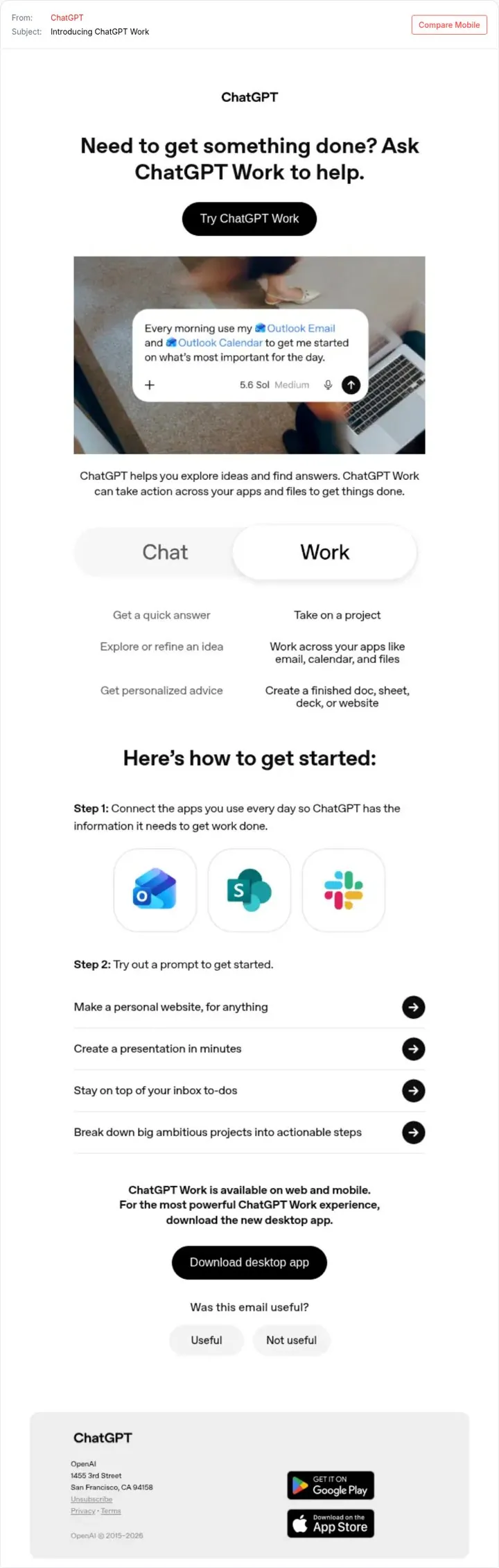
Launch with a question not a feature
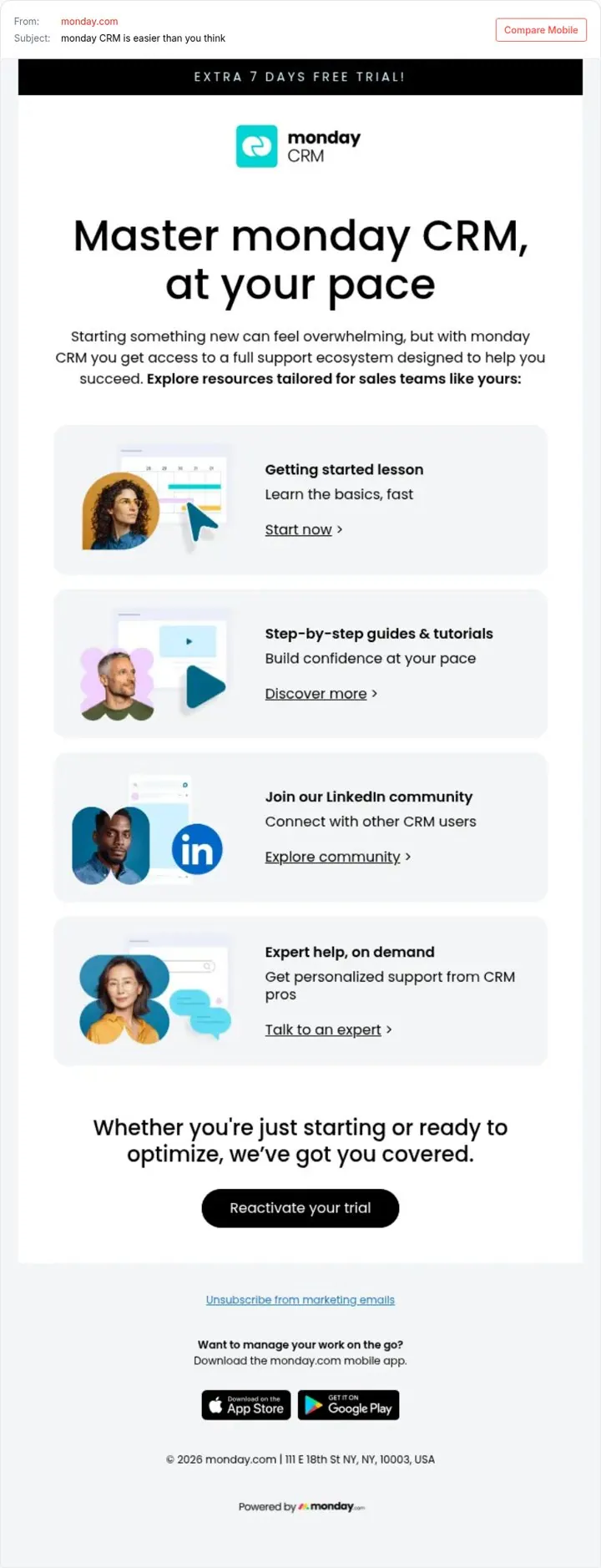
Offer more time to finish learning
Questions
What is a welcome email checker
A free tool that scores the subject and body of your welcome or first onboarding email before you send it. It checks 10 rules, and each rule comes from a real welcome or onboarding email in our library.
How does the welcome email checker score my email
It runs 10 rules in your browser: one first step, what they can do now, a quick win, a next step reminder, opening on their task, lowering setup fear, a simple first action, the cost of finishing, a matching button and what comes next. Each rule has a weight. A pass earns its points, a near miss earns half, and the score is the share of points earned.
What should a welcome email say
Confirm the signup, name one first step, and make that step one click away. Trustpilot gives one profile button. Greenhouse lists four things a new user can do now. Chime puts free and under two minutes in the subject when people stall.
Where do the rules come from
From welcome and onboarding emails in the library, including Trustpilot, Greenhouse, Gamma, Atlassian and Chime. Every fix links to the email that shows the rule.
Is the welcome email checker free
Yes, free and no signup. No. There is no login and nothing is saved. Everything runs in your browser.
More free tools
Get new ideas every week
The week's nine best examples, each with how to do it yourself.