Today’s Marketing
 Figma
Show what changes on the canvas
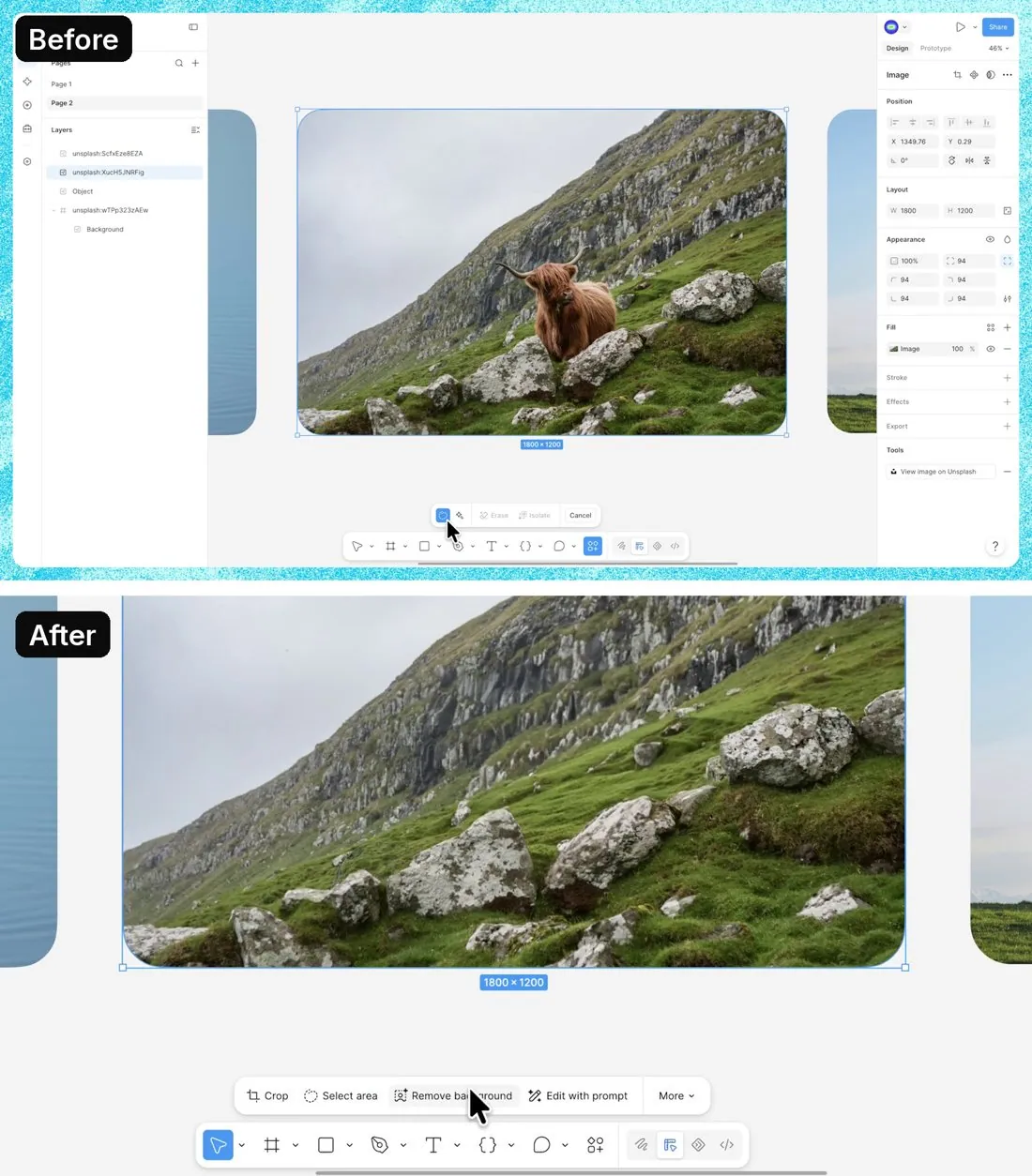
Figma posted an AI image-editing demonstration on Nov 6, 2026. It shows a flamingo isolated, a cow erased from a landscape and a tree resized in the editor. The source post specifies availability in the macOS desktop app.
Updated · By Blake Emal
Recognizable objects and changes on the same canvas make the feature understandable without asking the viewer to picture what an AI image tool might do. To copy it, choose an obvious object and keep enough editor context visible for readers to understand the operation..
- Choose an obvious object and keep enough editor context visible for readers to understand the operation.
- Show the before and after on the same canvas, then use another image to demonstrate the type of task rather than claiming every edit will succeed.
Posted Nov 6, 2026 · Figma
Bring Blake your homepage or launch plan and leave with the new version written. Book a call
Product Launch ExamplesAI Feature Launch Examples That Took OffHow to write an AI feature launch post