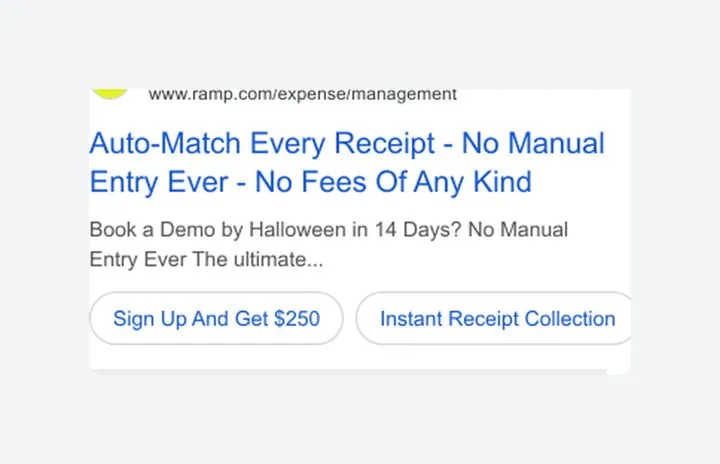
 Ramp
1. Add a deadline to your search ad
A date gives the offer urgency without discounting.
- Tie the offer to a date
- Name the chore it removes
- Add a clear sign up sitelink
 Today’s Marketing
Real marketing from startups and B2B SaaS brands that is working right now, picked by hand.
Click the link we just sent to confirm your email.
Free. Unsubscribe in one click.
A Black Friday landing page should show the offer, the price and the end date in the first screen, use the same words as the ad or post that sent people there, and ask for one action. When the sale ends, keep the page live and say what is still on offer so late clicks are not wasted.
Updated · By Blake Emal
| Check | What good looks like | Common miss |
|---|---|---|
| Headline | Offer and end date in one line | Biggest sale of the year with no offer |
| Price | Old and new price side by side | Discount code hidden in a banner |
| Match | Same words as the ad or post | New name for the deal after the click |
| Next step | One button that names the action | Three plans and a demo form |
| Starting | Time to set up and card rules near the button | Fine print at the bottom |
| After the sale | Page says it ended and shows what is left | Dead link or 404 |
RampA date gives the offer urgency without discounting.
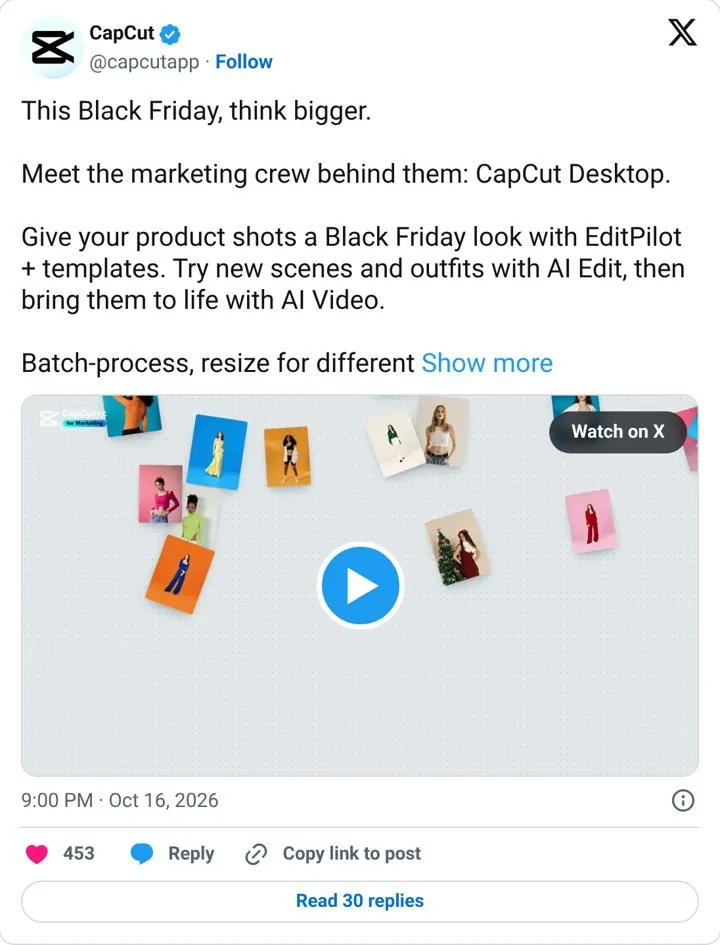
 CapCut
Tying features to a seasonal job gives a clear reason to try now.
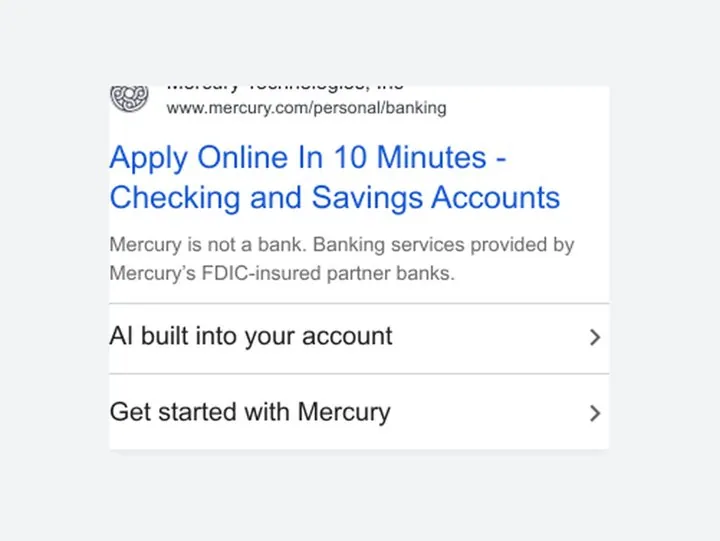
 Mercury
A short time to start removes the biggest worry about switching banks.

 HubSpot
Free in the first words lowers the bar to click.
50 minutes on Google Meet. We rewrite the first screen of your Black Friday page together, and you leave with the new copy in a doc. $499.
Book my callThe offer, the price and when it ends, in the headline or right under it. People decide in the first screen whether the deal is for them.
Friday, November 27, 2026. Cyber Monday is November 30, 2026.
Make one page for the sale and send your ads, emails and posts to it. A home page talks to everyone. A sale page repeats the offer from the ad and has one button.
Only if the deadline is real. A timer that resets when people come back breaks trust. A clear end date in the headline does the same job.
Keep it live. Change the headline to say the sale ended and show what people can still get, so late clicks from ads and shared posts are not lost.
$499 for 50 minutes on Google Meet. We rewrite the first screen of your page together, and you leave with the new version in a doc. We do not publish other firms prices.
50 minutes on Google Meet. We rewrite the first screen of your Black Friday page together, and you leave with the new copy in a doc. $499.
Book my call